Tech
Zoho Creator for Business Process Automation: What Can You Actually Automate?
 8 min read
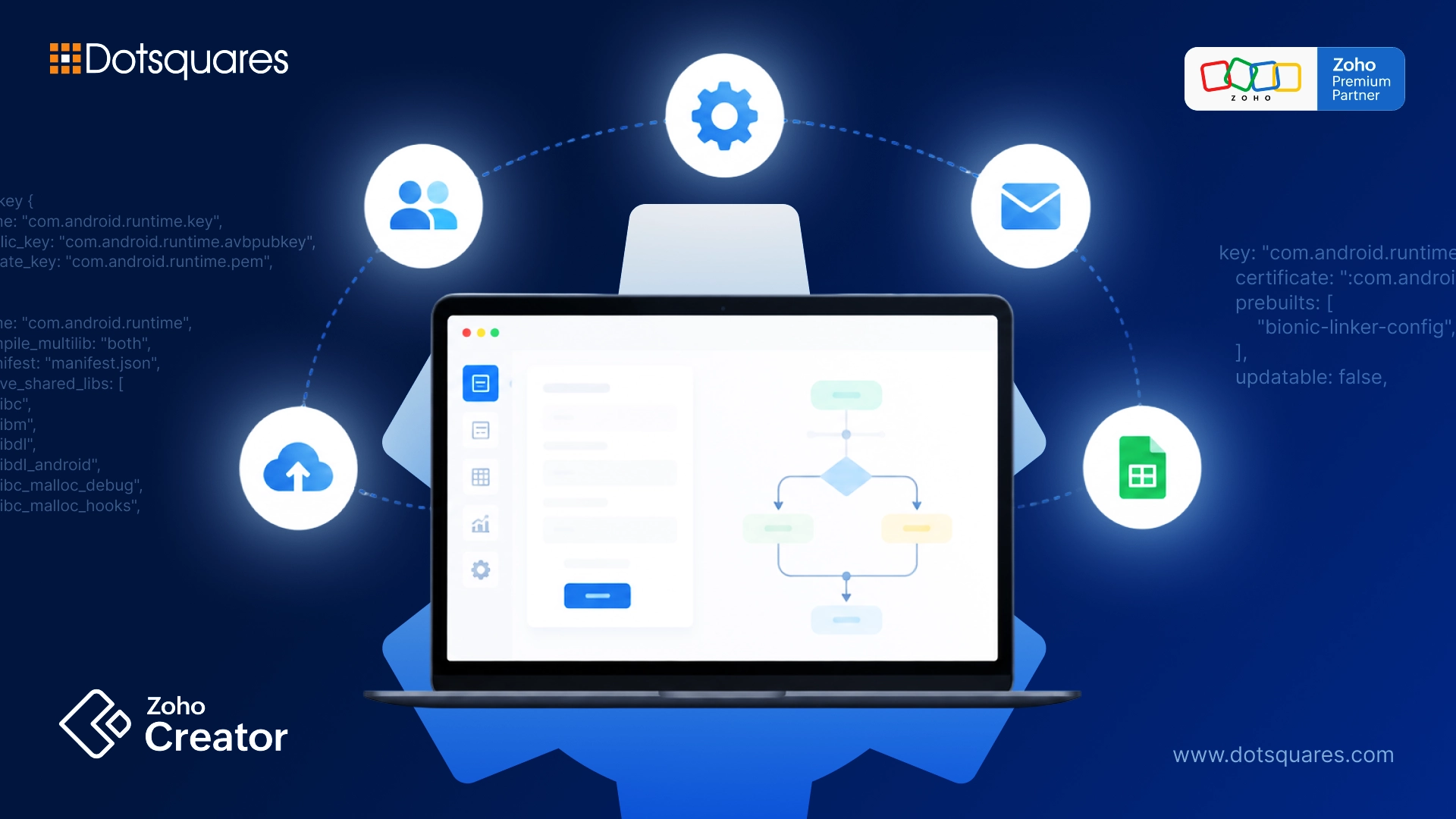
Let’s be completely honest for a moment. Most growing businesses don’t start out with a plan to run their operations on chaotic email threads, scattered spreadsheets, and sticky notes. It just sort of happens.
As your team expands and your customer list grows, someone creates a tracking sheet for orders. Then someone else builds a separate spreadsheet for inventory. Before you know it, your employees spend half their workday manually copying data from one tab to another, chasing down approval emails, and fixing accidental typos.
As we move through 2026, the cost of relying on manual work is higher than ever. Modern enterprises are moving away from rigid, off-the-shelf software that forces you to change how you work. Instead, they are turning to custom, low-code automation to build software around their exact operations.
With Zoho handling 1 million customers worldwide and as low-code tools revolutionise business operations, the use of customised automation has gone from a simple comfort to an essential part of the game plan.
Here's the main issue, then: What exactly can you automate with Zoho Creator?
Let's leave aside the high-level tech buzzwords and focus on the real, down-to-earth processes and measurable performance indicators you can use this week to be in charge once again of your business day.
What Is Zoho Creator Automation?
To put it in plain, everyday terms, Zoho Creator is a low-code platform that lets you build custom business applications tailored specifically to your internal processes.
Instead of buying three different software subscriptions that barely talk to each other, you can use Zoho Creator to build one centralised hub. Zoho Creator automation works behind the scenes to trigger actions based on rules you define.
Think of it like setting up a digital relay race:
- When a customer fills out a web form, the system automatically creates a profile.
- It assigns a sales representative based on location.
- It sends a notification to Slack or Microsoft Teams.
- It generates a PDF quote and emails it to the client, all without a human ever touching a keyboard.
By setting up a clean zoho creator workflow, you eliminate the human errors, delays, and forgotten follow-ups that slow down your operations.
The Numbers Behind Low-Code & Process Automation
Automating your business saves a lot of time and is a smart investment to produce the tangible financial return you need. Operational figures recently show how a low-code platform like process automation could actually help to achieve measurable results at the business level:
- 10 Times Faster Development: Compared with coding everything manually, developing applications on low-code platforms like Zoho Creator can save time in the order of up to tenfold. With such a development tool, it is possible to get new software out there quickly, from months down to days.
- Super Reliability & Availability: Creator is an enterprise-grade product and it has 99. 9% SLA uptime guarantee, which means your most vital business processes can run without any interruption.
- Data handling benefits: Data engines at the heart a recent platform overhaul have been fine-tuned and they include features like using native storage optimisations and the implementation of WebAssembly. These data engines often mean a 39% decrease in the running time and an amazing 70% cut in storage footprint during high complexity data handling scenarios.
- Error Cutdown on a Massive Scale: automated systems have been proven as a way of reducing human error in data input by about 80 percent. That level of data accuracy is maintained as sales, warehouse, and financials modules of a CRM integrate together.
Real Business Processes You Can Automate Right Now
Where does this fit into your daily operations? Virtually any repetitive, step-by-step task that follows clear logic can be automated. Here are the core areas where businesses see the biggest time savings:
1. Sales and Lead Management
Stop letting fresh leads sit in an inbox for hours. You can automate your entire lead capture and routing pipeline.
- Lead routing: As soon as a lead comes in, send it to the right sales rep. Use territory, deal size, or current team capacity to decide.
- Reminder messages: Trigger email notes or text updates when a lead hits a chosen step in the pipeline. Keep the message tailored to the person.
- Quotes and bills: Take details from your customer info to create a named quote and invoice. Send the invoice for e-signature, then log it in your books right away.
2. Approval Workflows
How many hours does your team waste every week waiting for someone to sign off on a discount, a purchase order, or an employee leave request?
- Multi-tier Approvals: Set up conditional logic where requests under $1,000 get instantly approved, while larger requests trigger an urgent notification to a department manager's mobile phone.
- Status Tracking: Give your team a real-time dashboard so everyone knows exactly whose desk an approval is sitting on right now.
3. Inventory and Supply Chain Operations
If you manage physical products, equipment, or manufacturing parts, keeping track of stock levels manually is a recipe for disaster.
- Stock Alerts: Get a quick notification when the amount on hand drops under the limits you set.
- Purchase Orders: When levels get low, create a draft purchase order to your chosen vendors right away.
- Asset and Distribution: Record equipment sign-outs, keep up with maintenance dates, and follow shipments as they move to improve delivery accuracy.
4. Human Resources and Employee Onboarding
First impressions matter when bringing on new talent, but HR teams are often buried under administrative paperwork.
- Onboarding Checklists: Automatically assign tasks to IT (setting up emails), Facilities (preparing a desk), and HR (collecting tax forms) the moment a job offer is accepted.
- Expense Reporting: Let employees snap photos of receipts via mobile, automatically categorise the expenses, and route them to finance for quick approval and payout.
How Zoho Creator Connects Your Existing Systems
One of the biggest headaches in business tech is having "data silos", where your CRM doesn't talk to your warehouse software, and your accounting platform lives on an island by itself.
Through robust zoho creator business process automation, you don't have to throw away the tools you already love. You can connect Creator directly with:
- Zoho's Native Ecosystem: Seamlessly sync data back and forth with Zoho CRM, Books, Desk, and Analytics.
- Third-Party Platforms: Utilise over 90+ native pre-built connectors, APIs, and webhooks to connect with payment gateways (Stripe, PayPal), communication channels (Slack, WhatsApp), and cloud storage (Google Drive, OneDrive).Zoho
This means your automation flows freely across every department, keeping your entire company operating from one single source of truth.
Why Choose Low-Code over Off-the-Shelf Software?
You might be asking: Why not just buy a pre-packaged software tool for each of these problems?
That is a fair question! Pre-packaged software is fine when you are very small, but as you grow, you quickly run into two major walls:
- You pay for features you don't use: Mass-market software is built for everyone, which means it’s bloated with complex menus and features your team will never click on.
- You can't customise the rules: When your unique business model requires a specific step, standard software usually says "no."
By tapping into Zoho Creator and low-code development, you build applications that fit your exact business rules, not the other way around. You get the speed of pre-built modules combined with the complete freedom of custom software engineering.
How Dotsquares Helps You Streamline Workflows
While low-code platforms make app creation faster, building an enterprise-grade automation architecture still requires expert planning, clean data modeling, and secure API integrations. You don't have to figure out all the technical logic by yourself.
At Dotsquares, we help organisations turn manual chaos into smooth, automated efficiency:
- Tailored Architecture: ur certified Zoho Creator Consultants map operational constraints together with your leadership team to lay out an automation plan that leaves no steps behind.
- Custom App Building: We produce highly capable, easily expandable Zoho Creator Solutions that make your particular work steps available in the digital age while not interfering with your day-to-day work environment.
- System Integration & Migration: Our development team connects your new workflows directly into your legacy databases and third-party tools for a completely seamless data flow.
Wrapping It Up: Take Back Your Workday
Looking at the examples from these real-life situations and the supporting figures that we saw, just one important idea comes to light: your team's time is precious and should not be wasted on things like manually entering data, running from one email to another chasing the missing details, and fixing human errors you can easily avoid.
Utilizing a creator workflow tools in zoho is not an effort to replace your team; instead, it is about taking away the tedious busywork that will allow them to focus their energy where they can create the most value - through innovation, strategic thinking and of course, happy customers.
As we went through all of these real-world use cases and stats, the key lesson is pretty clear: your team's time is far too valuable to spend on manual data entry, endless email chases, and fixing avoidable human errors.
Ready to stop copying and pasting data and start automating your business growth? Contact our specialist team today, and let's map out your custom automation strategy together!


Related Post
 October 22, 2026
Critical PHP Security Advisory: What Dotsquares Is Doing to Protect Your Platform
Learn how Dotsquares is addressing critical PHP security vulnerabilities through version checks, compatibility testing, security patches and client updates.
Keep Reading October 22, 2026
Critical PHP Vulnerabilities Disclosed: Is Your Website at Risk?
Learn about critical PHP vulnerabilities, their security risks, affected applications & steps to check your PHP version, apply patches and protect your website.
Keep Reading October 22, 2026
AI in Ecommerce: A Guide to Transforming Online Shopping Experiences
Explore how AI in Australian ecommerce improves personalisation, product recommendations, customer service and inventory management.
Keep Reading