Tech
E-commerce Security: Protect Your Store From Cyber Threats
 7 min read
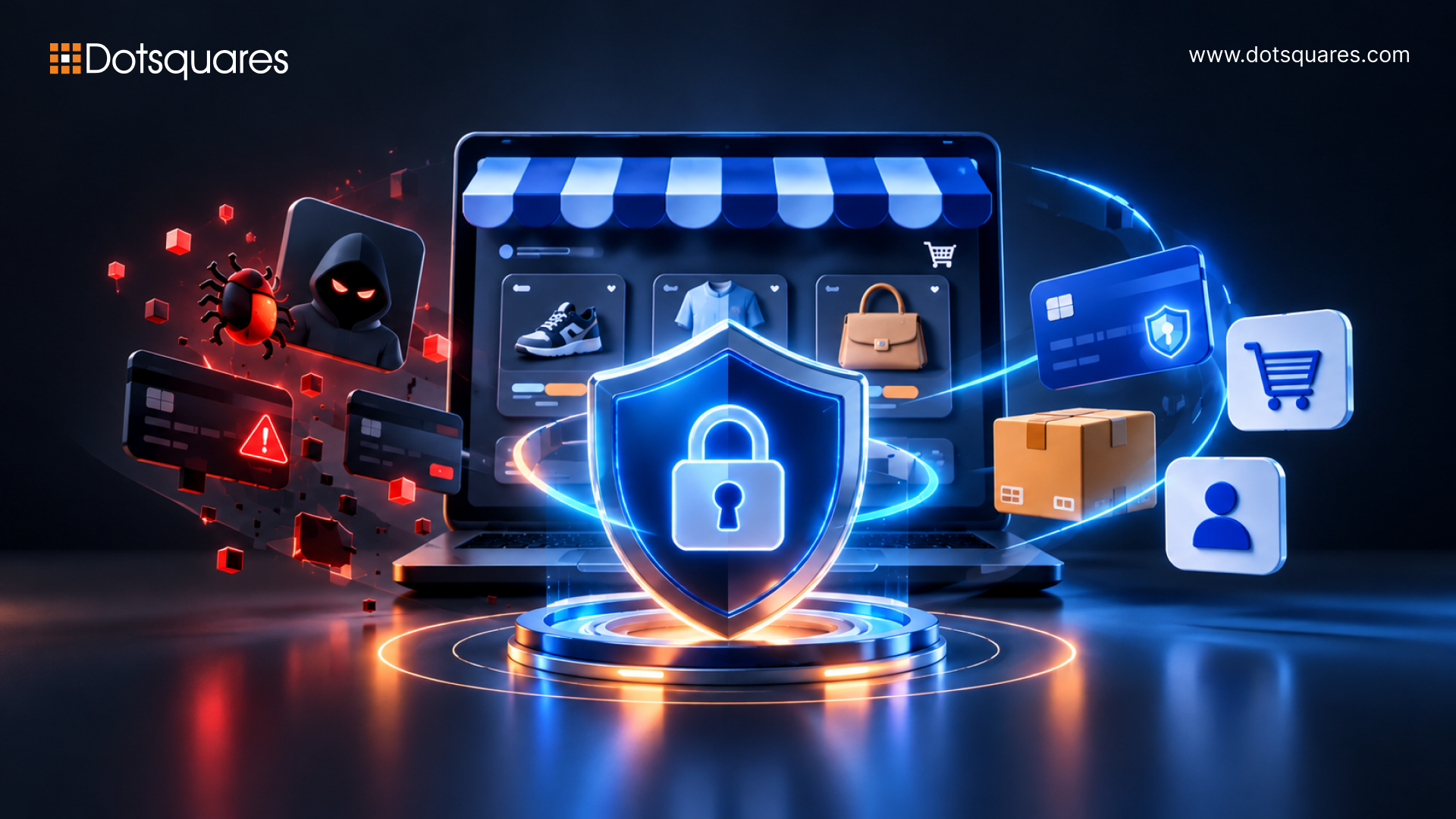
When did you last look at who can log into your store's backend? Not recently, right? Most owners haven't, and honestly, attackers are banking on that. Trying to protect your online store from cyber threats sounds like a job for a big team with a big budget, but it mostly isn't. It's a handful of boring habits done every week. That's what E-commerce security comes down to, and below I'll go through it without the jargon.
What Is E-commerce Security?
Think of it as locking your shop, but now your shop is an online website. SSL certificates, password management, how payments are processed, administrative permissions, update speeds, etc.: everything matters. Some call it “E-commerce cyber security,” while others refer to it as “E-commerce website security.” Both refer to the same concept. If customers are not sure about your payment system, then they will walk away.
What Are Cyber Threats in E-commerce?
A cyber threat is just someone trying to get at your data, your money or your systems. Online stores get picked on a lot. You're sitting on customer details and card payments, and your site probably leans on a dozen plugins written by strangers.
Why E-commerce Security Matters in 2026
Cost of breaches and downtime
Big numbers first. IBM's 2026 report puts the global average cost of a breach at a record $4.99 million, up 12% on last year. In the US it's $11.5 million. Okay, you're not a bank. But a tenth of that would still flatten plenty of small shops.
The slow detection is the scary bit. On average, it takes 247 days to spot and contain a breach. That's about eight months of an intruder wandering around your system while you sell trainers.
And fraud keeps growing. Juniper Research counted $48 billion in E-commerce fraud losses in 2025 and expects $107 billion by 2029.
Impact on trust, SEO, and revenue
It’s not just money you end up losing. Google will mark your hacked website, your ranking drops, customers won’t return, and the chargebacks keep coming week after week. It will take you much more time to sort it out than developing healthy practices would have taken.
Top Cyber Threats Facing Online Stores
|
Threat |
What it looks like |
What helps |
|
Payment fraud and card testing |
Hundreds of tiny fake orders overnight |
Fraud scoring, 3-D Secure |
|
Phishing and social engineering |
A staff member clicks the wrong email |
Training, MFA |
|
SQL injection and XSS |
Someone slips code into a form field |
Input checks, WAF |
|
DDoS attacks |
Site crawls or drops offline |
CDN, traffic filtering |
|
Bots and credential stuffing |
Customers locked out of their own accounts |
Rate limits, bot management |
|
Magecart and skimming |
Card numbers copied as people type them |
Script monitoring, CSP |
|
Plugin and supply chain attacks |
A trusted add-on gets compromised |
Vendor checks, updates |
|
AI-powered attacks and deepfakes |
A "supplier" voice call that isn't real |
Callback checks, monitoring |
A couple of these need a closer look. Unpatched software first. In Verizon's 2026 DBIR, exploiting vulnerabilities (31%) overtook stolen credentials (13%) as the top way attackers get in. So yes, that update notice you've been snoozing matters.
Then there are your vendors. Third parties were involved in 48% of breaches, up from 30% the year before. Every plugin you add is a door somebody else has the key to.
AI is speeding things up as well. IBM says one in four malicious breaches was AI-enabled, a 56% rise, and those cost roughly $1 million more.
How to Protect Your Online Store From Cyber Threats: 12 Proven Measures
- HTTPS and SSL/TLS. Every page. Not just checkout.
- PCI-compliant payment gateways. Let a provider like Stripe deal with card data. If it never lands on your server, it can't leak from it.
- Web Application Firewall (WAF). Filters out a lot of the usual junk before it reaches you.
- Multi-factor authentication. For admins, for staff, and offer it to customers too.
- Regular updates and patching. Weekly if you can manage it. Attackers don't wait, so don't you.
- Bot management and rate limiting. Stops card testing and password-guessing early.
- Data tokenization and encryption. Stolen data that's scrambled is just noise to the thief.
- Vulnerability scans and penetration testing. Better that you find the holes first.
- Role-based access control. The new intern doesn't need admin rights. Your agency probably doesn't either.
- Real-time monitoring and alerts. Spot it quickly and the bill shrinks. IBM found that teams using AI and automation shortened breaches by 65 days and saved about $1.93 million per incident.
- Backups and disaster recovery. Store copies somewhere else, then try restoring one. A backup you've never tested is a guess.
- Third-party vendor vetting. Know who you're trusting. If you don't use a tool, delete it.
Strong E-commerce fraud prevention runs through all twelve. If checkout worries you most, our post on a secure E-commerce checkout experience goes into more detail.
Compliance Standards: PCI DSS, GDPR, and CCPA
Use cards, and then PCI DSS is relevant to you. A hosted gateway will help reduce your load, but it does not get rid of your entire work. GDPR takes care of the customers from EU countries, CCPA deals with California customers, and both require you to safeguard their information and inform them in case of a breach.
Cyber Threat Protection by Platform
Shopify looks after hosting and the core platform. You're still on the hook for apps, staff access and MFA.
Magento is powerful but needs hands-on care. Missed patches are behind most Magento hacks.
WooCommerce has an enormous plugin library, and quality is all over the place. Keep your list short and pick well-maintained ones.
Custom builds give you total control and total responsibility. Plan security from sprint one, not after launch.
Still choosing? Our guide to choosing the right E-commerce platform covers the security side as well.
E-commerce Security Checklist
Go back over the 12 measures above and be straight with yourself. HTTPS, MFA, WAF, patching, backups, vendor review. Can you honestly tick every one today? Whatever's left unticked is your list for this week.
Common Security Mistakes to Avoid
- Skipping updates because the site "works fine"
- One shared admin login for the whole team
- Old plugins nobody remembers installing
- Never testing a backup
- Treating security as a one-off project when it's really ongoing
What to Do If Your Store Is Hit by a Cyber Attack
Don't panic. Then take these steps in order:
- Pull the affected area offline, or switch on maintenance mode.
- Reset every admin, hosting and API password.
- Ring your payment provider and your host.
- Work out how they got in, shut it, and restore from a clean backup.
- Tell affected customers, and regulators if the law requires it.
- Write down what happened and patch the gap so it doesn't repeat.
How Dotsquares Helps Protect Your E-commerce Business
We at Dotsquares ensure security right from the beginning of the process instead of incorporating it as an afterthought. This is managed by our E-commerce development team that takes care of everything starting from the architecture of the application to code review, security testing, and monitoring. Want a security check on your existing online store? We will do it for you!
Conclusion
There will always be some risk left over, and that no one will ever be able to completely eliminate risk. But the important thing is to be more difficult to attack than the store across the street. Patch quickly, restrict access, and monitor both your vendors and your backup systems.
FAQs
What are the most common cyber threats to E-commerce websites?
Payment fraud, phishing, bots, injection attacks, checkout skimming and weak plugins.
How do I protect my online store from cyber attacks?
Use HTTPS, a PCI-compliant gateway, a WAF and MFA. Keep everything updated and watch for odd activity.
How much does E-commerce security cost?
It depends on your size and platform. A small store can start with a few hundred dollars a month on tools, and bigger ones add audits and monitoring. Still far cheaper than a breach.
Is Shopify secure enough?
The platform itself, yes. Most Shopify problems come from weak staff passwords, risky apps or missing MFA.
How often should I run a security audit?
At least once a year, and again after major updates or new integrations. Run vulnerability scans monthly.


Related Post
 November 06, 2026
CMDB 360: Bringing Multisource CI Data Together
Learn what ServiceNow CMDB 360 is, how it compares CI data from multiple sources, how IRE and reconciliation rules work, and how to enable and use it.
Keep Reading November 06, 2026
How to Build AI Software That Detects and Prevents Fraud in Real Time
Learn how to build AI software that detects and prevents fraud in real time, covering architecture, ML models, tech stack, compliance and costs.
Keep Reading November 05, 2026
From Data to Decisions: An End-to-End Data Engineering Success Story
Explore how Dotsquares built an end-to-end data engineering solution using Microsoft Fabric and Power BI to automate data pipelines and improve booking analytics.
Keep Reading