Tech
Best CRM for Manufacturing: How to Choose the Right System
 11 min read
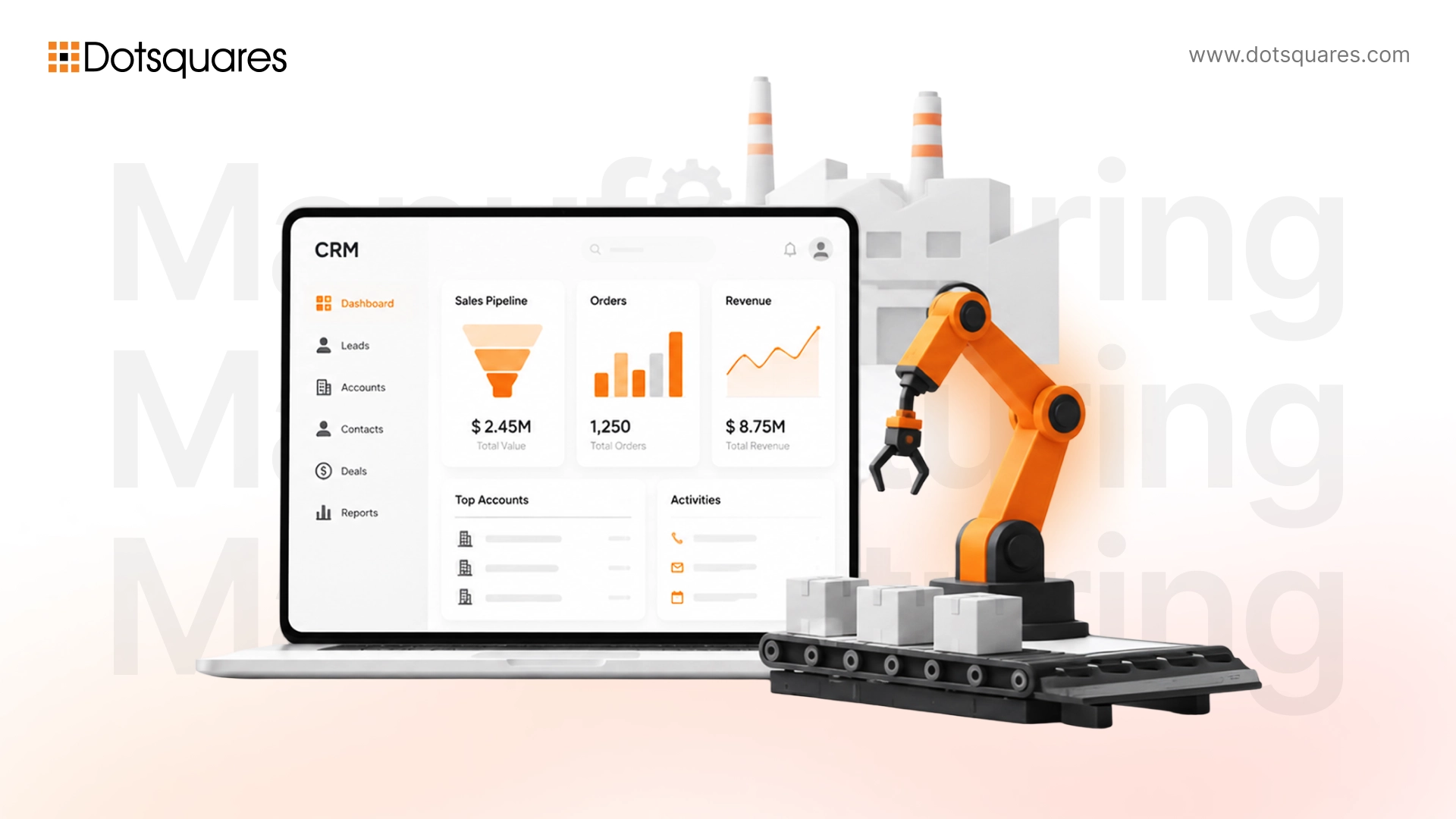
"It is not the employer who pays wages. He only handles the money. It is the customer who pays wages." - Henry Ford
Ford said that about a factory floor, not a piece of software, but it's the whole argument for why manufacturers need a proper CRM. Manufacturing now has an 86% CRM adoption rate, just behind tech, and manufacturers running CRM report a 21 to 30% lift in sales from more focused campaigns. Ford figured out over a century ago that the customer is the one actually funding the business. A modern manufacturing CRM is just the system that makes sure your whole company still remembers that, from the sales floor to the shop floor.
If you run sales, ops, or customer service at a manufacturing company, you already know your CRM problem isn't the same as a retail brand's or a SaaS startup's. You're not chasing a single buyer who clicks "add to cart" in five minutes. You're managing a plant manager, a procurement head, and a finance approver, all reviewing the same quote at different speeds, while your production floor needs to know if the order is even feasible before anyone signs anything.
In order to tell someone else what the ideal CRM system for manufacturing looks like, one should first know which kind of CRM the other party needs. The right CRM can be found out once we have information about the complexity of the sales process and the number of external systems to be integrated. So the guide breaks it down so you can find a CRM that will suit your needs and will not just look nice in the demo. For businesses with more specialised requirements, crm development services can also provide a more tailored approach.
Why Manufacturing Businesses Need a CRM Built for Complex Sales
Manufacturing sales rarely follow a straight line. A sale of a single product might involve a distributor, an end customer, an engineering team checking specs, and a purchasing department negotiating volume pricing - even BEFORE a purchase order is issued all the complexity - from custom quotes to minimums to lead times that depend on production schedules - means that a generic one-to-one sales CRM can't support manufacturers.
This is one reason manufacturing is one of the segments that has become most engaged in CRM, right behind tech companies, before education and healthcare, with adoption. That alone is a significant change for an industry which, until fairly recently, was still using shared inboxes and spreadsheets to prepare and share quotes!
A CRM that is to be exact tailored to meet manufacturers' needs should be capable of dealing with sales of equipment that involve multiple stakeholders, lengthy approval processes, and pricing strategies that vary based on volume, location, or other contractual terms. Besides, such a system has to provide updates about the real-time state of production because a sales rep making a delivery promise that production can't keep is how companies end up without repeat business.
What Should a Manufacturing CRM Actually Do?
Strip away the marketing language and a manufacturing CRM has one real job: give your sales, service, and account teams an accurate, shared picture of every customer relationship, from first inquiry to reorder. That sounds simple, but most CRMs weren't designed with production timelines, distributor networks, or custom pricing tiers in mind. Here's what to actually check for before you commit to one.
7 Features to Look for in CRM Software for Manufacturing
- Quoting and CPQ tools that handle configurable products, tiered pricing, and multi-line RFQs without a rep having to build every quote from scratch.
- Native or easy ERP integration so sales sees live inventory, order status, and production capacity instead of guessing or emailing operations for updates.
- Account hierarchy support for distributors, dealers, and multi-site customers, since manufacturers rarely sell to one flat list of contacts.
- Long sales-cycle pipeline tracking built for deals that can run months, not days, with stage-specific follow-ups instead of generic reminders.
- Territory and rep management for field sales teams and channel partners who need visibility without stepping on each other's accounts.
- Mobile access for reps and field service technicians who are on plant floors and job sites more than they're at a desk.
- Forecasting and reporting that ties sales data to production planning, so demand forecasts aren't disconnected from what the plant can actually deliver.
Miss even two or three of these and you end up with a CRM that logs contacts well but does nothing to actually shorten your sales cycle.
How CRM Connects Sales With the Rest of Your Manufacturing Business
Here's the question that matters more than any feature checklist: will this CRM become another isolated system, or will it actually connect with the tools you already run your business on? A CRM that sits by itself, disconnected from the rest of your stack, just becomes one more place your team has to manually update, which is usually the fastest way to kill adoption.
A manufacturing CRM earns its place when it talks to:
- ERP systems – for real-time order status, inventory levels, and production capacity, so sales isn't quoting delivery dates that operations can't back up. This is one of the clearest and most measurable benefits of proper CRM integration in a manufacturing environment.
- Accounting software – so invoicing, payment status, and credit holds are visible to sales without a call to finance.
- Ecommerce platforms – for manufacturers running B2B storefronts or reorder portals alongside traditional sales.
- Marketing platforms – so leads from trade shows, gated content, or paid campaigns land directly in the pipeline instead of a separate spreadsheet.
- Customer support tools – to keep service history, warranty claims, and complaints visible to the account team, not siloed away.
- Inventory systems – particularly for manufacturers with distributed warehouses or just-in-time stock models.
- Email and communication tools – so every quote, follow-up, and negotiation thread is logged against the account automatically.
If your integration allows for it, the rep can open just one record and be presented with the whole picture, viz. the order status, the production progress, the invoicing status, and even open support tickets. Yet, if such integration does not exist, you are going to end up with re-entering the data every time, missed handoffs, and reps who are secretly going back to their spreadsheets as the CRM is simply not worth the effort.
CRM for Manufacturing Companies: Cloud or On-Premise?
Clouds have convinced almost all sectors to deploy CRM mainly through clouds; the proportion of cloud-deployed CRM systems is about 87%. For the manufacturing business, cloud usually makes more sense: minimal setup expenditures, faster start-ups, instant upgrades, and field reps and distributed teams accessing the system without the need for a VPN, which can cause headaches.
That said, on-premise still comes up in manufacturing conversations more than in most sectors, and for real reasons. Some manufacturers run older ERP systems that weren't built for cloud integration. Others operate in regulated segments, like defence, aerospace, or medical device manufacturing, where data residency and security requirements make on-premise or private hosting a genuine consideration rather than a preference.
You can simply check what compliance and infrastructure you already have in place before making this decision. If your ERP, security policies, and IT team are all on a good footing with cloud, it's usually the faster and cheaper option. But if you are bound to legacy systems or have strict data controls, it is advisable to plan for a hybrid or on-premise setup before automatically assuming cloud would be the right choice.
Off-the-Shelf CRM vs Custom CRM for Manufacturing
This is where most manufacturers get stuck, and understandably so. Off-the-shelf platforms like Salesforce, HubSpot, or Zoho get you up and running in weeks, with built-in features, a large support ecosystem, and predictable monthly pricing. For manufacturers with fairly standard sales processes, that's often enough.
That problem arises only when your workflow does not suit the cloud. It's not uncommon for the cloud-based CRM to run out quickly, and after some workarounds, add-ins, and multiple bolt-on layers, you end up with an entirely different system. When this happens, license costs increase, customisation becomes a real hassle and worst of all - ultimately, none of the systems that came out as a result really mirror how your business actually runs.
But a custom-built CRM turns that trade-off upside-down. It costs more in initial development, takes longer to get up and running, but it will be designed on your specific sales processes, your ERP, and your reporting needs from the very start, so there will be no per-seat licensing as your team grows. So here is the side-by-side of the two:
|
Factor |
Off-the-Shelf CRM |
Custom CRM |
|
Upfront cost |
Low to none, pay monthly per user |
Higher upfront investment |
|
Ongoing cost |
Per-seat licensing that grows with headcount |
No licensing fees, mainly maintenance and hosting |
|
Time to launch |
Days to a few weeks |
A few months to a year, depending on scope |
|
Fit with your workflow |
You adapt to the platform's structure |
Built around your actual quoting, pricing, and approval process |
|
ERP and legacy system integration |
Depends on available connectors and add-ons |
Built to integrate with whatever systems you already run |
|
Scalability for large teams |
Costs rise with every added seat |
Cost stays flat as the team grows |
|
Best suited for |
Standard sales processes, smaller teams, fast rollout |
Complex quoting, distributor pricing, deep ERP needs |
We've laid out this trade-off in more detail in our comparison of custom CRM vs off-the-shelf CRM, which is worth a read before you commit either way.
How Much Does a Manufacturing CRM Really Cost?
Costs vary a lot depending on which route you take, so it helps to look at both.
Off-the-shelf CRM: Most platforms charge $25 to $165 per user, per month, depending on the tier and features you need. For a 40- to 50-person sales and service team, that can easily run into six figures annually once you factor in premium add-ons for CPQ, advanced reporting, or ERP connectors, which are rarely included at entry-level pricing.
Custom CRM: A basic system with contact management, pipeline tracking, and simple reporting typically starts around $20,000 to $50,000. Mid-range builds with ERP integration and workflow automation land between $50,000 and $150,000. Enterprise-grade platforms with AI-driven insights, deep integrations, and custom workflows can run $150,000 and up. We've broken this down further in our guide to custom CRM development cost, including what actually drives the price up or down.
The real comparison isn't the sticker price; it's the cost over three to five years. For larger teams, per-seat licensing on an off-the-shelf platform can eventually cost more than a custom build that has no recurring per-user fee at all.
When Should You Consider a Custom CRM for Manufacturing?
Custom doesn't make sense for everyone, but it's worth serious consideration when:
- Your sales process comprises a range of products with various configurations, tiered distributor pricing, or approval workflows that cannot be effectively modelled using a typical shelf CRM without resorting to quite a bit of workaround.
- You need deep, bidirectional ERP integration and your current ERP doesn't have a reliable pre-built connector for the CRM you're considering.
- Your team has grown past 40 to 50 seats, where per-user licensing on a premium CRM starts costing more annually than a one-time custom build would.
- You've already tried an off-the-shelf platform and keep running into the same walls: rigid workflows, expensive add-ons, or reports that don't reflect how your business actually operates.
- Data security or compliance requirements mean you need more control over hosting and access than a shared SaaS platform can offer.
If none of that sounds like your situation yet, an off-the-shelf CRM is probably the faster, cheaper starting point. If two or three of these do sound familiar, it's worth getting a proper cost and timeline estimate for a custom build before renewing another SaaS contract.
FAQs About CRM Software for Manufacturing
What is the best CRM for manufacturing companies?
There isn't one universal answer. Platforms like Salesforce and HubSpot work well for manufacturers with standard sales processes, while companies with complex quoting, distributor networks, or deep ERP needs are often better served by a custom-built CRM.
Can a CRM integrate with manufacturing ERP software?
Yes. Most modern CRMs offer either native ERP connectors or API-based integration with systems like SAP, Oracle, or NetSuite, syncing order status, inventory, and pricing between the two systems in real time.
Is CRM useful for B2B manufacturing?
Very much so. B2B manufacturing sales involve multiple stakeholders, long cycles, and repeat orders, which is exactly the kind of complexity a CRM is built to manage and track.
How much does manufacturing CRM software cost?
Off-the-shelf CRMs typically run $25 to $165 per user per month. Custom-built CRMs range from around $20,000 for a basic system to $150,000 or more for an enterprise-grade platform with full ERP integration.


Related Post
 October 22, 2026
Critical PHP Security Advisory: What Dotsquares Is Doing to Protect Your Platform
Learn how Dotsquares is addressing critical PHP security vulnerabilities through version checks, compatibility testing, security patches and client updates.
Keep Reading October 22, 2026
Critical PHP Vulnerabilities Disclosed: Is Your Website at Risk?
Learn about critical PHP vulnerabilities, their security risks, affected applications & steps to check your PHP version, apply patches and protect your website.
Keep Reading October 22, 2026
AI in Ecommerce: A Guide to Transforming Online Shopping Experiences
Explore how AI in Australian ecommerce improves personalisation, product recommendations, customer service and inventory management.
Keep Reading