
Is Your Business AI-Ready?

Tech
 13 min read
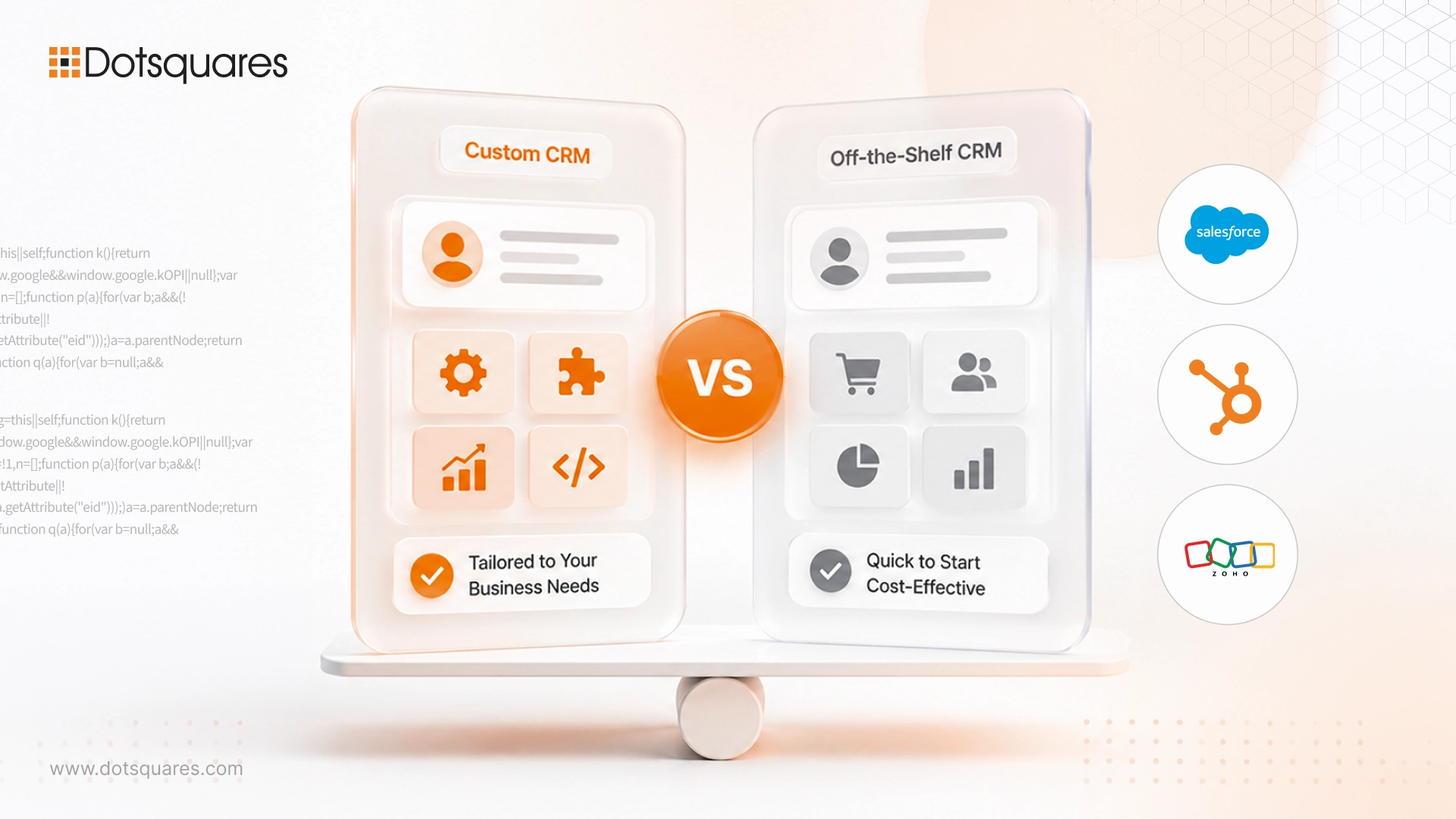
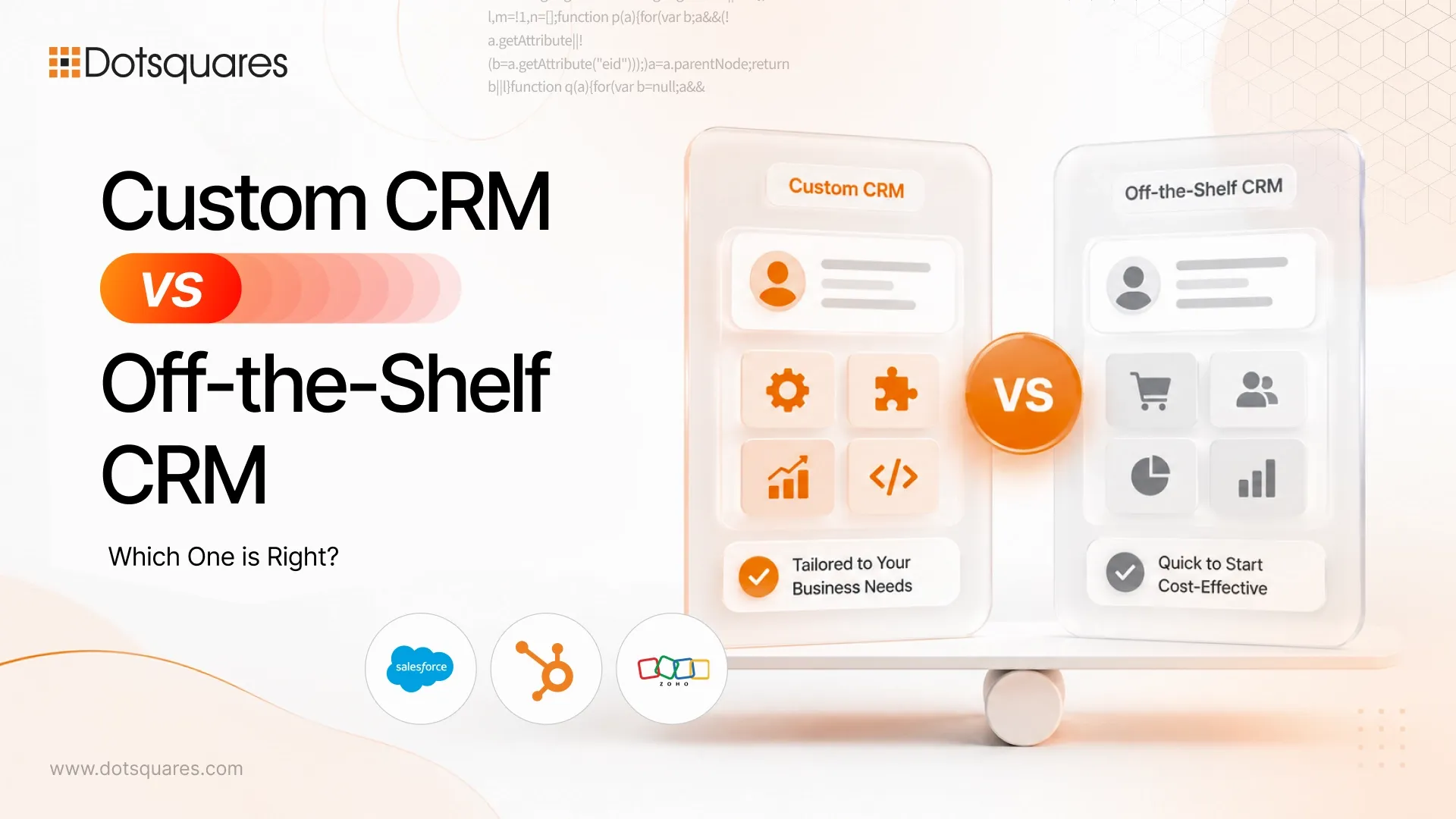
Selecting a CRM is not simply a matter of comparing what it can do with how much it costs. The key issue is whether it matches the reality of the way your business functions. Some businesses require a CRM that they can implement within a couple of weeks to be used by their team of users.
Other businesses have intricate workflows, industry-specific processes, and numerous incompatible systems. That is where the story around the Custom CRM v Off-the-Shelf CRM starts.
A prebuilt CRM offers a predesigned system with common features, integrations and support. A tailored CRM is one designed to fit your individual business processes. There is no one-size-fits-all answer as to which is the best CRM for business.
It all depends on your workflow budget expansion goals, number of employees and the degree of control over your customer data you require.
The most basic difference is this: a generic CRM takes your business to adapt to a pre conceived package; a custom made CRM is configured around your biz. Off-the-shelf CRM (Customer Relationship Management) systems including Salesforce Hubspot Microsoft Dynamics 365 Zoho Pipedrive, etc. provide businesses the stock sales pipelines, contact management reporting automation, and integrations.
You pay for the technology and set it up to suit your needs. Unlike software vendors, with a custom CRM you determine how the system will work. You are able to design workflows , dashboards user roles, data structures, and interfaces to systems in your organization. The decision gets even more critical as the business expands. Gartner predicts ongoing robust growth for CRM investments, some of which are fueled by AI and intelligent sales tools. A proliferation of choices can be a challenge.
Custom CRM development makes more sense when your business processes do not fit comfortably into standard CRM software.
For example, a company may need a CRM connected to an industry-specific ERP, a custom quoting system, internal databases, customer portals, or unusual approval workflows. You may be able to force these processes into an off-the-shelf platform, but the result can become expensive and difficult to maintain.
A custom CRM can be a better option when:
The main benefit is flexibility. Your CRM can follow your business process instead of making your team change its process to match the software.
However, custom development requires careful planning. You need to define requirements, design the system, build it, test it, maintain it, and plan for future updates. Working with experienced [CRM developers] can help reduce the risks involved in a long-term custom CRM project.
Off-the-shelf CRM software is ready-made software that businesses can subscribe to and configure for their needs.
The setup is usually faster than building a CRM from scratch. Most platforms already include contact management, lead tracking, sales pipelines, reporting, email integration, automation, and mobile access.
This makes off-the-shelf software a practical choice for many small and growing businesses. You can start with the features you need and add more as your team grows.
The main limitation is that you are working within the platform's structure. Most modern CRM platforms allow custom fields, workflows, integrations, and extensions, but there are still limits to how far you can change the core system.
That does not make off-the-shelf CRM software a bad option. In fact, for businesses with standard sales and customer service processes, buying an existing platform is often faster and less expensive than building one.
The key is choosing a platform that matches your needs instead of buying a system simply because it is popular.
This distinction becomes more apparent when you see how a custom CRM can impact your business on a daily basis unlike an off the shelf CRM software.
An off-the-shelf CRM will typically be quicker to deploy since most of the platform itself will have been built and tested in advance. You' ll spend most of your time configuring the system, importing data, creating workflows and training users. A custom CRM can also cost a little more.
It takes longer because it needs to be scheduled and developed to order; Yet, for most organizations looking for a CRM without a significant delay, the out-of-the-box application is the best solution.
For flexibility the application should adapt to the changing business needs. For customization, the business value should be reflected in the application. There should always be room to non- functional requirements like security and ability to clone and maintain the application should be built into the application with requisite configurability to suit the changing business requirements.
This is where the first option offers the biggest differences.With off the shelf CRM there are many customisations you can make, like fields dashboards workflows and integrations but it's within the confines of the software. Allows you more control over the way customer data is stored, the way sales operators move leads through the sales process and the way the different departments use the system.This could be Mainly useful when your business offers processes which are not in keeping with standard
When purchasing off-the-shelf CRM application, you generally pay the monthly/yearly subscription fee depends on the number of users features storage, level of service, and so on. Additional charges apply for premium features integration implementation, and more advanced customization.
A tailored CRM can be more expensive eventually since you'll need to pay for the designing and development of the system; but it can be cheaper soon, based on your team size, future growth plans, integrations needed and maintenance requirements.
Many businesses are running various software systems already, and so the CRM will likely have to integrate with accounting software, marketing solutions, ERP systems, e-commerce solutions, or other internal databases. Prebuilt CRM solutions sometimes come with existing integrations for the most common software.
A custom CRM can be tailored to your technology stack, with more control over how the data flows between systems.
Is the solution sustainable? For instance, is it likely to scale up or for the problem at hand? Yet, both may take you on different ways for business growth. If you use an off-the-shelf CRM, it will be able to grow quickly: as your business needs to add more users, upgrade a plan or gaining more features, it will be possible.
A CRM that is tailored to your organization's needs can be built by taking into account future changes that may affect your business (like number of departments, number of companies, number of transactions, number of calls and routes, etc.) but you need to be conscious that the system has to be designed from the scratch with future growth in mind.
With a standard off-the shelf CRM, the vendor keeps the core platform up to date (releases, infrastructure updates, security enhancement most). For a custom CRM, the team within an organization (or an outside developer) has to stay on top of the support issues. Being in control of a system comes with greater burden on the side of technology expertise, for instance maintenance and future enhancement.
To put it simply, buying an off-the-shelf CRM gives you a lot of hassle about dealing with underlying technology, but gain less freedom to change or control the system. On the contrary, with a custom CRM, you enjoy a larger degree of flexibility at the expense of taking on more active involvement in development and maintenance.
The final decision is really about finding the right balance of these factors to help the business. A business needing a CRM and having standard procedures would be likely to go for the off-the-shelf alternative. Conversely, a company with business processes and specific needs could realize that a custom CRM delivers more value in the long run.
This is why a detailed CRM Implementation Checklist is useful before making a final decision. It helps you define what the business actually needs before comparing platforms.
Nothing is that straightforward because the price paid is only part of the picture. A ready-made CRM might appear to be less expensive initially. Though, due to requiring licences for users, advanced functionality integration support, customisation and implementation, for over a number of years, costs incurred might be high.
A bespoke CRM system tends to incur a larger initial expense. This varies as the features and integrations, security requirements, reporting needs and level of workflow complexity. It's important not to compare an average for this in 2026, as custom CRM projects in 2026 can be from less comprehensive small-scale builds, up to much more complex enterprise systems.
The more interesting question is: what needs to change in the CRM to support your business?
For common processes, an off-the-shelf solution will be more cost effective; Whereas if you need heavy customisation the savings can be had in the money saved on workarounds, licences and disconnected systems by a bespoke CRM.
Our guide to Costs of Custom CRM Development outlines the key determinants leading to the final investment.
AI has revolutionised the CRM conversation, but it hasn't eradicated the debate about which foundation is correct. Contemporary CRM systems are now incorporating artificial intelligence functionality, that enable them to provide summaries of customer conversations, facilitate insight for the sales team, recognize high priority opportunities and execute routine tasks.
Leading CRM systems including Salesforce and Microsoft Dynamics 365 are integrating AI directly into their solutions. Microsoft, for instance, is incorporating AI and agent-based capabilities for Dynamics 365 Sales 6 to allow sales teams to work with CRM data and recognize behaviors faster. You may even be able to integrate AI into it.
For example, a company might develop AI into its unique workflows, have it connected to in-house data, or use it to automate particular processes.
Yet, AI is only a useful instrument if it is provided with the correct data and processes. Based on the Business Data Survey 2026 made by the UK Government, just 21% of the companies using AI have said that they have their AI tools linked with their current business processes. Larger businesses were more likely to have this level of integration.
So the question should not be, “Does this CRM have AI?” A better question is, “Can this CRM connect AI to the data and processes that matter to our business?”
Choose off-the-shelf CRM software if you need a proven system, want to launch quickly, have standard business processes, and prefer predictable vendor support.
Choose a custom CRM if your processes are highly specific, your current tools create constant limitations, or your business needs complete control over how data and workflows are managed.
There is also a third option. Many businesses start with an off-the-shelf CRM and customise it heavily. Others use a standard CRM for sales and customer management while building custom software around it.
The best decision depends on the gap between what the business needs and what the available CRM platforms can provide.
Begin with your business processes, not the software demo. Write up how leads are captured, how sales opportunities go into the system and flow through the pipeline, where customer data is stored, and where the data needs to be shared across the systems. Then determine which of the processes are common and which are specific to your business.
If you're thinking about using platforms like Salesforce and HubSpot, then you may want the expert guidance of a Salesforce consulting services company or a HubSpot specialist to help you decide if configuration and customisation will meet your needs.
The Custom CRM vs Off-the-Shelf CRM decision is not related to choosing the best technology tool available. Instead, the decision should be based on finding the technology tool which will cause the least amount of friction for your business.
A ready made CRM is often the best option for companies who want a quick solution with established features and a relatively straightforward implementation. A custom CRM might be more appropriate when an off the shelf solution can't. As the CRM becomes more tied in to automation and AI, the need for good data and efficient processes will only become more critical. The ideal CRM is the one your team can actually use safely, your organisation can afford to operate and continue to develop.
When is it a good time to go the route of a custom CRM instead of an off-the-shelf CRM?
Consider switching when your CRM is creating more limitations than value. Common signs include excessive workarounds, expensive customisation, disconnected systems, poor workflow support, and processes that cannot be managed efficiently within the existing platform.
Is a custom CRM more expensive than off-the-shelf?
Usually, a custom CRM requires a higher initial investment. However, the total long-term cost depends on licensing, integrations, customisation, maintenance, and the number of users. An off-the-shelf CRM may be more cost-effective initially, while a custom CRM can offer better long-term value for businesses with complex requirements.
A custom CRM for a small business is worth it?
Yes it can be.Still for most small businesses who are only handling regular sales and customer management then a standard CRM package will probably suffice. Custom CRM packages may be needed if very niche workflows are required or there is a need to integrate a handful of business-critical systems.
Which of these CRM solutions is right for the small but growing business?
Both would do the job: pre-developed CRM software can be preferable for a business that will be expanding fast and can be easier to get an easy start; a tailor-made CRM could fit a expanding business with idiosyncratic procedures likely to become more of a nightmare as business progresses.
Can custom CRM solutions integrate with existing business software?
Yes.ERP accounting marketing, eCommerce systems, customer portal, database or any other business applications can be integrated with our custom CRM application. There are many ways to do that which depends on your current processes and the systems themselves.


 October 16, 2026
Learn how E-commerce security protects your online store from fraud, data breaches, and bots. Explore threats, PCI DSS, and best practices.
Keep Reading October 15, 2026
Learn how low-code integration connects business apps and APIs, its key benefits, common use cases, limitations, and when to choose custom integration.
Keep Reading October 15, 2026
Learn about SAP BW to cloud migration, including benefits, challenges, AWS options, cost factors and planning steps for a successful migration.
Keep Reading