Tech
The Platform Analytics Transformation: Moving Beyond Legacy Dashboards
 7 min read
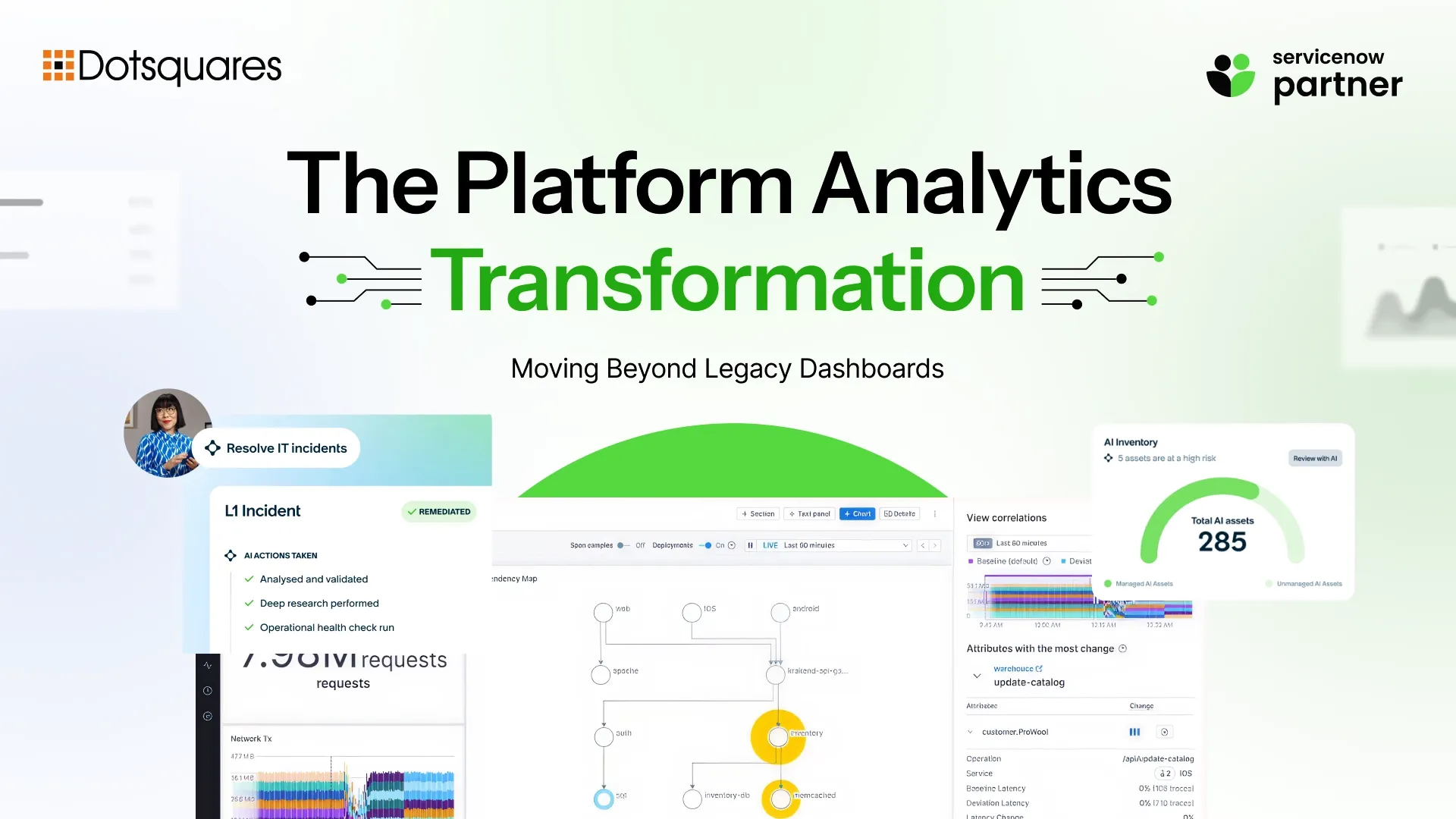
If your ServiceNow reporting has lived in Performance Analytics for years, the Australia release just changed the ground under your feet, though maybe not in the way you've heard.
There's been a fair amount of confusion in the ServiceNow community about what's actually mandatory here. Some teams think they have to migrate everything immediately. Others have heard it's optional and aren't doing anything at all. Both takes are slightly off. ServiceNow Platform Analytics is now enabled by default for every user on upgrade, and it's the only place where new analytics content gets built going forward. But your existing legacy dashboards aren't disappearing, and there's no forced cutover deadline hanging over your head.
Here's what's actually changing, what isn't, and how to plan a migration that doesn't break reporting your business depends on.
What Actually Changed With Australia
Platform Analytics has existed since the Xanadu release as the default reporting environment for new instances. What Australia does is make it the default for everyone, including organisations that have been running on legacy Performance Analytics and Core UI reporting for years.
The practical changes on upgrade:
- Platform Analytics is enabled by default for all users
- Only admins can create new Core UI analytics objects after upgrade, regular users lose that capability
- All Core UI reports become unpublished on upgrade (they still exist, but aren't published by default anymore)
- Analytics Hub redirects to KPI Details
- Legacy dashboards now appear inside the Platform Analytics UI alongside Platform Analytics dashboards, with a UI version column showing which experience each one opens in
That last point matters. You're not choosing between two separate systems anymore, Australia consolidates the navigation even before you've migrated a single dashboard.
What's Mandatory and What Isn't, Clearing Up the Confusion
This is where a lot of the community discussion has gone sideways, so it's worth being precise.
- Not mandatory: Migrating your existing legacy content. ServiceNow removed the "all or nothing" migration requirement. You can migrate everything, migrate selectively, or leave legacy content exactly as it is. Your legacy reports and dashboards remain available to run and view indefinitely.
- Mandatory: Any new analytics content created from Australia forward defaults to Platform Analytics. ServiceNow originally announced that new Core UI content creation would stop entirely with Australia, but based on customer feedback requesting more transition time, that deadline was pushed to the end of 2027. So there's a runway, but the direction is fixed.
- Important distinction: Usage of existing Core UI content is supported indefinitely. But ServiceNow will no longer issue product fixes for legacy dashboards and reports, except for critical security issues, once you're on Australia or later. If something breaks in a legacy dashboard after upgrade, the official resolution path is to migrate or recreate it in Platform Analytics, not wait for a fix that isn't coming.
That's the real driver behind migration urgency for most organisations. It's not a deadline. It's risk exposure on content that's no longer actively maintained.
ServiceNow Platform Analytics vs Performance Analytics: What's Actually Different
Beyond the administrative changes, Platform Analytics is a meaningfully different experience from what most long-time ServiceNow users are used to.
- Better performance and visualisation. Most organisations migrating from classic Reporting and Dashboards report a smoother, more modern analytics experience, improved performance, richer visualisations, and better export options.
- AI built into the analytics layer. Platform Analytics integrates Now Assist AI directly into reporting, turning static dashboards into something closer to conversational intelligence. Teams can ask natural language questions about their data, "why did incident volume spike last Tuesday?", instead of building a filtered report to find out.
- Unified reporting environment. Rather than dashboards, reports, and Performance Analytics indicators living as separate constructs with separate logic, Platform Analytics brings them into one coherent environment with consistent behaviour.
For organisations evaluating whether this is worth the migration effort, the honest answer is that Platform Analytics isn't just a technical upgrade, it's where ServiceNow's AI investment in reporting is going. Legacy Core UI isn't receiving new capability development. Every meaningful analytics improvement from here forward lands in Platform Analytics first and exclusively.
What Migrates Automatically (And What Doesn't)
Here's where real-world upgrade experience has shown some inconsistency worth knowing about before you go through it yourself.
Some Core UI reports and dashboards get automatically migrated to Platform Analytics during the upgrade process. Others remain in Core UI. ServiceNow Community discussions show that the rationale behind which content gets auto-migrated and which doesn't isn't always clear even to experienced ServiceNow architects working through it. Several reported the automatic migration behaviour as unexpected, content they intended to manage manually through the Migration Center got moved during the upgrade itself, occasionally causing issues for users who suddenly found dashboards behaving differently than before.
The practical lesson: don't assume your upgrade will behave identically to what you've read about elsewhere. Audit what happened to your specific content immediately after upgrade, rather than assuming nothing changed until a user reports a problem.
ServiceNow provides the Platform Analytics Migration Center specifically to manage this, letting you migrate all artifacts at once or selectively upgrade specific Core UI dashboards on your own timeline, separate from whatever happened automatically during the platform upgrade itself.
A Practical Migration Approach
Step 1: Audit before you upgrade.
Identify every report, dashboard, and Performance Analytics indicator currently in use. Map them against the Migration Center's assessment to understand which will migrate cleanly and which need manual rebuilding.
Step 2: Don't let Core UI migration block Platform Analytics adoption.
You can start building new content in Platform Analytics immediately while legacy dashboards continue running untouched. These aren't sequential dependencies, they can happen in parallel.
Step 3: Expect some content to need recreation, not migration.
Heavily customised legacy dashboards, particularly those using features that behave differently in Platform Analytics, frequently migrate imperfectly. It's common enough that recreating content directly in Platform Analytics, rather than relying on automated migration, is often the faster and more reliable path for complex dashboards.
Step 4: Run a post-migration spot-check.
Properties, roles, ACLs, cache settings, and a Migration Center review catch the most common configuration issues quickly, before users discover them.
Step 5: Prioritise by business criticality, not technical ease.
The dashboards leadership actually looks at weekly should be migrated and validated first, even if they're more complex. Low-traffic legacy reports can sit unmigrated for longer without real business risk.
Why This Connects to the Bigger Australia Story
Platform Analytics isn't an isolated reporting upgrade, it's part of the same direction every other Australia capability is heading. ServiceNow AI Automation depends on clean, structured data being genuinely accessible across the platform, and analytics is one of the primary surfaces where that data becomes visible and actionable for decision-makers. The same logic that makes ServiceNow Machine Learning and Smart Automation effective, models trained on reliable, well-structured operational data, applies directly to how Platform Analytics surfaces insight from that same data.
This is also another data point in the broader story of ServiceNow as a tool that's moved well beyond ITSM. Analytics that used to live as a reporting afterthought is now positioned as a core enterprise intelligence layer, feeding decision-making across HR, customer service, finance, and operations, not just IT.
What to Do Right Now
If you're on or moving to Australia and haven't addressed Platform Analytics yet:
- Audit your analytics landscape and identify what's built on legacy Performance Analytics versus standard reporting
- Don't assume nothing changed on upgrade, check what got automatically migrated and verify it behaves correctly
- Start building any new analytics content directly in Platform Analytics, Core UI creation has a 2027 runway, not a long-term future
- Use the Migration Center to plan selective migration based on business priority, not just technical convenience
- Budget time for recreation, not just migration, on your most complex legacy dashboards
Conclusion
The Platform Analytics transformation is less dramatic than some of the upgrade messaging suggests, and more consequential than "nothing's mandatory" makes it sound. Nothing breaks on day one. But the direction is clear, the support model for legacy content is winding down, and every meaningful capability ServiceNow ships from here forward lands in Platform Analytics first.
Organisations that treat this as a planned migration, auditing first, migrating by priority, validating as they go, get a genuinely better reporting experience out of it. Organisations that ignore it until a legacy dashboard breaks end up doing the same work under worse conditions.
Dotsquares supports Platform Analytics migration planning as part of broader ServiceNow software development and ServiceNow managed service engagements, from initial analytics audits through to full dashboard recreation and validation. If your Australia upgrade planning needs to account for analytics migration, talk to the Dotsquares ServiceNow team.


Related Post

 November 04, 2026
Smart Contract Automation for Businesses: Use Cases and Benefits
Explore smart contract automation for businesses, including its key use cases, benefits, cost savings, security advantages and challenges across different industries.
Keep Reading November 04, 2026
ERP Implementation Cost in 2026: A Complete Business Guide
How much does ERP cost in 2026? Get a clear breakdown of ERP implementation cost, ERP development cost, hidden fees & budgeting tips. Read now.
Keep Reading November 03, 2026
Salesforce Apex Triggers vs Flows: Which Should You Use?
Compare Apex Triggers vs Salesforce Flow to understand their differences, types, use cases, performance and maintenance, and choose the right automation approach for your business.
Keep Reading