Tech
How a Manufacturing Group Fixed Its Document Chaos with SharePoint, Without Anyone Noticing
 8 min read
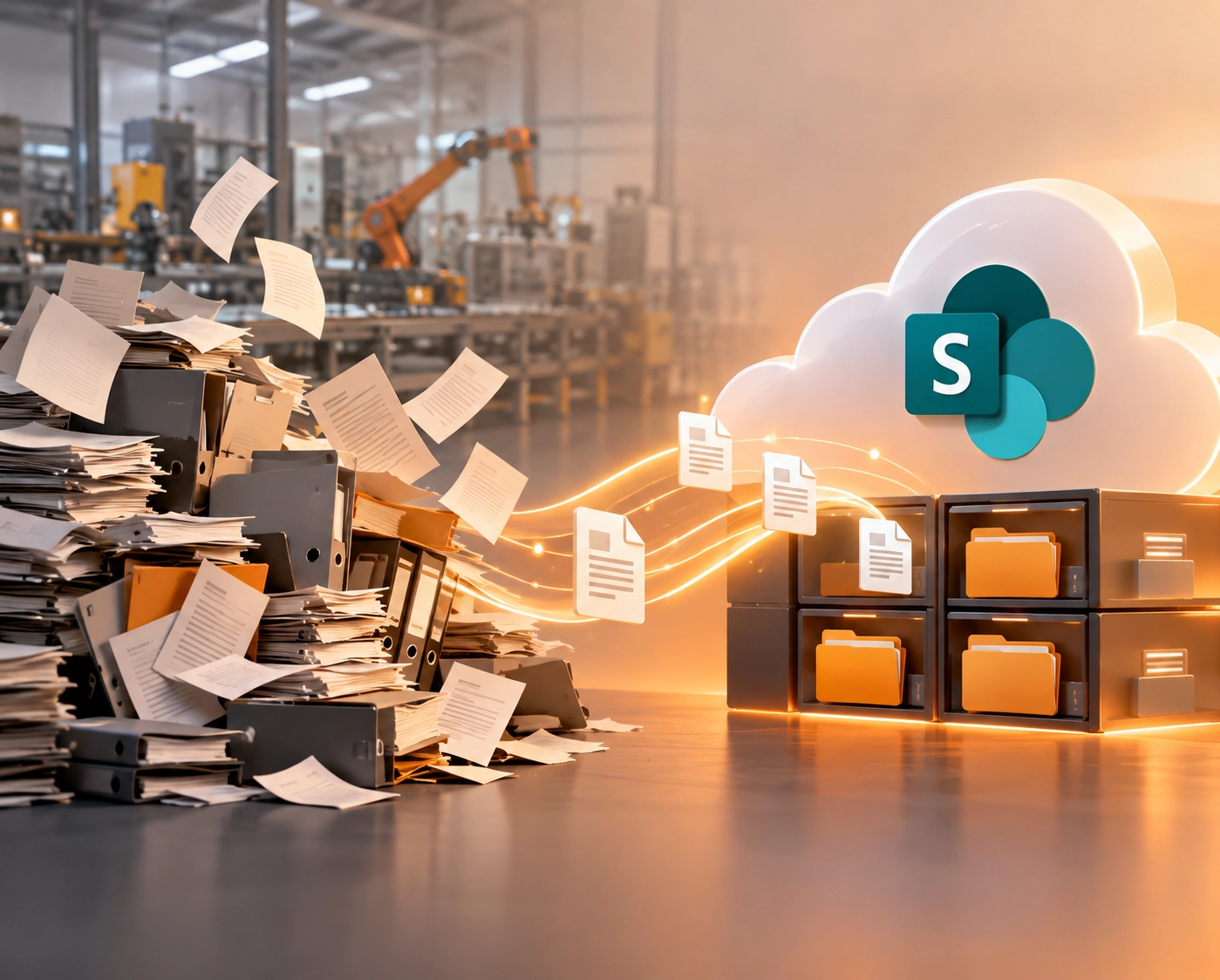
The documents were there. All of them. Specifications, contracts, quality records, operating procedures, years and years of them. The problem was that nobody could find them without asking someone who remembered where they had been saved.
This is a use case about a regional industrial manufacturing group operating across South-East Asia, precision components, engineered materials, customers in automotive, electronics, and industrial equipment. The kind of business where traceability is not a nice-to-have. It is what customers audit for, and what keeps contracts.
When they came to Dotsquares, the problem they described was not unusual. Files lived across shared drives and department folders, organised in ways that made sense to whoever had set them up. Permissions drifted as teams changed. Retention was done, inconsistently, by hand. Reviews and approvals ran on email, which meant things got lost in inboxes regularly. And the sheer volume of confidential documentation the business holds, customer specifications, pricing, technical designs, supplier contracts, was being protected by folder-level permissions that nobody had time to audit properly.
They did not want a bigger mess. They wanted a system that would stay in order.
The Real Problems Underneath the Surface Problem
Document chaos is easy to describe and surprisingly easy to underestimate. Yes, it is annoying when people have to ask colleagues where a file is. But that is the smallest part of what was going wrong here.
The first serious issue was confidentiality. A large proportion of this group's documentation is commercially sensitive: customer specs, pricing terms, technical designs that took significant investment to develop. Controlling who could see what was handled through folder permissions, maintained by hand. As people joined, moved between projects, and left, those permissions drifted. Nobody had time to run the audit that would have corrected them. The business was sitting on a confidentiality risk that was entirely structural; it was going to keep happening regardless of how careful individual employees were.
The second serious issue was retention. Supplying regulated industries means keeping certain records for defined periods. It also means disposing of them afterwards, which is not the same as just keeping everything forever. Done manually, retention is either neglected (leaving the business holding records it should have destroyed) or inconsistent (some teams following the rules, some not). For a company that gets audited by its customers, "we think we're compliant" is a different answer from "here's the record of what we held and when we disposed of it."
"A great deal of what we hold is commercially confidential, and our customers expect us to be able to prove we manage it properly. We can now do that. Retention happens by itself, access is controlled by role, and our people can actually find what they are looking for, which, frankly, was not always the case before."
What the Build Actually Involved
The platform is built on SharePoint Online, extended with SharePoint Framework (SPFx) for custom components and Power Automate for the workflow layer. The technology list sounds straightforward. The part that mattered more was what happened before any of it was configured.
Before writing a line of code, the team mapped the document types the business actually works with. Not what an org chart would predict, but what actually happens. Who produces each type of document, who legitimately needs to see it, how long it needs to be kept, and what happens to it afterwards. That classification scheme became the spine of everything else. Without it, you end up with a nice-looking intranet that has the same underlying problems in a slightly tidier format.
How Documents Are Found Now
Documents are stored in structured libraries and tagged with metadata drawn from the classification scheme. This changes the experience of finding something completely. Instead of navigating folders hoping you know the right path, you search for what you are looking for, the document type, the customer programme, the date range, and the system returns it. Someone who never saved a document can find it. Someone new to the team can find it. It does not require institutional knowledge to retrieve documents that the business actually needs to use.
How Retention and Disposal Work Now
Retention policies are applied by classification, automatically. Documents in a given category are retained for the required period and then flagged for disposal according to the rule. This removed an entire category of manual work, and more importantly, it removed the inconsistency. The business can state its retention position rather than estimate it. When a customer audit arrives, the answer is documented and demonstrable rather than reconstructed from memory.
How Access Control Works Now
The old arrangement, folder permissions maintained by hand, was replaced with a role-based access model. Access follows the person's role and the document's classification. Confidential commercial material is visible to the people whose work requires it and not visible to anyone else. Because the model is rule-based rather than manually maintained, it stays correct as teams change. Someone joining the quality team gets the access their role requires. Someone moving to a different project loses the access that no longer applies. No audit needed. No manual correction required.
How Reviews and Approvals Work Now
Email-based approval processes were replaced with Power Automate workflows. Document reviews, approvals, and sign-offs now run as defined flows; the request reaches the right person, the status is visible to whoever raised it, and the decision is recorded. Nothing sits unnoticed in an inbox. Nothing depends on someone remembering to forward a message. And when something is signed off, the record of who approved it and when exists automatically.
- Metadata-driven search across the full document estate, no folder navigation required
- Retention and disposal applied automatically by document classification
- Accessible from any device across all group sites, same current documents everywhere
What Else Was Built Into the Platform
Document management was the core, but the business also wanted a single place for supporting content that had previously been scattered or just hard to find.
- Organisational chart - in a multi-site business spanning engineering, production, quality, supply chain, and commercial functions, staff needed to understand how the organisation fits together. A searchable org chart in the same platform as the documents means this is findable rather than something circulated by email and immediately out of date
- Policy repository - policies are presented by category rather than as a flat list of files. Staff find the guidance that applies to their work without having to scroll through an alphabetical list of everything
- FAQ section - the corporate teams were answering the same questions repeatedly. Putting those answers in one findable place reduced the interruption load without requiring any change in behaviour from the people asking the questions
What Changed And What Did Not
The change staff feel most is in search. Engineers, quality staff, and commercial teams stopped relying on colleagues as a retrieval mechanism. A persistent low-level source of interruption, "Do you know where the spec for that customer is?", quietly disappeared.
The governance improvements are where the real value sits, even if they are less visible day-to-day. Retention and disposal run automatically. The group's compliance position is now consistent and demonstrable rather than dependent on anyone remembering. For a supplier audited by regulated-industry customers, moving from "we think we manage this properly" to "here is the documented record" is a meaningful step.
Confidentiality is now structural rather than behavioural. Access is correct by design, not by continuous attention. The administrative overhead of maintaining it has dropped. The uncertainty that came with the old arrangement has gone.
And because the platform is cloud-based, staff moving between production facilities or working with customers reach the same current documents on a tablet or phone as they would at their desk. For a multi-site manufacturing group, that consistency eliminates a persistent source of version confusion that nobody had previously been able to solve cleanly.
The Less Obvious Outcome
Perhaps the most durable result is this: the group now has a document estate that is designed to be maintained rather than periodically rescued. The classification scheme, the retention rules, and the access model were all built to keep working as the business grows. The next time headcount increases, a new facility opens, or a new customer programme starts, the system absorbs it without requiring a new tidy-up exercise. That is the difference between a platform built around governance and one built around storage.
Conclusion
This kind of project does not make headlines. It does not ship a new product or open a new market. What it does is remove a category of background risk, reduce a category of background friction, and give a business the ability to say, accurately, with evidence, that its documentation is properly managed. For a manufacturing group whose credibility with customers partly rests on that claim, that is worth a great deal.
Working Through a Similar Document Management Challenge?
Whether it is SharePoint governance, document workflow automation, or building a structured platform for a multi-site business, Dotsquares has delivered this kind of project across manufacturing, engineering, and industrial clients. Talk to us about what you are trying to solve.


Related Post

 November 04, 2026
Smart Contract Automation for Businesses: Use Cases and Benefits
Explore smart contract automation for businesses, including its key use cases, benefits, cost savings, security advantages and challenges across different industries.
Keep Reading November 04, 2026
ERP Implementation Cost in 2026: A Complete Business Guide
How much does ERP cost in 2026? Get a clear breakdown of ERP implementation cost, ERP development cost, hidden fees & budgeting tips. Read now.
Keep Reading November 03, 2026
Salesforce Apex Triggers vs Flows: Which Should You Use?
Compare Apex Triggers vs Salesforce Flow to understand their differences, types, use cases, performance and maintenance, and choose the right automation approach for your business.
Keep Reading