 4 min read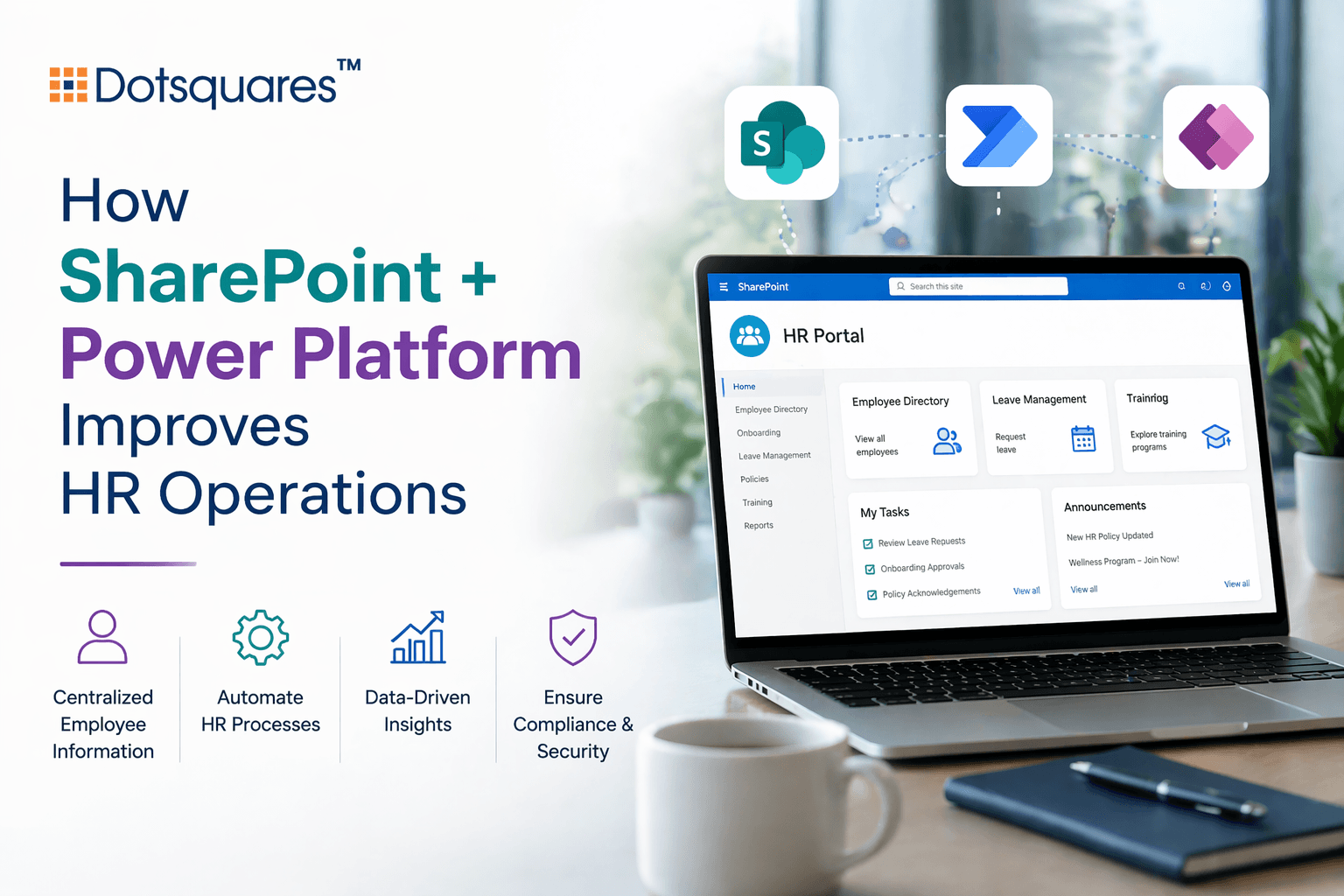
Every HR manager knows this feeling. A new employee is joining on Monday morning, it’s Friday afternoon and somewhere between three email threads and a shared drive nobody fully maintains, the onboarding pack still hasn’t gone out.
And that’s a systems problem.
And it plays out daily, with leave requests that go unanswered, policy documents that nobody can find the latest version of, and approval chains that stall because the right person wasn’t notified. HR teams are short on structure, not on effort.
SharePoint, paired with Power Platform, gives that structure a foundation.
Documents That Stop Creating Confusion
HR runs on documents. Contracts, handbooks, appraisal forms, compliance records, the list is long. The problem isn’t that these files don’t exist. It’s that they live in too many places at once.
Someone saves a contract template to their desktop. A policy gets updated, but the old version keeps circulating in email. A new HR coordinator shares a different onboarding checklist than the one used last month because she found it in a different folder.
SharePoint document management services bring everything into one governed space. Files are version-controlled, stored by permission level and accessible to the right people without anyone having to ask. When a document is updated, the previous version is archived, not deleted, not floating around. The current one takes its place.
For HR teams managing staff across multiple sites or departments, this removes a category of daily friction that most people have simply accepted as normal.
Approvals That Don't Require Chasing
A leave request comes in. The line manager needs to approve it. HR needs to log it and the employee needs a confirmation. In most businesses, at least one of those three steps involves a manual follow-up.
Power Automate removes the follow-up from the equation. The moment a request is submitted, the workflow takes over, notifying the right people, updating the relevant records and sending confirmations without anyone in HR touching it.
Working with Power Automate experts means these flows are built around how your organisation actually operates, not a generic out-of-the-box template. Power Automate development services can handle a single approval step or a multi-stage process involving several departments, depending on what the business needs.
The result is that HR stops being the person in the middle, manually moving information from one place to another.
Purpose-Built HR Tools Without the Development Wait
There’s a gap that exists in most HR setups. SharePoint is in place but underused. The actual day-to-day work still happens in spreadsheets someone built two years ago, a leave tracker in Excel, a performance review form saved as a Word document, an onboarding checklist attached to an email.
Power Apps closes that gap without requiring a full software build. It sits on top of existing SharePoint data and turns it into usable tools, forms, trackers, dashboards that people outside the HR team can interact with cleanly.
Power Apps + SharePoint solutions work particularly well for onboarding, performance reviews and any process where someone needs to submit information or complete a task. Power Apps development services produce tools that work on mobile and desktop, with no technical knowledge needed from the people using them.
Putting It Together: Onboarding Done Properly
Take onboarding as a practical example. Without structure, the process depends entirely on whoever is handling it that week. IT might get told late. The line manager might not know what they are supposed to do before day one. The new starter arrives and things are still being sorted.
With SharePoint and Power Platform in place, the process runs differently. The new starter receives a Power App link before they arrive. They complete their forms. The system notifies IT, facilities and their line manager at the right stages, automatically. HR can see the status of every task from one place without having to chase anyone.
The same logic applies to annual leave, policy acknowledgements, performance cycles and offboarding. This structured approach is similar to how SharePoint LMS with Power Apps and Power Automate enables organisations to streamline onboarding and employee management workflows.
Why the Right Setup Matters
These tools don’t configure themselves well in isolation. The way permissions are set in SharePoint affects what Power Apps can show. The structure of lists and libraries determines what Power Automate can act on.
This is where choosing the right SharePoint Development Agency makes a practical difference. Most organisations already have access to these tools through their Microsoft licence. The gap is rarely accessible because the initial setup wasn’t built with automation and apps in mind.
Getting the foundations right from the start means fewer workarounds and less rebuilding later.
Ready to Fix the Systems Behind Your HR Team?
If your HR team is spending more time coordinating than actually doing HR work, that’s worth addressing. Dotsquares works with organisations to assess current workflows and build SharePoint and Power Platform solutions that fit the way teams actually operate.
Talk to our team today.


Related Post

 October 15, 2026
Low-Code Integration: What It Is, How It Works and When Businesses Should Use It
Learn how low-code integration connects business apps and APIs, its key benefits, common use cases, limitations, and when to choose custom integration.
Keep Reading October 15, 2026
SAP BW to Cloud Migration: Benefits, Challenges and Planning Steps
Learn about SAP BW to cloud migration, including benefits, challenges, AWS options, cost factors and planning steps for a successful migration.
Keep Reading October 12, 2026
Mobile App Development with React Native and What You Need to Know
Learn how React Native works, where it saves time and cost, which industries use it, and whether it's still a good choice in 2026.
Keep Reading