Tech
How AI is Transforming Knowledge Management in SharePoint Online
 5 min read
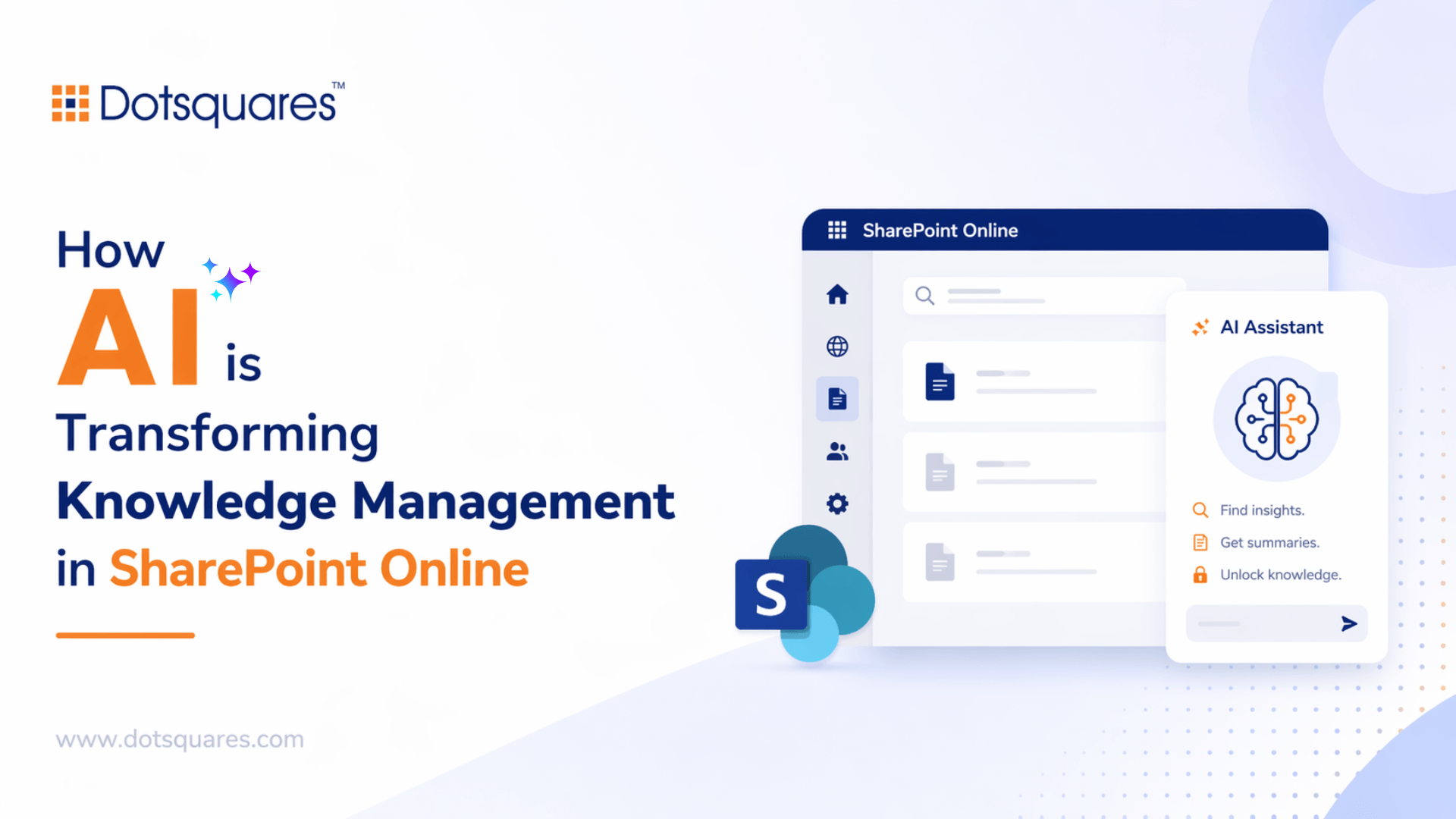
Information overload is a real problem. Most teams are not short on data, they are short on the ability to find it fast. Policies buried in folders nobody maintains. Approval records are spread across inboxes. Training material that exists somewhere, but nobody knows where.
SharePoint Online was already helping organisations bring some order to this. But the addition of AI capabilities has shifted what is actually possible.
The Problem With Traditional Knowledge Bases
A knowledge base only works if people use it. And people only use it if finding information takes less effort than asking a colleague.
Most SharePoint setups fail this test. Content gets uploaded without consistent tagging. Search returns ten results when you needed one. New staff cannot tell which document is the current version. After a few frustrating experiences, people stop going there altogether.
That is the gap AI is filling, not by replacing SharePoint, but by making it behave like it actually knows what you are looking for.
Semantic Search Changes How People Find Information
Standard keyword search is literal. If you search for ‘leave policy 2024,’ you get files with those exact words. Semantic search understands intent.
Ask ‘how many days off do I get after joining,’ and the system pulls the right document. It reads context, not just characters. For healthcare organisations, especially where clinical terminology varies across teams and departments, this matters more than most tools acknowledge.
Working with experienced SharePoint Online Developer Services teams, organisations can configure and extend Microsoft’s native AI search. Approaches like SharePoint SPFx and Power Apps implementation help tailor search experiences based on specific business needs and content structures.
Working with experienced SharePoint Online Developer Services teams, organisations can configure and extend Microsoft’s native AI search using custom AI development solutions tailored to their specific content structure and vocabulary. Out-of-the-box settings rarely cover the nuance of how a particular team actually searches.
Automatic Classification Removes a Job Nobody Was Doing
Here is something most organisations admit privately: manual tagging never happens consistently. Someone sets up a metadata schema, trains the team and within three weeks, people are uploading documents with no tags at all.
AI classification handles this at ingestion. A document arrives in SharePoint, the model reads it, assigns the right metadata, routes it to the correct library and flags anything sensitive automatically, eliminating manual effort and preventing backlogs of untagged files.
This is one of the more practical wins from custom SharePoint solutions, building the classification logic around how a specific organisation actually categorises its content, rather than a generic framework.
Workflow Automation Turns Insights into Action
Knowing that a document is a contract renewal is only useful if something happens next. That is where automation comes in.
Power Automate Consulting projects often sit right at this handoff point. A document gets classified by AI, and a workflow picks it up from there. This is where solutions like SharePoint LMS with Power Automate help organisations streamline approvals, notifications and document lifecycle processes. The knowledge system and the operational process work as one.
Power Automate Consulting projects often sit right at this handoff point. A document gets classified by AI, and a workflow picks it up from there. This is where solutions like SharePoint LMS with Power Automate help organisations streamline approvals, notifications and document lifecycle processes.
Power Automate Development Services builds these flows to be robust, not just functional. Especially in regulated industries, you need flows that log what happened, handle exceptions cleanly and do not silently fail when an edge case appears.
Purpose-Built Apps for Specific Teams
Search and automation cover most use cases. But some teams need something more focused.
A clinical team might want a simple mobile interface that surfaces the three most relevant care guidelines based on a patient scenario. An HR team might need a dashboard showing which knowledge areas have outdated content. These are not things a generic SharePoint page handles well.
Certified Power Apps Developers build these interfaces directly on SharePoint data. Permissions, version history and audit trails carry through automatically. There is no separate database to maintain. Power Apps Development Services projects like these tend to ship fast because they are scoped tightly around one team’s actual workflow, not a wish list of features.
What Makes Implementation Actually Work
The technology is the easy part. Seriously.
Start with a content audit before touching any AI configuration. Bad content in means bad results out. Duplicate files, outdated versions, inconsistent naming, all of it creates noise.
Pull search query logs before building anything. What are people searching for right now? What are they failing to find? That data shapes every decision downstream.
Set governance rules before AI features go live. Retention policies, permission structures and content lifecycle rules need to be in place first. Retrofitting them later is painful. This is exactly where experienced SharePoint Online Development Services teams earn their value. The decisions made during architecture have consequences that last for years.
Pilot with one team. Measure time-to-information before and after. Use that data internally. It is the most convincing argument for wider rollout.
Worth Saying Plainly
AI in SharePoint Online is not a product you buy and switch on. It is a capability you build deliberately, around real workflows, with real governance behind it.
Organisations that do this well do not just have a better search tool. They have a system that actively supports how work gets done, surfacing the right information, triggering the right process and flagging what needs attention.
That is what smart knowledge management actually looks like in practice.
Want to build something that works beyond a demo? The Dotsquares team has delivered SharePoint and Power Platform solutions for organisations that cannot afford to get it wrong.
Talk to us about your project.


Related Post

 October 15, 2026
Low-Code Integration: What It Is, How It Works and When Businesses Should Use It
Learn how low-code integration connects business apps and APIs, its key benefits, common use cases, limitations, and when to choose custom integration.
Keep Reading October 15, 2026
SAP BW to Cloud Migration: Benefits, Challenges and Planning Steps
Learn about SAP BW to cloud migration, including benefits, challenges, AWS options, cost factors and planning steps for a successful migration.
Keep Reading October 12, 2026
Mobile App Development with React Native and What You Need to Know
Learn how React Native works, where it saves time and cost, which industries use it, and whether it's still a good choice in 2026.
Keep Reading