Tech
Can AI Build a Website? What Businesses Need to Know Before Using AI Website Builders
 11 min read
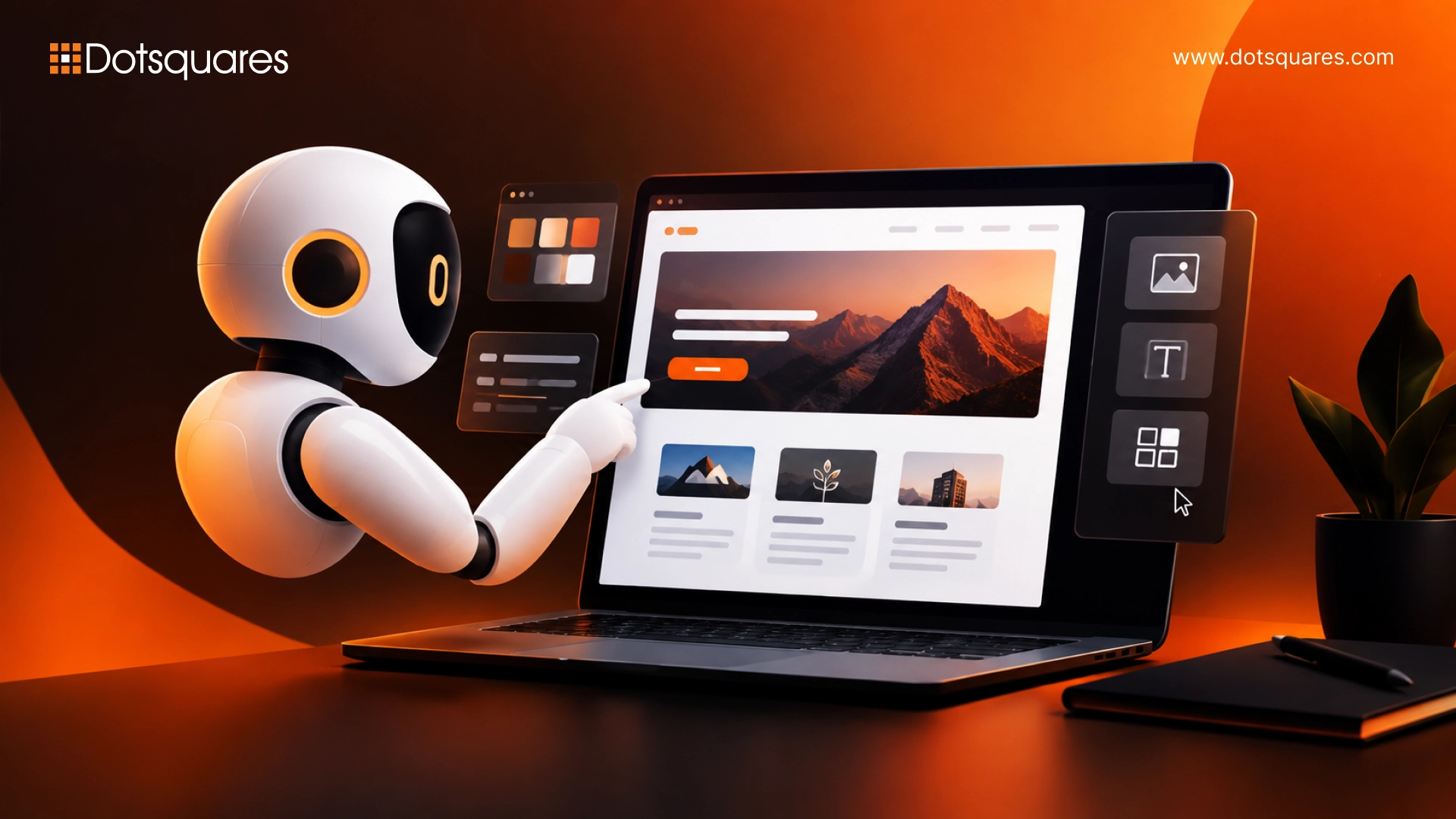
A small business owner spends twenty minutes typing a description of their bakery into a website builder, and ten seconds later there's a live homepage with a hero image, a menu section, and a contact form already filled in. It's a nice moment. It's also usually where people stop asking the harder question.
Can ai build a website that's actually ready for customers, not just one that looks good in a screenshot? Search interest in AI website builders has climbed sharply over the past year, according to Google Trends, and the tools really have gotten better. But generating a page and running a business on it are two different things, and that gap is what this comes down to.
Can AI Build a Website in 2026?
Yes, for a specific kind of website. Not yet for every kind. Most of what people mean when they ask this question is answered by looking at what today's AI builders are actually built for.
Tools like Wix, Framer, Durable, 10Web, and Hostinger generate real, live, publishable websites from a prompt or a short questionnaire, and the output is genuinely usable for a lot of businesses. What they're not built for is everything a growing business eventually needs: logins, databases, custom checkout logic, complex integrations.
What AI website builders can create today
With a decent tool, you can go from nothing to a homepage, an about page, a menu or services page, and a contact form that actually works, often in under an hour. It'll look fine on a phone, and the basic SEO fields get filled in without you touching them. If looks are your main concern, Framer usually wins that comparison. Wix takes a different approach and bundles in hosting, booking, and simple ecommerce, so you're not juggling four separate tools to get a working site.
What still requires human expertise
Once real traffic, real payments, or real customer data are involved, someone needs to actually look at what got built. Security is the big one. Accessibility, design work that needs to feel specific to your brand, and any integration outside the platform's standard plug-ins all fall into the same bucket.
How Does AI Build a Website?
Most of these tools do the same thing under the hood. You describe your business, whether that's a short form or a few sentences typed in plain English, and the tool puts together a page from parts it already knows how to build: a big header image, a menu bar, a section for what you sell or offer, a footer with your contact info. It writes copy that sounds roughly right for your industry, pulls in images, and fits it all into a layout that already works on a phone or with a screen reader.
The differences show up in how much a tool actually reads what you wrote versus how much it just slots you into a template. Wix's original ADI is closer to a quiz: answer a few questions, get whichever template fits best. Newer tools go further. Wix's Harmony editor, out since January 2026, and Framer's AI Wireframer actually build from your own wording, so two different businesses don't end up with the same-looking site. After that first version is live, editing works about the same everywhere. Say what you want changed, "move the pricing table above the testimonials," and it happens, no dragging boxes around.
For a broader look at how these systems compare, see AI platforms for web development.
Can AI Build a Website for Free?
So can ai build a website for free in a way you'd actually want to use? Mostly yes, but there's a catch that trips a lot of people up. Wix, Framer, Webflow, and Hostinger all let you build and preview a full site for nothing. The catch shows up when you try to connect your own domain name, which most free plans don't include. Until you pay, you're stuck with something like yoursite.wixsite.com or yoursite.framer.website.
More people are searching for ai build a website free options than ever, which makes sense given how good these tools have gotten. A truly free option with your own domain attached is rare. Google Sites, now working with Gemini, is one of the few that manages it, though you'll trade away a lot of design control to get there. For most businesses, "free" really means free to try out, then cheap once you're ready to launch, usually somewhere between $3 and $17 a month once you add a domain and the basics.
See free AI website tools for a closer breakdown of what each platform's free tier actually includes.
What Can AI Website Builders Actually Handle?
Once a business moves past the free trial question, the more useful question is what these tools are actually good at versus where they start to struggle. The answer changes a lot depending on whether you're building a simple marketing site or something closer to a full application.
Landing pages and business websites
This is where AI builders are strongest. A single-location service business, a consultant, a restaurant, or a product launch page are close to the ideal use case: a handful of pages, standard sections, no complex backend logic. A large share of real-world small business website needs fall into exactly this category, which is a big part of why these tools have grown so fast.
Content, design and basic functionality
Copywriting, layout, colour palettes, imagery, and basic functionality like contact forms, booking widgets, and simple product listings are handled well by most tools on the market. SEO is more of a mixed bag. Some platforms generate clean heading structure and metadata by default, others prioritise speed over structure and leave the real SEO work for later.
Where custom features become difficult
Anything resembling an application rather than a website is where AI builders reach their limit. User logins, custom databases, complex checkout logic, and integrations with internal business systems generally aren't things a marketing-focused AI builder can do well, if at all. A separate category of tools, sometimes called full-stack app builders, exists specifically for that gap, generating real backend code rather than a front-end-only page, though even that output typically still needs a developer's review before it handles real customer data or payments at scale.
Can Claude AI Build a Website?
Claude isn't a dedicated website builder in the way Wix or Framer are, but it can absolutely produce a working website, and plenty of businesses use it exactly that way as a starting point. The results split fairly cleanly into what's genuinely useful today and what still needs a developer's hands on it.
What Claude can generate
Through Artifacts, Claude's built-in live preview feature, you can describe a page, a landing page, a portfolio, an event page, and watch it build in real time, then keep refining it in plain English. It's genuinely useful for mocking up a design fast, testing headline and layout ideas, or putting together a single page before committing to something bigger. Through Claude Code, Claude's coding tool, it can go further and generate a complete, real codebase for a multi-page site that a developer then owns and can build on.
Where developers still need to step in
An Artifact isn't a hosted website on its own. There's no custom domain, no database, and no backend included by default, so a contact form won't actually send an email and a sign-up won't actually create an account until that logic is added and deployed somewhere. That's not a flaw so much as what the feature is designed for, a fast way to go from idea to a visual, workable draft. Turning that draft into a live business site still takes either a developer connecting it to real hosting and backend logic, or pairing it with a platform built for exactly that handoff. For businesses that want an AI-assisted starting point with a genuinely finished result on the other end, this is usually where dedicated Generative AI Development work comes in.
AI Website Builders vs Custom Website Development
The comparison usually comes down to three things: how specific the site's requirements are, how much it needs to scale, and how much risk the business can tolerate if something breaks.
AI builders win on speed and cost for standard sites. A landing page or a small business site that doesn't need anything unusual can be live in a day for a fraction of what a custom build costs. Custom development wins once the site needs to do something the platform wasn't built for: a checkout flow tied to inventory, a booking system with complex rules, an integration with a CRM or internal database, or design work that needs to be genuinely distinct rather than assembled from a template library.
Security is the part that gets overlooked most often. AI-generated code can look complete while still missing basic protections such as input sanitisation and validation, which is how sites end up exposed to issues like SQL injection or cross-site scripting. A business collecting customer data, taking payments, or storing any kind of personal information is taking on real risk if that code hasn't been reviewed by someone who knows what to check for. That's usually the point where a business is better served by proper website design and development services, or by choosing to hire website developers for the parts of the build a template can't safely handle.
If the goal is closer to adding AI-powered features to a site you already have, rather than generating the whole thing, that's a different project. See implement AI into your website for what that typically involves.
When Should a Business Choose Custom AI Development?
There's no one right answer here, but a few questions usually settle it.
Go with an AI builder if you just need a standard marketing site, you're working with a short timeline and a tight budget, and nobody needs to log in, pay through anything but the platform's own checkout, or hand over sensitive data. Go custom once the website has to actually run part of the business, not just describe it: customer accounts, workflows specific to how you operate, connections to the software you already use, or AI features that pull from your own company data instead of giving generic answers.
Our recommendation: write down what the site actually needs to do in its first six months, not just what it should look like. Short, standard list? An AI builder will do the job. Anything on that list tied to how your business specifically runs? That's worth a conversation with a team offering Custom AI/ML Solutions before you lock into a platform that can't grow with you. Once businesses reach this point, they usually turn to custom ai development services to build the exact piece a template can't, without paying for a whole platform they don't need.
FAQs About AI Website Builders
Can AI build a professional website?
Yes, for a standard business site. The design-led tools can turn out something that looks genuinely polished. The catch is most sites still need a manual pass afterward, or they end up with that same templated look every AI-built site gets when nobody bothers to touch the defaults.
Can AI build an ecommerce website?
For a handful of products and a simple checkout, sure. Once a store is doing real revenue, that's where AI-generated storefronts start to struggle, things like custom checkout rules, inventory edge cases, and app integrations specific to whatever platform you're actually selling on. Get those wrong and it's lost sales, not just a cosmetic bug.
Is it safe to use AI to build a business website?
It can be, but it's not automatic. AI-written code doesn't always come with the basic protections a site needs against common attacks. If the site handles customer data or takes payments, get someone to check that code before it goes live, not after something's already gone wrong.
Can I build a website with AI for free?
Yes. Most of the big AI builders let you build and preview a full site at no cost. Where they get you is the custom domain, which almost none of the free plans include.
Will AI replace website developers?
Probably not, at least not based on where things stand now. Stack Overflow's 2025 Developer Survey, which covered more than 49,000 developers, found 84% already use AI tools or plan to. But only 33% said they actually trust what it produces, and 46% said they don't. What's changing isn't whether developers have a job, it's what they spend their day doing, less writing from scratch, more reviewing, securing, and deciding how things should be built.


Related Post

 November 04, 2026
Smart Contract Automation for Businesses: Use Cases and Benefits
Explore smart contract automation for businesses, including its key use cases, benefits, cost savings, security advantages and challenges across different industries.
Keep Reading November 04, 2026
ERP Implementation Cost in 2026: A Complete Business Guide
How much does ERP cost in 2026? Get a clear breakdown of ERP implementation cost, ERP development cost, hidden fees & budgeting tips. Read now.
Keep Reading November 03, 2026
Salesforce Apex Triggers vs Flows: Which Should You Use?
Compare Apex Triggers vs Salesforce Flow to understand their differences, types, use cases, performance and maintenance, and choose the right automation approach for your business.
Keep Reading