Tech
Enterprise Workflow Integration: Architecture, Challenges and Best Practices
 12 min read
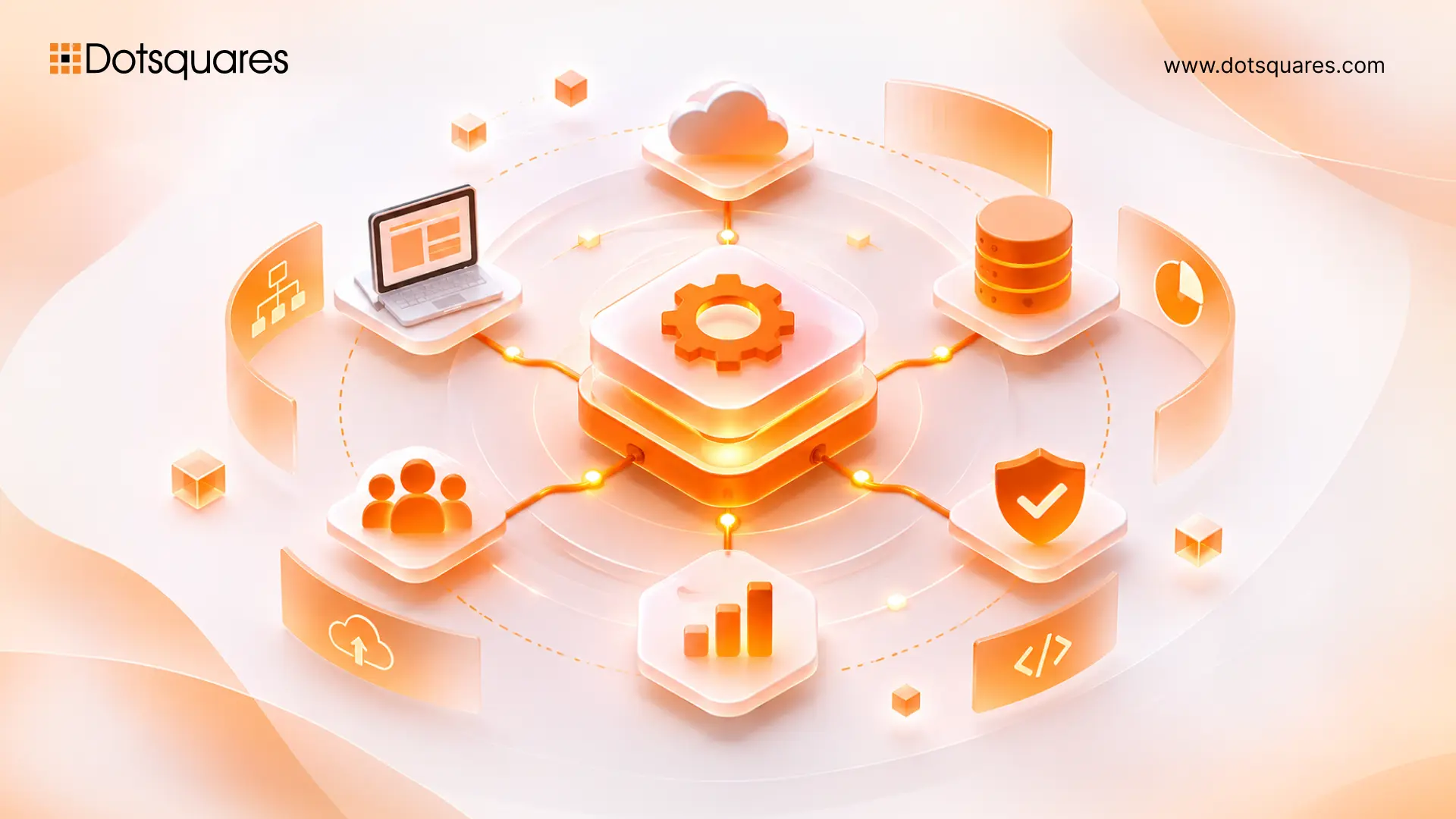
Did you know that employees lose roughly 25% of their working week to manual, repetitive tasks, things like re-entering data between systems, chasing approvals by email, or copying information from one platform to another? That's essentially one full working day, every week, per person. Multiply that across a team of 50 and you're looking at a staggering amount of lost time, every single month.
That’s precisely what business workflow integration can solve for you. But when an enterprise needs to juggle CRMs, ERPs, finance software, HR management software, and customer applications at the same time, then doing it right is not an option – it’s a matter of whether the company will scale or continue adding manpower to fill the gaps in its systems.
At Dotsquares, our custom software integration services help enterprises build connected, automated operations that actually work. This blog is your end-to-end guide to what enterprise workflow integration is, how it's architected, the real challenges, and what best practices actually look like in practice.
What Is Enterprise Workflow Integration?
Enterprise workflow integration refers to the integration of different business systems, software and information sources in such a way that the workflows are seamlessly transferred between these elements, without any need for human interaction, redundant data entry and manual processes of transferring data between two unconnected sources of information.
Now consider the example of what happens within any typical business organization: The sale is registered in the CRM. This starts the invoice in the finance department. Operations department needs to know about the sale. Fulfillment department needs to be updated. All of these processes need to be automated, not performed manually, through copying the data entered in one screen and entering the same in the next screen.
This is exactly what business workflow integration does. It’s not only about automation, but ensuring that if something happens within a particular section of your business, all other relevant sections know about it immediately and accurately.
So what's the difference between this and plain software integration? Software integration connects systems. Workflow integration goes further, it coordinates the sequence of steps, the rules, and the data flows that make up how work actually gets done.
Enterprise Workflow Integration Architecture
Integration architecture design plays a vital role. Make a mistake in design, and you will get a network of point-to-point connections, which will fail every time there is a change in any system. With good architecture design, you will get an efficient connection layer that can scale and maintain its functionality.
Let's check this, there are three main architectural approaches enterprises use.
Point-to-Point Integration
Simplest solution: connect System A directly with System B. Perfect solution when you deal with two or three systems. Scaling this solution is extremely difficult. Connect 10 systems using direct connection and you will need 45 separate connections, each of which is a possible failure point. Any changes in one system affect all other connected systems. Mature enterprises do not use such approach anymore.
Hub-and-Spoke (ESB) Architecture
Enterprise Service Bus (ESB) is a middle layer used as a central point. All systems connect with a hub, but not directly with each other. Hub takes care of routing, transforming and delivering data. It is much easier to manage this approach in large organizations. Problem here is that hub itself could become a single point of failure and ESB itself could be difficult to manage.
API-Led Integration
This is the architecture that the majority of modern businesses are shifting towards. In this case, instead of the monolithic approach, each system exposes its data and logic through an API. The different systems call each other’s API to perform requests. Custom API development is at the core of such a solution, since once you have a well-designed API for each of your systems, the integration process becomes very easy. And when you need to replace or update one of your systems, you will not have problems with doing that.
Event-Driven Architecture
In contrast to systems checking for updates among themselves, an event-based architecture refers to systems that broadcast events (such as new orders, successful payments, completed forms), while others subscribe to those events and react to them. In this way, near real-time processing is achieved, while there is no tight coupling between the systems.
Common Enterprise Workflow Integration Use Cases
So we have now read the architecture side. Let's check what this actually looks like across real business functions.
CRM and ERP Sync
Sales information within the CRM and operational information within the ERP should be kept in synchronization, automatically. Once there is closure of a sales deal in Salesforce, the ERP must reflect the order placement and initiate procurement and financial forecasts. Failure to integrate will mean the two are being reconciled manually and mistakes are bound to occur.
HR and Payroll Integration
Integrating a new staff member into the organization entails various processes including HRIS, Payroll, Access Management, Benefits Administration. Workflow integration will ensure that after one event (hiring someone new) everything falls into place in an automatic fashion: access to systems is provided, payroll entry happens, enrollment in benefits begins. Something which would have taken days to coordinate, can be done in minutes.
E-Commerce and Backend Operations
The order that a customer places through your website must automatically update inventory, initiate the fulfilment process, prepare the invoice, and alert the customer – all without any human intervention. That is how true integration processes distinguish successful online business processes from the unsuccessful ones.
Finance and Compliance Workflows
Approvals, invoicing, expenses management, auditing, they span finance, management and operations. Integration makes them work faster; according to Gartner, there is a 43% improvement in process cycle times for organizations that have matured their workflow orchestration.
Customer Support Ticketing
When a support ticket is filed by a customer, then the support system, the CRM, the billing system, and perhaps even the engineering systems must be integrated. With integration, your support agent knows everything about your customer without having to look up from three different systems.
Common Challenges in Enterprise Workflow Integration
Now, let's look into what actually makes this difficult, because if it were straightforward, everyone would have it working perfectly already.
Legacy Systems That Don't Play Well With Others
In many cases, enterprise environments contain systems that were created decades ago without any thought of integrating them. Often, such legacy systems will not have modern APIs, will use an old data format, or have poorly documented functionality so that reverse engineering becomes the only option. This has always been the most frequently mentioned obstacle in the process of enterprise integration.
Data Quality and Consistency
Integration allows you to reveal the problem of data quality that was not visible before. Customer data in the CRM will not be the same as the one in the ERP. Product code in one system will be different from that in another. The process of integrating the workflows will never be successful without proper preparation of data first.
Security and Access Control
Inter-connecting systems presents a whole new set of attack vectors. The flow of data between the systems must be encrypted. The APIs should be protected by authentication and authorization controls. Role-based access control must be enforced at the level of integration layer and not at individual application level. Industries that have regulatory compliance requirements, such as financial services, healthcare, and retail, have additional requirements for data handling in an integrated environment.
Change Management and Adoption
Integration efforts don’t succeed only from a technical perspective; rather, they can also fail from cultural reasons. The employees who are working on the processes that are being automated might resist the change. If people don’t trust the automated process, then they will do it manually anyway. Change management becomes critical in such cases.
Scope Creep During Implementation
According to McKinsey, 41% of enterprise integration projects fail either to meet their original deadlines or budgets, with improper choice of processes being the most frequent reason. Enterprises attempt to integrate all possible systems right away, identify unanticipated interdependencies, and see their project get completely out of hand. Focusing on one area and gradually building up on it always wins over the big-bang approach.
Best Practices for Successful Workflow Integration
What separates the integrations that stick from the ones that get quietly abandoned? Here's what actually works.
Map Your Processes Before You Touch Any Technology
Do not write a single line of code or configure any connector without first mapping the process you are about to integrate: all its stages, all transitions, all decisions, all the systems involved. This way, you will be able to assess how complex your integration task is and what quality of the data you should focus on first.
Use APIs as Your Integration Backbone
That is why REST APIs are the way to go. They are platform-independent, widely understood, simple to document, and maintainable. If there are no APIs in place, design them. This is exactly API development practice focuses on: providing enterprises with an elegant API layer that does the job for them.
Prioritise by Business Impact, Not by Technical Ease
Start from the top by addressing those integrations that bring most business value – decrease the processing time of a highly transactional process, eliminate the error-prone manual task, shorten the response time of customers. Do not integrate with something that is easy simply because it is the low-hanging fruit.
Build in Error Handling and Monitoring From Day One
Failures occur. Errors in data format appear. External API calls fail. Timeouts happen. Designing resilient error handling and retry capabilities from the beginning of an integration development allows graceful recovery from failures that eventually would happen without corrupting any data. Implement real-time monitoring to know about failures as soon as possible.
Keep Security Built In, Not Bolted On
Encryption in transit and at rest, API authentication, role-based access, audit logs – these security measures should be implemented as part of integration architecture from the very beginning, not at some point after. In case of companies implementing ERP into their integration strategy, this is especially important as ERPs contain highly sensitive business data.
Document Everything
Integration documentation is the part of the entire project that gets most overlooked and at the same time is the most important one. It makes a difference whether a new version can be easily introduced two years later or if the entire system needs to be redesigned.
How to Implement Enterprise Workflow Integration
What does the actual implementation look like from start to finish? Here's a realistic step-by-step approach.
Step 1 – Analyze your current infrastructure. Document all existing systems, all manual handoffs, and all data formats that you currently use. Figure out where inefficiencies exist, where error rates are the highest. This will serve as your baseline.
Step 2 – Clearly articulate your integration objectives. How do you measure success? Specific improvement in processing time? Eliminating duplication of efforts? More efficient approval cycles? Ambiguous goals lead to ambiguous results. Set your objectives ahead of time and make them measurable.
Step 3 – Select the appropriate architecture. Depending on the number of systems, your data volumes, your security needs, and budget, you have to determine whether API-led integration, ESB-based solution, or something hybrid is more appropriate for you. In most cases, API-led solution is the way to go.
Step 4 – Implement the integration layer. At this stage, AI integration solutions may become very helpful, especially when it comes to data transformations, anomalies detection, and intelligent routing between systems.
Step 5 - Test thoroughly. Test unit by unit all integration points. Conduct end-to-end process testing with actual volume of data. Make sure you actually test the failure modes – what happens if the integrated system fails or sends bad data back?
Step 6 - Deploy in a pilot phase, then scale. Deploy first to one group or one process. Evaluate the results against your goals. Tweak what needs tweaking. And move on to the next integration. It works every time better than attempting to do all integrations at once.
Step 7 - Monitor and maintain. Integration is not a one-off project. The systems evolve, the business processes evolve, and new tools come online. Make sure that monitoring and maintenance is part of your strategy from the beginning.
FAQs
What is the difference between workflow integration and software integration?
Software Integration involves connecting the two applications to enable data sharing while Workflow Integration involves coordinating the sequence of activities, the rules and flow of information which comprises a process in business. Both are essential but workflow integration enables connected applications to be truly valuable in their use.
What are some real workflow integration examples in enterprises?
Common examples include syncing CRM and ERP so closed deals automatically create orders; integrating HR and payroll so new hires are set up across all systems simultaneously; connecting e-commerce platforms to inventory and fulfilment automatically; and linking support ticketing to customer data and billing for full context in one place.
How long does enterprise workflow integration typically take to implement?
It all depends on scope and complexity. Integration of one process could take weeks. For an enterprise-wide program, it will run between three to nine months. The largest amount of time spent is in dealing with data quality and stakeholder issues; the technical implementation is not always the longest phase.
What ROI can enterprises expect from workflow integration?
According to Forrester Research, successful implementations of workflow automation platforms can generate a 248% ROI over three years, with more than half of organizations achieving their ROI in the first 12 months. On average, teams are able to recoup 20-30% of time previously spent on coordination.
Why do enterprise workflow integration projects fail?
Process selection issues (attempting to automate complex and exception-ridden processes), inadequate data quality preparation, underestimated change management issues, and attempting to integrate everything at once instead of beginning with focus are the most common reasons for failure. According to McKinsey, 41% of projects fail to meet their planned schedule or budget for these reasons.


Related Post
 November 24, 2026
Enterprise Workflow Integration: Architecture, Challenges and Best Practices
Explore enterprise workflow integration architecture, common challenges, use cases and best practices for successful implementation.
Keep Reading November 24, 2026
Top 7 Real Estate Website Development Companies in Australia
Explore the top real estate website development companies in Australia. Compare expertise, property portal features, costs and services for your business.
Keep Reading November 23, 2026
Zoho One vs Zoho CRM: Which Solution Does Your Australian Business Need?
Compare Zoho One and Zoho CRM features, pricing, customisation and benefits to find the right solution for your Australian business.
Keep Reading