Tech
Four Internal Systems, One Staff Portal: How a Global Policy Organisation Fixed Its Internal Digital Experience
 9 min read
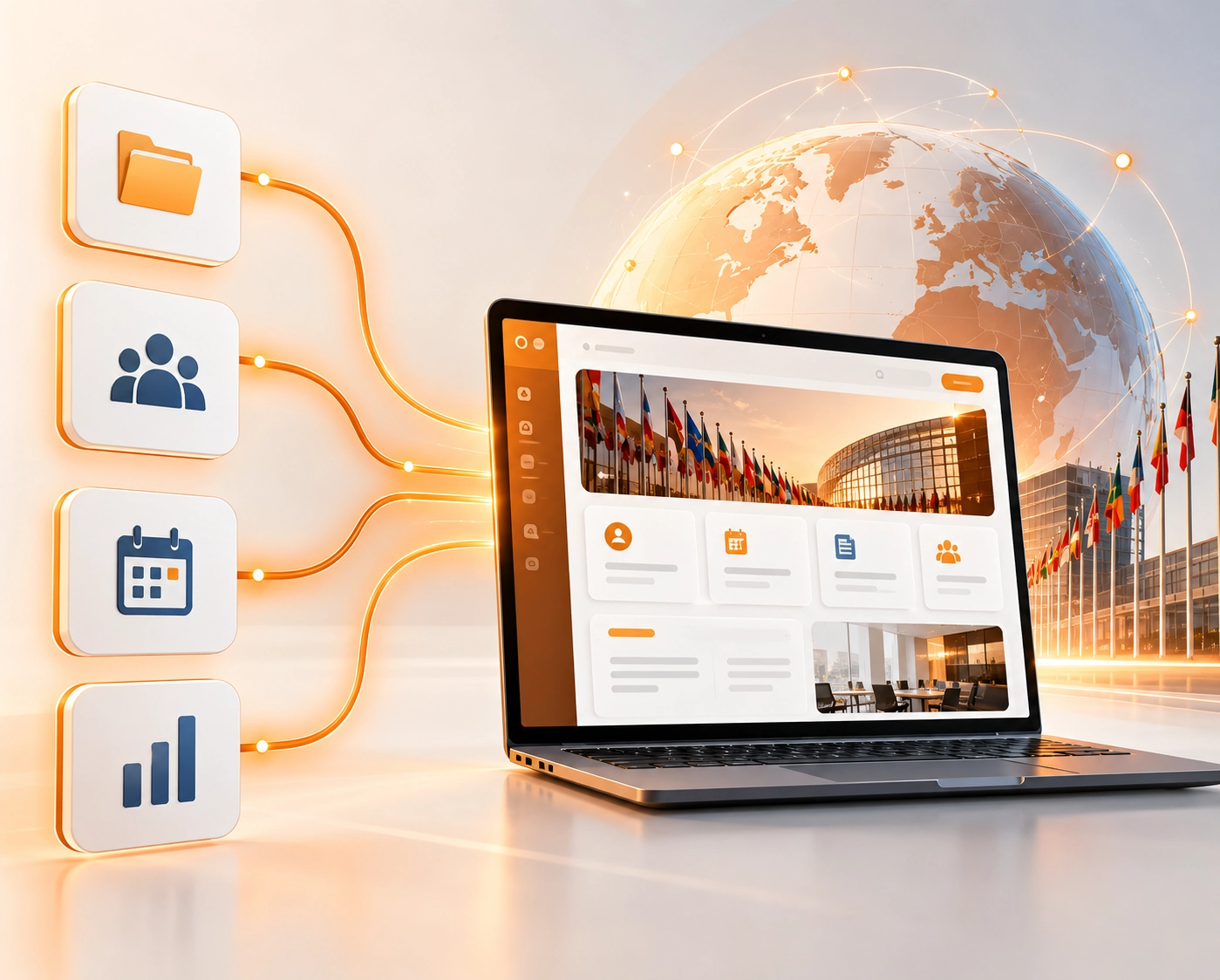
Staff policies in one place. HR requests somewhere else. IT support on a different platform. Expense claims on yet another. Every task required remembering which tool to open, which login to use, and who to ask when it did not work.
This is a use case about a global policy alliance, an international organisation coordinating central banks, financial regulators, and policymaking institutions across developing economies in Africa, Asia, Latin America, the Caribbean, the Pacific and Eastern Europe. Its purpose is serious: helping more people access safe, affordable financial services by giving policymakers a place to share what works. It influences financial policy across dozens of countries.
Behind that public-facing mission sits a relatively small permanent secretariat, a tight-knit team of policy specialists, programme managers, and HR and IT staff who coordinate an enormous volume of activity across many time zones. And despite this organisation's entire purpose being about sharing knowledge and connecting people, its own internal systems had quietly become a barrier to doing exactly that.
The Problem Nobody Talks About in International Organisations
No single thing was broken. Nothing was dramatically failing. The problem was quieter and more pervasive than that, the low-level daily tax of working across disconnected systems adds up when it is paid by every person on every working day.
Approvals travelled by email, which meant they were easy to miss and impossible to track reliably. New joiners took longer to find their feet because there was no single place to understand how things worked. Managers fielded the same questions repeatedly. And because a large portion of the team works from member institutions abroad or travels constantly between them, anything that only worked properly on an office desktop was a real limitation for a very mobile workforce.
There was also a governance dimension that mattered specifically to this organisation's context. Working alongside central banks means handling sensitive policy material. Managing who could see what, across several disconnected systems with permissions maintained in different places, was a manual job and a growing risk.
- 4 Separate internal systems brought into one portal, HR, IT helpdesk, expenses, and policy
- 6+ Bespoke web parts built to match departmental needs, each shaped to its own audience
- 100% Of the portal usable on desktop, tablet, and mobile, built for a workforce that never sits still
What Was Built, and the Thinking Behind It
The platform is built on SharePoint Online, extended with SharePoint Framework (SPFx) for custom components, integrated with external systems via SharePoint REST APIs, and tied to Azure Active Directory for authentication and access control. The technology is straightforward. The decisions that made it work were not primarily technical ones.
The project started with discovery workshops, sessions focused not on what the organisation's systems looked like on a diagram, but on how people actually moved through their day. What do staff need to find most often? Where do requests get stuck? What does a policy specialist need when they are reviewing a document between sessions at a conference in a different country? Those answers shaped the design more than the feature list did.
The Home Page as a Dashboard, Not a Lobby
The home page was designed to answer the questions staff ask most often rather than to present an organisational structure. A Quick Access area puts the most-used destinations one click away. A Latest Events panel surfaces upcoming meetings and programme dates across the secretariat's overlapping working groups and regional initiatives. An announcements area gives HR and communications teams a reliable, visible channel so important updates no longer disappear into inboxes competing with everything else.
This is a small design decision that has a large practical effect. A home page that shows you what has changed and what is coming up means people have a reason to open it regularly. A home page that just lists navigation links does not.
Bespoke Components for Different Departments
The alliance's departments do genuinely different things, and a single template would have suited none of them well. Using SharePoint Framework, the team built a set of bespoke web parts shaped around each department's actual workflow.
- HR got a dedicated portal with its own announcements, document areas, and request routes, a single front door for leave requests, policy queries, and HR communications that previously existed across email and a separate HR system
- Finance and operations got a policy dashboard that presents guidance by category rather than as an undifferentiated list of files, the difference between staff finding the policy that applies to them and staff giving up and asking a colleague
- IT got a clear, well-signposted route into the helpdesk, reducing the friction of raising a support request and improving the visibility of open tickets
Each component looks and behaves like part of the same product. But each is shaped around its audience, which is the part that determines whether people actually use it.
Connecting to What Already Worked
One of the more important decisions in the build was what not to replace. The HR portal, the IT helpdesk tool, and the expense management system all worked perfectly well in isolation. Replacing them would have meant retraining staff, migrating data, and introducing risk without a clear benefit.
Instead, the REST API integration brought those systems into the portal experience without replacing them. From the user's point of view, the distinction largely disappears. They click a link in one place and the right thing happens, whether that is the SharePoint portal, the HR system, or the helpdesk. The experience is unified even when the underlying systems are not.
Pulling the Public Voice Inside
The alliance publishes a considerable amount of material through its public-facing website, research, policy guidance, event coverage. Internal staff were often the last to know about it, which matters more than it sounds in an organisation that depends on staff feeling connected to its mission.
The portal integrates the public site's news feed directly through an API, so articles appear inside the intranet as soon as they are published externally. Staff see the organisation's external voice and their internal updates in the same place. The effect on how connected a distributed team feels is harder to quantify than approval processing times, but it was one of the outcomes the client mentioned specifically.
Replacing Email Approval Chains with Actual Workflows
Several routine processes, the kind where someone sends a request by email, the request sits in an inbox, and nobody knows whether it has been seen until they chase, were replaced with structured SharePoint workflows. A request now has a defined route, a visible status, and an automatic record of what was decided and when.
This removed a category of small daily frustrations. It also gave the organisation something it did not previously have: an audit trail for decisions. For a body working with central banks and handling sensitive policy material, that shift matters beyond the convenience of not having to chase approvals.
Before and After - The Same Working Day
Before
- Four separate systems, four logins, four places to look
- HR requests by email, status unknown until chased
- IT support through a separate tool most staff forgot existed
- Approvals in inboxes, easy to miss, impossible to track
- Policy documents in folders, find it if you know where to look
- External news: staff were often the last to know
- Mobile experience: usable only in a technical sense
- Access control: maintained by hand across multiple systems
After
- One portal, one login, single sign-on with existing credentials
- HR requests through a structured route with visible status
- IT helpdesk integrated, one click from the home page
- Approvals through defined workflows, traceable, recorded
- Policies by category, find it by what it is, not where it was filed
- External news feeds directly into the portal on publication
- Fully usable on phone and tablet, same experience anywhere
- Access follows role via Azure AD, maintains itself as teams change
Security and Access, Managed by Rule, Not by Hand
Role-based access control was implemented throughout, tied to Azure Active Directory. Permissions follow a person's actual role in the organisation rather than being maintained manually in several disconnected places. When someone changes role, their access changes with them automatically, no manual audit required, no permissions that have drifted out of sync.
Single sign-on means staff authenticate once with their existing credentials. No separate logins for the portal, no password management across systems. For staff working from member institutions or travelling between regions, this removes a practical barrier that was disproportionately frustrating for a small but real cost.
What Actually Changed
The clearest result is also the most unglamorous one: people stopped looking for things. Information that used to be spread across four systems has one front door, and the small daily tax of remembering which tool held which piece of information has largely gone. For a team coordinating across time zones and juggling overlapping programmes, that recovered attention is genuinely useful.
The mobile experience changed working patterns more than expected. A portal that works properly on a phone means a policy specialist travelling between member institutions can review a document, approve a request, or check an announcement without waiting to get back to a laptop. Given how much of this organisation's work happens away from a desk, at member institutions, at conferences, in transit between them, this has been one of the most appreciated outcomes.
Internal communication improved in a way that is harder to measure but easy to feel. Announcements now reach people through a channel they actually visit. Published news appears inside the portal on the day it goes out, so staff are no longer the last to hear about their own organisation's output. For a distributed team running overlapping programmes across dozens of countries, the sense of being connected to a shared mission is not a soft benefit, it is part of what makes the work function.
The Outcome the Client Now Owns
Perhaps the most useful long-term result is one the client now controls themselves. Because the portal is built from configurable components on a platform their team understands, they can add pages, change quick links, and update content without raising a development request. When a new working group starts, a new regional initiative launches, or the secretariat expands into a new programme area, the platform absorbs it.
The organisation's remit keeps expanding. A digital foundation that can keep up with it, and that the team can extend themselves, was always the point of the project. That is what they have.
Conclusion
The work described here did not ship a new product or open a new market. What it did was take a team spending part of every day navigating internal friction and give them one place that works, reliably, on any device, from anywhere in the world. For a global organisation whose effectiveness depends on coordination across time zones, that is a meaningful change to how the working day actually feels.
Running a Distributed Team Across Multiple Internal Systems?
Whether it is a staff portal, an integrated intranet, or a SharePoint platform built around how people actually work, Dotsquares has delivered this kind of project for non-profits, international organisations, and mission-driven teams operating across multiple locations. Talk to us about what you are trying to solve.


Related Post

 November 04, 2026
Smart Contract Automation for Businesses: Use Cases and Benefits
Explore smart contract automation for businesses, including its key use cases, benefits, cost savings, security advantages and challenges across different industries.
Keep Reading November 04, 2026
ERP Implementation Cost in 2026: A Complete Business Guide
How much does ERP cost in 2026? Get a clear breakdown of ERP implementation cost, ERP development cost, hidden fees & budgeting tips. Read now.
Keep Reading November 03, 2026
Salesforce Apex Triggers vs Flows: Which Should You Use?
Compare Apex Triggers vs Salesforce Flow to understand their differences, types, use cases, performance and maintenance, and choose the right automation approach for your business.
Keep Reading