Make Your LMS Work Smarter with SharePoint Integration
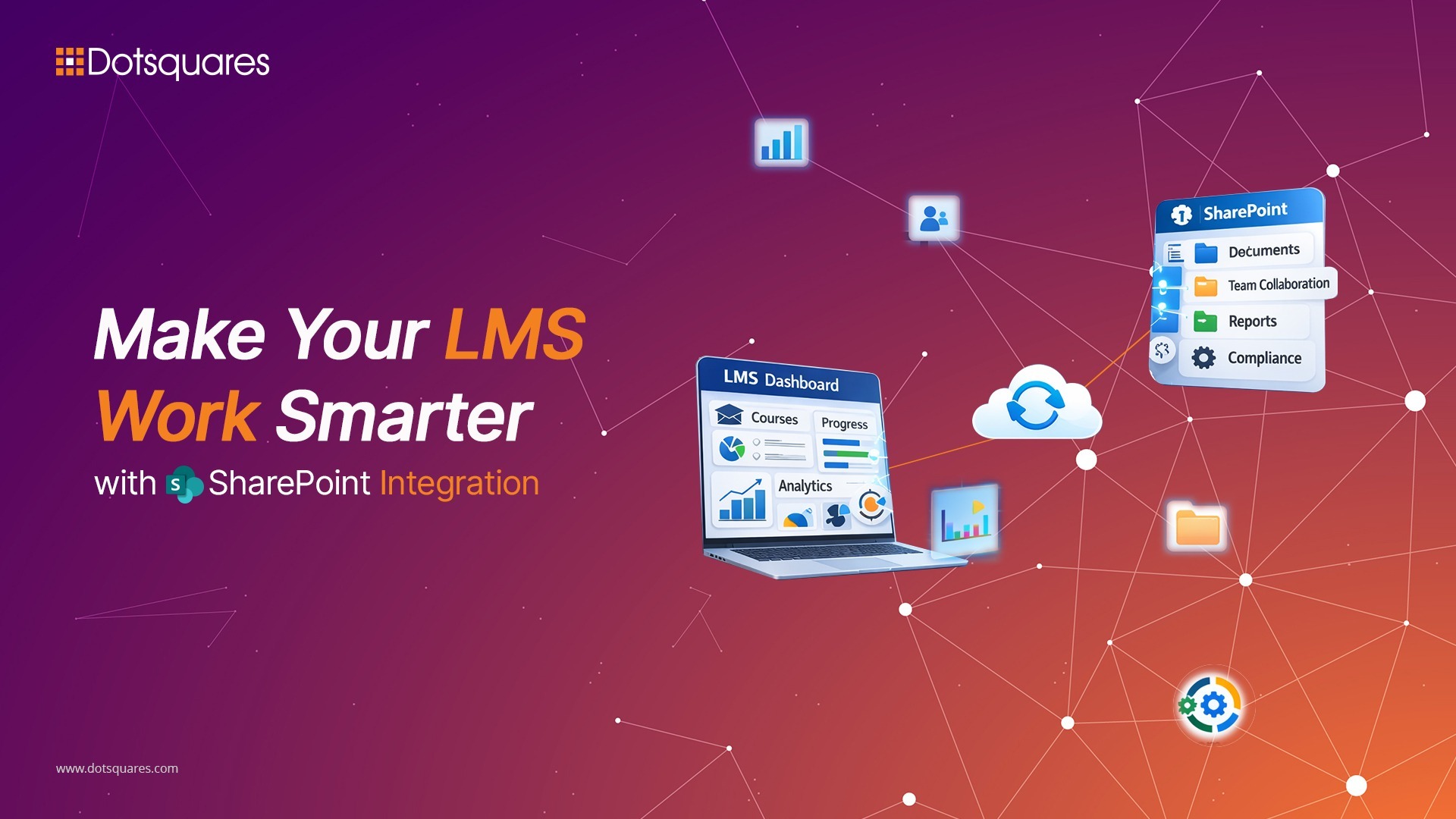
Most corporate learning management systems create headaches instead of solving them. Employees log into separate platforms, training records sit disconnected from other business systems, and managers can’t see whether their training budget actually improves team performance.
SharePoint Framework offers a different approach. It brings learning tools into the Microsoft 365 environment where work already happens. Add Power BI to the mix, and you get both smooth training delivery and clear metrics on what’s working.
The Problem with Standalone LMS Platforms
Traditional learning platforms pull employees away from their daily tools. They open a different website, type another password to access it, then try to figure out the unfamiliar interface. By the time they reach the actual training content, they have already lost momentum.
This creates predictable problems: courses go unfinished, compliance deadlines get missed and training budgets grow without clear proof they are helping. Employees start seeing required courses as obstacles in their day rather than as chances to improve.
SharePoint Framework (SPFx) removes these barriers. Training materials sit next to project files. Team conversations about courses happen in the same space as work discussions. Required certifications move through the same approval steps teams already use.
Building Learning Tools That Fit Your Business
Off-the-shelf LMS platforms make you work their way. SPFx lets your development team build tools that match how your organisation actually operates.
Consider a few examples: Financial firms need training that updates automatically when regulations change. Retail companies need on boarding systems that handle seasonal hiring surges. Healthcare organisations need certification tracking tied to professional license dates.
Custom web parts show each employee training that matters for their role and career path. They connect to your existing training databases while looking like part of your company’s digital workspace. Without rebuilding everything, you can quickly update your course lists or change how enrolment works whenever required.
This matters more as your training needs change over time. You can adjust your programs right away instead of waiting for a software vendor to add features you need.
Getting Useful Insights from Training Data
Knowing how many people finished a course only tells part of the story. Power BI integration shows what the training is actually achieving.
Department heads can spot skill shortages before projects suffer. HR can monitor compliance across the whole company with automatic reminders before deadlines hit. Training managers can figure out which courses actually help people do their jobs better.
Live dashboards replace month-old reports that arrive too late to fix problems. Predictive tools can flag which employees would benefit from specific training based on their career direction and performance patterns. This changes training from checkbox compliance to strategic skill building.
The data also shows where your current programs fall short. When employees repeatedly struggle with certain modules, you know the content needs work. When specific teams have low completion rates, something’s blocking their access or the training doesn’t feel relevant. These insights let you fix underlying issues in your training.
Technical Details That Determine Success
The behind-the-scenes technical work makes or breaks these projects, even though users never see it.
Single sign-on between SharePoint and your LMS backend matters. People won’t use systems that make them log in separately. Good API connections keep training data in sync automatically, so nothing falls out of date.
Speed affects whether people actually use the system. Smart loading techniques keep training pages fast. Caching decisions balance having current information against quick response times. These choices decide if your new features feel helpful or annoying.
Security needs to meet both data protection standards and regulatory requirements. Access controls determine who sees which training materials. Audit logs track training access for compliance purposes. Encryption protects sensitive data like test scores.
Updating Old Systems without Breaking Things
Companies with existing training systems face a tough choice: keep struggling with outdated platforms or risk major disruption by replacing everything at once. SPFx (SharePoint Framework) experts provide a middle path that keeps what’s working while gradually adding new capabilities.
Early steps often focus on creating a single place to access everything. A custom SPFx page can pull together training resources from different systems into one view. This helps users right away without requiring you to migrate databases.
Later stages might shift specific features to modern tools while keeping connections to your main LMS. You could move quizzes to Power Apps, but leave course videos where they are. This reduces risk and lets you confirm each piece works before moving to the next.
People adjust to interface improvements without sudden changes that mess up training schedules. Your technical team gains experience with each step before handling more complex work.
Tracking Results That Matter for Business
Standard LMS reports focus on course completion. Connecting to business intelligence tools lets you measure outcomes that affect your organisation’s performance.
Power Apps development services can track how people apply what they learned. Managers note when team members successfully use new skills on actual projects. Sales directors check if communication training relates to closing deals. Safety teams measure whether training courses reduce workplace incidents.
Linking learning activities to business results gives you concrete ROI numbers instead of vague completion percentages. You can adjust your training catalogue based on proof of what builds skills versus what just uses time.
Pattern analysis guides future spending. If certain training paths regularly come before promotions, you can expand those programs. If expensive certifications don't connect to better performance, you can redirect that budget to higher-impact options.
Build Training Systems That Work for Your Organisation
SharePoint Framework combined with Power BI creates a learning management system that fits modern business operations. Training becomes part of regular work instead of being separate from it. You measure actual impact instead of making assumptions. Everything aligns with business goals instead of software vendor limitations.
Ready to fix your learning management challenges?
Dotsquares creates custom SharePoint solutions for organisations that struggle with disconnected systems or lack clear visibility into training effectiveness. If you are tired of demos that don’t translate to results, let’s talk about your specific problems.
Talk to our SharePoint development team about building practical solutions that address your operational challenges and resolve legacy system issues.


Related Post
 May 19, 2026
Four Consecutive Years as a Salesforce Summit Partner, What That Actually Means
Dotsquares has maintained Salesforce Summit Partner status for four years, reflecting strong delivery, certified expertise, and consistent customer success.
Keep Reading May 19, 2026
How Dotsquares Cut Payment Processing Time by 70% for a Fast-Scaling Kitchen Rental Business
Dotsquares used Zoho catalyst to automate tenant onboarding, payment tracking, and reconciliation for kitchen rental business & enhance payment processing.
Keep Reading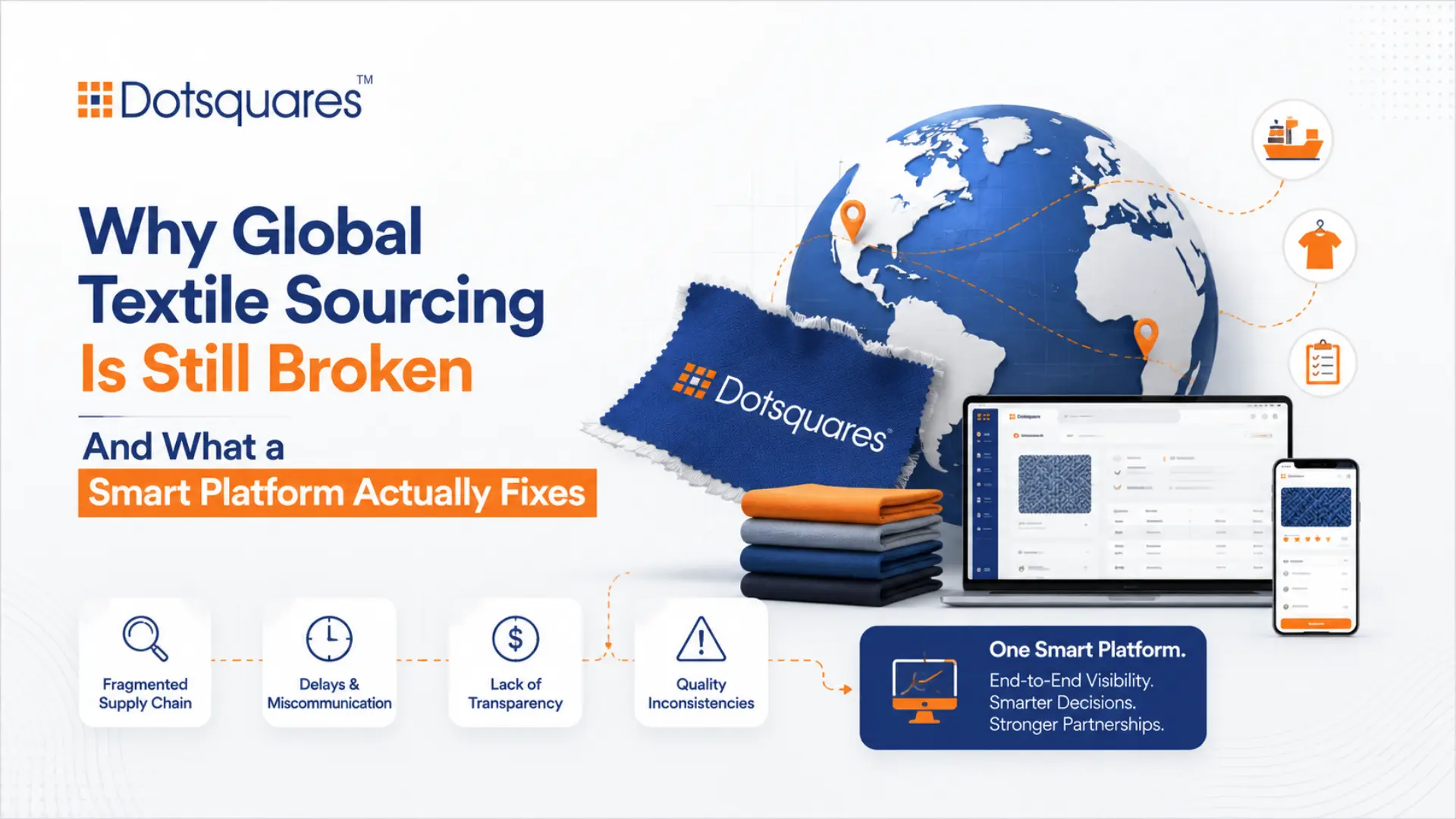 May 18, 2026
Why Global Textile Sourcing Is Still Broken And What a Smart Platform Actually Fixes
A unified digital textile sourcing platform helps buyers and suppliers manage sourcing, inventory, orders, payments, & ESG reporting in one connected system.
Keep Reading