
Is Your Business AI-Ready?

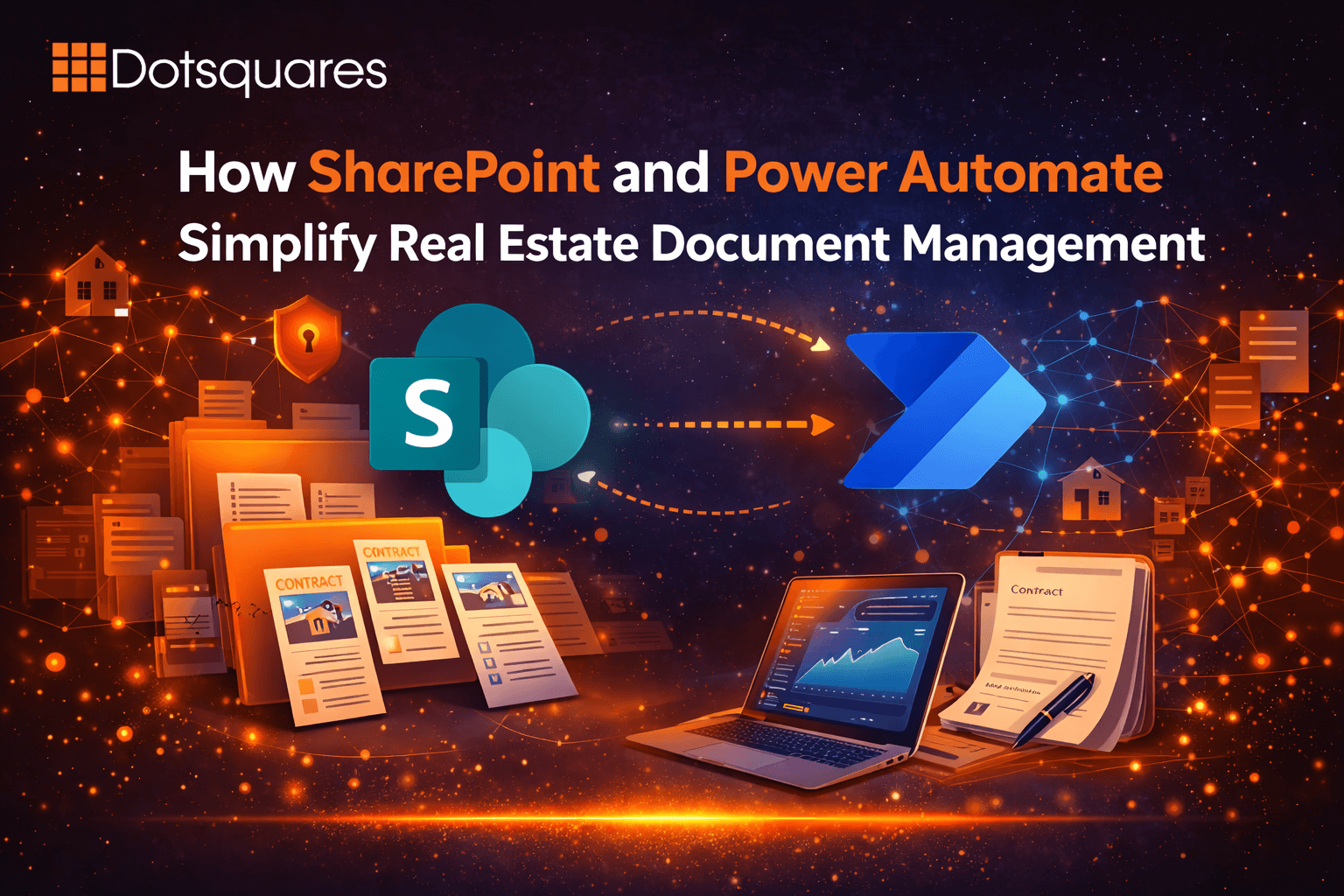
Talk to anyone running a real estate firm, and they will tell you the same thing, ‘The paperwork never stops’. Title documents, lease agreements, compliance filings, inspection sign-offs, each transaction pulls in a dozen different files, and each file touches a dozen different people. At some point, the shared drive and the group email thread just stop being enough.
The bigger issue is that document chaos in real estate is not just an inconvenience. A missed approval, a misplaced contract version, a compliance certificate that expired six weeks ago and nobody caught it, these things have real consequences like lost deals, legal exposure, regulatory fines, etc., etc. The stakes are high enough that ‘we will sort it manually’ becomes a genuine risk.
Here’s what the manual process typically looks like. An agent uploads a file somewhere, then emails someone to let them know it is there. That person reviews it, maybe sends feedback over a different thread and eventually someone else chases for a final sign-off. By the time a transaction closes, you have got document versions scattered across inboxes and no clear record of who approved what and when.
Multiply that by 50 or 80 active deals a month and the compliance team is essentially spending half their time just tracking down paperwork status. That is the time that could go toward actual due diligence.
SharePoint Online brings all of this into one place. Property files sit in structured libraries with proper permissions, so the right people access what they need and nothing else. Metadata handles the organisation, meaning you can find a specific document by property, deal stage or document type in seconds rather than clicking through nested folders.
The version control piece is underrated. Every edit is logged with a timestamp and the name of the person who made it. If a contract gets amended and you need to know what changed between version 3 and version 7, it is right there. No emails asking “which is the latest one?”
Good SharePoint document management services design these libraries around how your team actually works, not around a generic template someone configured in a day.
Storage and organisation solve just a part of the problem. The other part is the human-in-the-loop bottleneck, the person who needs to remember to forward something or chase someone or update a tracker.
Power Automate removes that dependency. Once a document lands in the right SharePoint library, a flow kicks off automatically. The approval request goes to legal, then escalates to senior review if there’s no response within 48 hours, and the status field updates the moment it is signed off. The agent who uploaded it gets a notification and that way nobody has to chase anyone.
On the compliance side, automated alerts go out well before a document’s expiry date. Certificates, insurance documents, regulatory filings, the system watches the dates and flags them proactively, before they become a problem.
For client-facing workflows, Power Apps development services can sit on top of SharePoint to give buyers or tenants their own upload portal. Documents come in through the portal and flow directly into the internal approval process.
Power Automate connects SharePoint with the tools your team already uses: Outlook, Teams, Dynamics 365 and more. When a deal progresses in your CRM, the corresponding SharePoint folder structure updates to reflect it.
A lot of real estate firms have years of historical files sitting in old on-premises systems or early SharePoint versions that were never properly set up. The instinct is often to leave those alone and just start fresh, but that creates two systems to manage.
SharePoint Modernisation Experts handle the migration properly, historical files, folder structures, access permissions all carry over cleanly. After that, SharePoint SPFx Developer work can add custom components like deal dashboards, document status views or direct integrations with property management software.
Building a solid Power Automate and SharePoint system for a real estate firm is not a weekend project. The workflow logic, permission architecture, and metadata taxonomy must reflect real transaction processes. Expert SharePoint developers who have worked with property firms understand these nuances. SharePoint Online developer services that lack this experience may build something technically functional, but your team is likely to stop using it quietly within a few months.
Most SharePoint vendors will show you a polished demo. Dotsquares focuses on what actually fits your real estate operation, whether that’s a chaotic approval process, a compliance gap that keeps surfacing or a system your team has been working around for years.
If you are done with solutions that look good in a walkthrough and fall short when a deal is closing, let’s have a real conversation about what your workflows actually need.
Let’s build a document management system designed around how your team actually works.



 April 03, 2026
Create a scalable LMS using SharePoint Online, Power Apps, and Power Automate. Manage training, automate workflows, and keep data secure within Microsoft 365.
Keep Reading March 31, 2026
Compare Power BI and Tableau on cost, features, ease of use, and performance. Find the right BI tool for your business data and decision-making needs.
Keep Reading March 31, 2026
Discover 7 key benefits of Sitefinity CMS, including flexibility, integrations, security, and personalization to drive real business growth and digital success.
Keep Reading