
Is Your Business AI-Ready?

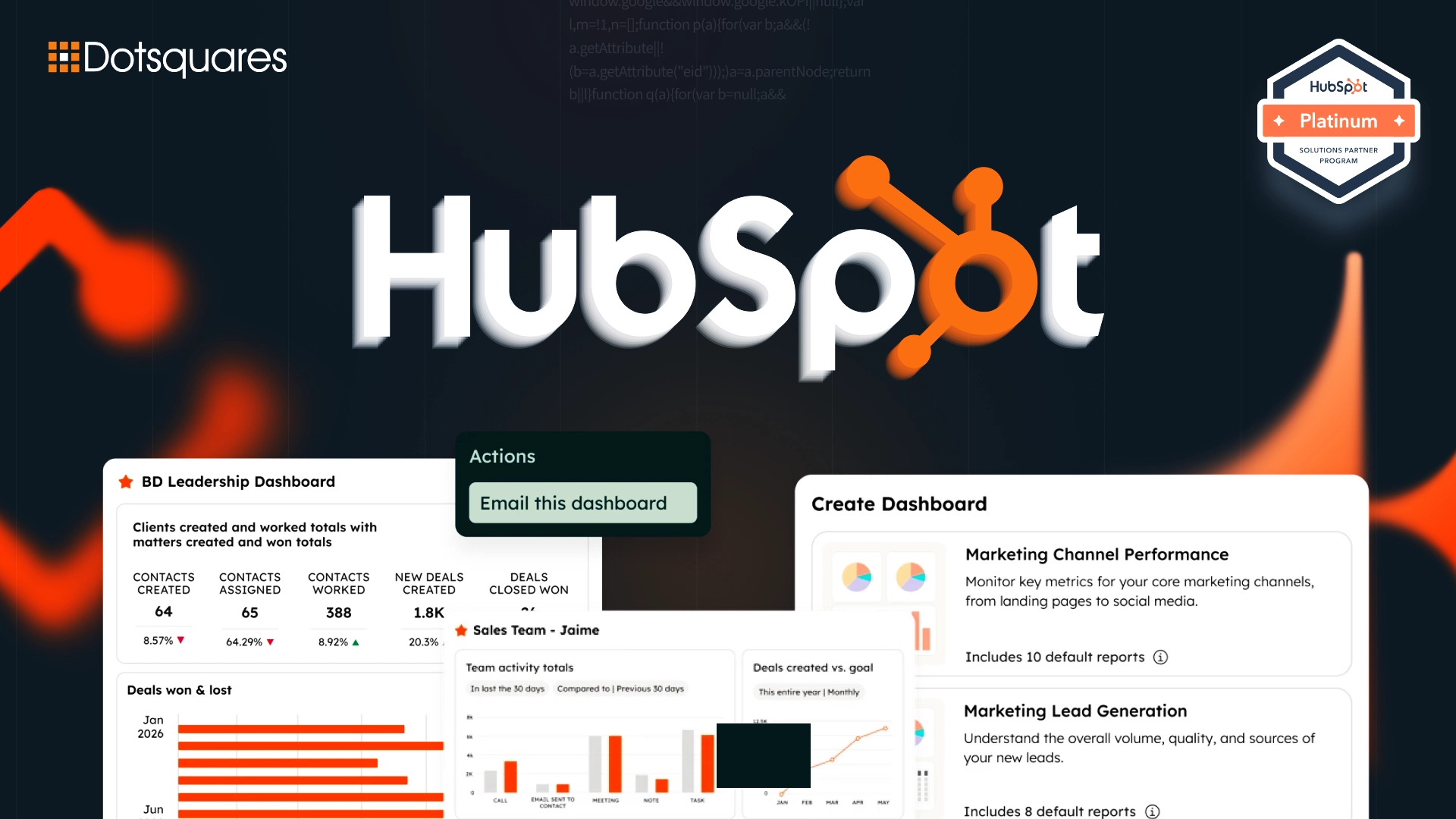
Signing up for HubSpot takes about five minutes. Getting it to actually run your sales, marketing, and service operations the way your business needs it to, that's a completely different project, and it's where a lot of teams end up with an expensive tool half their staff quietly ignores. A proper HubSpot CRM implementation is the difference between "we technically have HubSpot" and "HubSpot is genuinely how we run the business."
This guide walks through what that implementation actually involves, from planning through go-live, plus how HubSpot's AI layer fits into a modern setup in 2026.
Setting up a HubSpot account and importing a contact lists in spreadsheet format is not implementation. The latter is the first one of ten work that you need to do. Proper implementation will involve mapping your actual sales and service processes in a platform, making plans about how the teams can share data, and setting up workflows that truly save time or at least stop generating extra clicks but not adding more. Most importantly, it means building a system that is an accurate reflection of how your business operates.
If you don't do this work then all that you will end up with a CRM which in fact exists but is completely ignored by your sales reps who secretly work around it by keeping their actual pipeline in a personal spreadsheet because your company never even thought about matching the sales reps sales processes to HubSpot!
A few things need to be settled before you touch a single HubSpot setting:
HubSpot is genuinely modular, and picking the right combination of Hubs matters as much as picking the right plan tier.
Individual Hub pricing in 2026 starts around $9 per seat per month at the Starter tier, climbing to roughly $150 per seat per month at Enterprise, and the jump from Starter to Professional tends to be where budgets get stretched the most, so it's worth mapping your actual feature needs against each tier rather than defaulting to the middle option.
Set up user roles and permission levels before any real data enters the system. Build your deal and ticket pipelines to reflect your actual sales and service stages, not HubSpot's out-of-the-box defaults. Getting this right early avoids the messy, retroactive cleanup that happens once a business realizes reps can see deals they shouldn't, or pipeline stages don't match how the team actually talks about a deal's progress.
Integrate HubSpot with the tools your team already relies on, email and calendar, accounting or billing software, and any support or ticketing systems that need to sync with customer records. A CRM that doesn't talk to the rest of your stack just becomes one more disconnected system your team has to update manually.
For more complex automation requirements, custom CRM Software Development can build custom workflows and functionality that go beyond HubSpot's standard automation options.
Rather than trying to configure everything at once, a handful of features deliver value quickly and deserve priority at launch:
This is how a 2026 HubSpot implementation is A lot different from even one made two years back. The AI layer of HubSpot has been branded as Breeze and now it is the main part of the platform rather than just one extra feature, so you should better implement it and HubSpot from the beginning than just retrofitting later.
Worth knowing before budgeting: HubSpot shifted its Customer and Prospecting Agents to outcome-based pricing in April 2026, now $0.50 per resolved conversation and $1 per qualified lead recommended, rather than flat usage fees, a genuinely buyer-friendly change, but one that still requires a Professional or Enterprise Hub subscription to access. It's also worth knowing that Breeze performs best when HubSpot is your primary system of record, if your data is scattered across several disconnected platforms, AI accuracy suffers regardless of how well configured your workflows are. For a deeper look at what's actually available in HubSpot's AI toolkit, our breakdown of AI-powered CRM capabilities and our dedicated guide to HubSpot Breeze cover this in more depth.
Once your CRM foundation is solid, marketing can actually start using it properly, lead capture forms that feed directly into lifecycle stages, landing pages built to convert rather than just inform, and email campaigns segmented off real CRM data instead of static lists. This is also the point where it's worth reviewing your website's actual conversion infrastructure, since a well-implemented CRM feeding into weak landing pages still leaves real revenue on the table. Our guide on building high-converting HubSpot landing pages is worth reading at this stage specifically.
DIY implementation can work for small teams with a genuinely simple sales process and someone internally willing to learn the platform properly. It's cheaper upfront and faster to get something live, but it tends to result in a fairly basic setup, limited automation, and a system that needs significant rework once the business scales past its initial simplicity.
Working with a HubSpot implementation partner makes more sense once your process has real complexity, multiple teams, layered approval flows, integrations across several other systems, or specific AI and automation goals from day one. Professional implementation typically means business-specific configuration built around exactly how you sell, properly tested automation and integrations, and ongoing expert support rather than troubleshooting alone as issues surface. Given how much of the real value in a modern HubSpot setup now depends on AI features working correctly, and those features being highly sensitive to data quality, getting the underlying implementation right the first time matters more in 2026 than it did even a couple of years ago.
A straightforward setup for a small team can take a few weeks. A more complex implementation involving multiple Hubs, custom integrations, and significant data migration typically takes two to four months.
Licensing alone runs from around $9 to $150 per seat per month depending on Hub and tier. One-time implementation and onboarding costs, separate from licensing, typically range from $1,500 to $7,000, with more complex, multi-Hub rollouts running higher.
Yes. HubSpot CRM migration from most major platforms is well-supported, though the ease of migration depends heavily on how clean and well-structured your existing data is before the move.
Most growing businesses start with Sales Hub for pipeline management, adding Marketing Hub if lead generation and campaign tracking are priorities, or Service Hub if customer support volume justifies dedicated ticketing tools.
Start with lead routing and follow-up email sequences, the two areas that typically eat the most manual rep time day to day, before moving on to more advanced deal and task automation.
A properly implemented HubSpot CRM pays for itself in the time your team stops wasting on manual admin and the leads that stop slipping through the cracks. If you're planning a setup, a migration, or want to build AI into your CRM from the start, get in touch with Dotsquares. As an experienced HubSpot implementation partner, we've helped businesses move from scattered spreadsheets to a CRM that genuinely runs their revenue operations.



 October 20, 2026
Planning Zoho CRM implementation in Melbourne? See costs, features, benefits and how to pick the right Zoho partner.
Keep Reading October 20, 2026
Explore CRM migration to the cloud, including key strategies, costs, potential risks, and best practices for a smooth and secure transition.
Keep Reading October 20, 2026
Discover how AI-powered data quality automation helps identify errors, remove duplicates, improve data accuracy, and maintain reliable business data.
Keep Reading 10 min read