Tech
Salesforce for Financial Services: Complete Guide to Financial Services Cloud, Features & Benefits
 6 min read
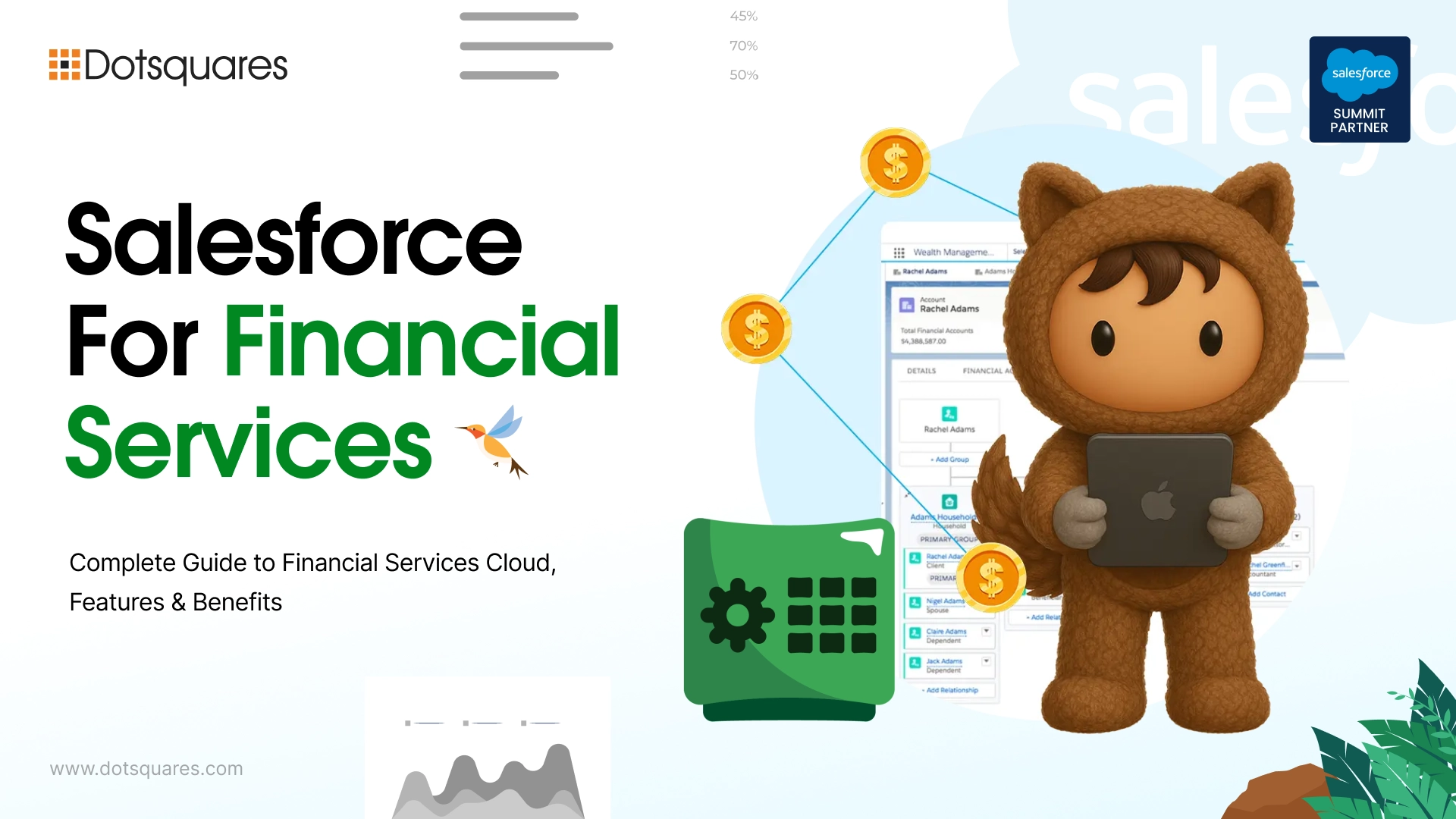
Ever tried managing a wealth management client's household accounts, insurance policies, and investment goals across three different systems that don't talk to each other? That's the exact problem Salesforce Financial Services Cloud was built to solve. If you're researching Salesforce financial services cloud pricing, weighing up Salesforce financial services cloud features against a generic CRM, or trying to work out Financial Services Cloud implementation cost before committing budget, this guide breaks down what the platform actually does, and what a proper Salesforce for financial services implementation looks like in practice.
What Is Salesforce Financial Services Cloud?
The Salesforce Financial Services Cloud, which is increasingly being marketed as part of Agentforce for financial services, is an industry-targeted CRM system created on top of Sales Cloud and Service Cloud. Rather than compelling banks, wealth managers, and insurers to rework a generic sales pipeline into something that looks like managing a client, it comes packaged with a data model that is a representation of the operations of financial services through household hierarchies, financial goals, policies, and relationship structures built in from day one.
In plain terms, a Salesforce Financial Services CRM understands that a client isn't just a contact record, they're part of a household, they hold multiple accounts, they have financial goals attached to a timeline, and their advisor needs all of that visible in one screen rather than five tabs.
Salesforce Financial Services Cloud Pricing
Cost is usually the first real question once a firm moves past the demo stage. As of 2026, Financial Services Cloud editions generally start around $325 per user per month for the Sales or Service edition, with the combined Sales and Service bundle sitting closer to $350 per user per month. The newer Agentforce-enabled tiers, which add deeper AI and automation capabilities, run considerably higher, often in the $750 per user per month range for firms that want the full agentic feature set.
That said, license cost is only part of the actual Financial Services Cloud implementation cost. Data migration from legacy systems, custom object configuration, integration with core banking or policy administration platforms, and advisor training and the cost of a Salesforce consultant all contribute to the overall budget. These costs vary depending on how much customisation a firm actually needs versus how much comes usable straight out of the box.
Standard CRM vs Financial CRM: What's Actually Different?
A standard CRM tracks leads, deals, and support tickets, useful, but generic. A financial CRM has to handle things a sales pipeline was never designed for:
- Household and family relationship mapping, not just individual contacts
- Compliance and audit trail requirements specific to banking and insurance regulation
- Financial goals and plans tied directly to client records, not bolted on afterward
- Policy, account, and product data structured the way financial institutions actually organize it
Trying to force this onto a standard Sales Cloud setup usually means months of custom object building to create a custom CRM solution, just to reach a starting point that Financial Services Cloud already provides out of the box. That gap is exactly why Salesforce CRM customization for financial services firms tends to focus on refining workflows rather than building the entire data model from scratch.
Features of Salesforce Financial Services Cloud
A few features consistently stand out once firms actually start using it:
Household and Relationship Management: See every account, policy, and interaction linked to a client's entire household as a single screen instead of finding every element through multiple screens.
Financial Goals and Plans: Clients goals retirement education funding, major purchases, etc. can be tracked with direct reference to a real account data set, which enables advisors to demonstrate real progress beyond a rough estimate.
Built-In AI and Next-Best-Action: Agentforce-based insights detect and expose hidden risks, opportunities, and next steps tailored precisely for a client and completely based on facts, which is a world away from a generic sales script.
Compliance and Audit Tools: The advisor's control, audit trails, and the maintenance of the required regulator records are included as a base feature, and they are much more of a priority in banks and insurance companies than in many other sectors.
Lead, Referral, and Case Management: The usual CRM features are present, only they are designed around the actual workflows of the financial services organization for handling referrals and service cases.
API and Third-Party Integration: Connects with core banking systems, custodians, and external data sources, either natively or through MuleSoft and integration partners where a direct connector doesn't already exist.
Financial Services Cloud was rated the number one financial services product on G2 for 2026, with leader recognition across usability, results, and customer relationships, a fairly strong signal that the platform is holding up under real-world use, not just marketing claims.
Benefits
Beyond the feature list, a few genuine business benefits show up once implementation is done properly:
- Advisors spend less time hunting across systems and more time actually advising
- Compliance teams get audit-ready recordkeeping without building it manually
- Client retention improves when service feels proactive rather than reactive
- Onboarding new advisors gets faster since the data model is already standardized
- Firms scale operations without a parallel scaling of manual admin work
Unfortunately, these benefits do not just happen due to the platform alone. A lot depends on how the platform is set up to be in sync with a firm's actual workflows. Working with an experienced Salesforce Consulting Partner helps ensure the implementation is aligned with business goals, reducing project risks and maximising long-term value.
Use Cases
Wealth Management Firms: Advisors get a full household view, linking investment accounts, financial goals, and past interactions, so every conversation starts with context instead of a blank slate.
Retail and Commercial Banking: Unified customer profiles across deposits, loans, and service history mean fewer handoffs between departments and faster resolution on customer requests.
Insurance Brokerages: Policy management, claims tracking, and renewal workflows live on one platform instead of scattered across policy administration systems and spreadsheets.
Financial Advisory Practices: Smaller advisory teams use the platform's scheduling, action plans, and milestone tracking to manage client relationships without needing a large back-office team.
Frequently Asked Questions
Do you provide custom Salesforce Financial Services Cloud implementation services? Yes. Implementation typically covers data model configuration, migration from legacy systems, and workflow setup tailored to how your firm actually operates day to day.
Can you customize Salesforce CRM for financial services businesses? Yes. Custom Salesforce development can extend the standard Financial Services Cloud data model with firm-specific objects, automation, and integrations that out-of-the-box configuration doesn't cover.
Why choose a professional Salesforce Financial Services Cloud implementation partner? Financial Services Cloud's data model is powerful but genuinely complex. Salesforce development consultants who've done this before can avoid the costly refactoring that comes from a rushed or poorly planned initial setup.
Can Salesforce CRM improve customer relationship management for financial advisors? Yes. Advisors get a single view of household relationships, financial goals, and past interactions, which consistently improves both service quality and retention over time.
Do you provide Salesforce CRM consulting and support services? Yes. Beyond initial implementation, ongoing consulting covers ongoing configuration changes, new feature rollouts, and ongoing platform support as a firm's needs evolve.
Conclusion
Salesforce Financial Services Cloud isn't just Sales Cloud with a new label, it's a genuinely different data model built around how banks, wealth managers, and insurers actually operate. Whether you're evaluating Salesforce Cloud services for the first time or looking to get more out of an existing rollout, the platform's real value shows up in implementation quality just as much as the feature list itself. Getting that part right is usually the difference between a CRM your advisors actually use and one that just sits there collecting license fees.


Related Post

 November 04, 2026
Smart Contract Automation for Businesses: Use Cases and Benefits
Explore smart contract automation for businesses, including its key use cases, benefits, cost savings, security advantages and challenges across different industries.
Keep Reading November 04, 2026
ERP Implementation Cost in 2026: A Complete Business Guide
How much does ERP cost in 2026? Get a clear breakdown of ERP implementation cost, ERP development cost, hidden fees & budgeting tips. Read now.
Keep Reading November 03, 2026
Salesforce Apex Triggers vs Flows: Which Should You Use?
Compare Apex Triggers vs Salesforce Flow to understand their differences, types, use cases, performance and maintenance, and choose the right automation approach for your business.
Keep Reading