
Is Your Business AI-Ready?

Tech
 9 min read
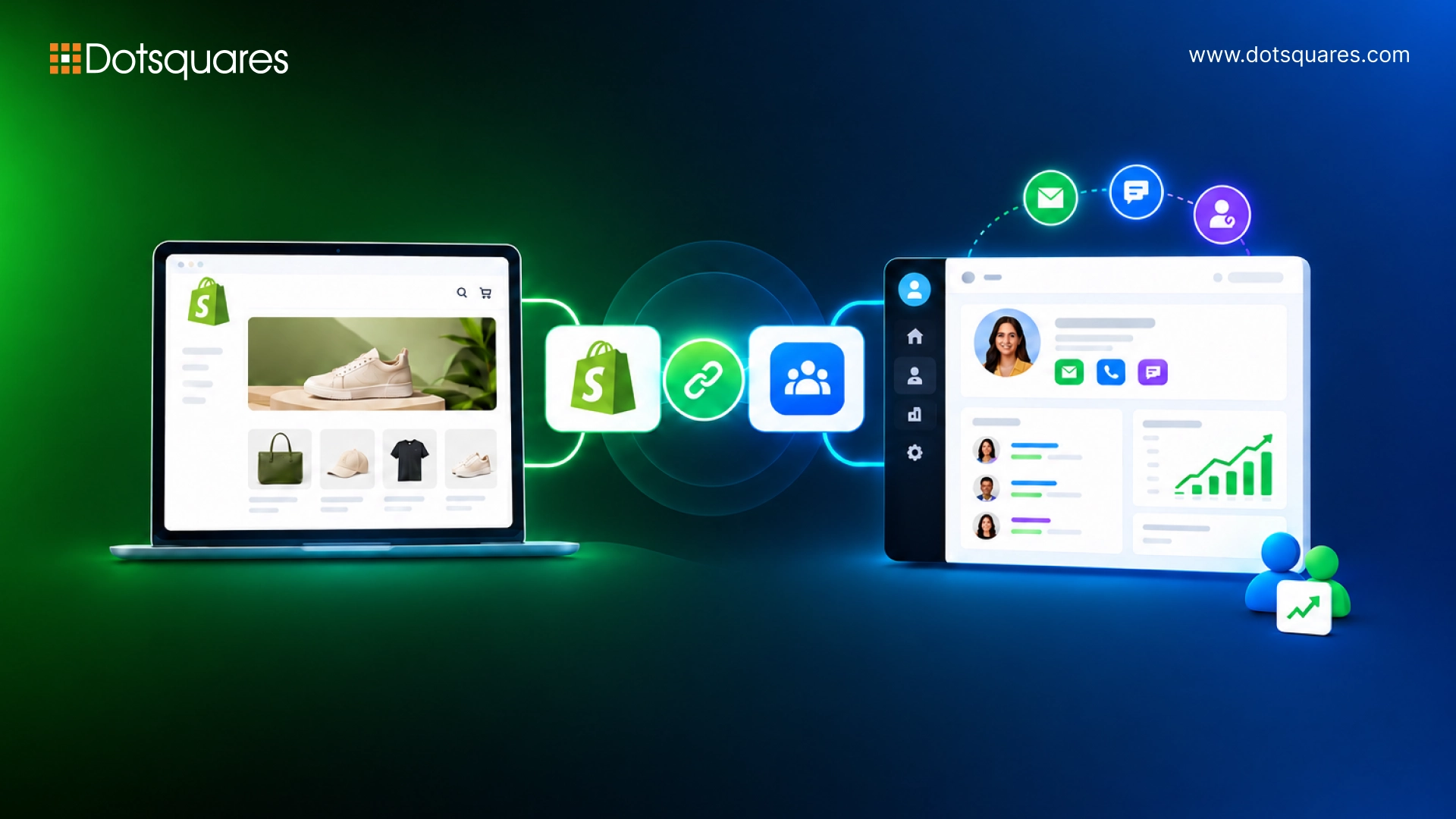
Shopify is very good at handling the core selling process. It tracks orders, helps managing inventory, handles checkout, the transactional side of ecommerce, it does well. What it does not do is remember who your customers actually are, or help you do anything useful with that information after the order ships.
That gap, between "we processed an order" and "we know this customer", is where a CRM comes in. According to Shopify's own 2025 commerce report, brands running a connected CRM alongside their Shopify store see 31% higher customer lifetime value than stores running Shopify alone. That is not a marginal improvement. For a store doing any meaningful volume, it is the difference between customers who buy once and customers who come back.
This guide covers why the integration matters, what it does in practice, which CRM options suit different Shopify setups, and when a standard integration is not enough.
Without a CRM, your Shopify data sits in Shopify. Orders are there. Customer emails are there. Purchase history is there. But none of it is connected to your marketing tools, your support team's history with that customer, or any intelligence about whether that customer is likely to buy again or about to churn.
The result is what most Shopify stores are actually doing: sending the same emails to everyone, having no idea who their most valuable customers are, and only discovering a customer’s complaint when it appears in a review instead of through a support ticket they could have resolved.
A Shopify CRM integration connects your store's transactional data, orders, products, abandoned carts, refunds, with the customer relationship data in your CRM: communication history, segment membership, lifecycle stage, support interactions. When the two systems talk to each other, you stop treating every customer the same way regardless of how much they spend or how long they have been buying from you.
The integration is only as useful as the data flowing through it. Here is what actually matters to sync, and what you can skip.
Worth syncing:
A well-planned Shopify development service will map which data fields need to flow in which direction, because bidirectional sync is not always what you want, and syncing everything indiscriminately creates data quality problems faster than it solves them.
This is where the integration pays for itself. Once Shopify and your CRM are connected, you can automate workflows that would otherwise require someone to manually monitor customer behaviour and send individual messages.
The more of these tasks that run automatically, the less time your team spends on work that a properly configured system should be handling.Custom CRM development becomes relevant when the automation you need goes beyond what native integrations offer, multi-condition workflows, cross-system triggers, or automation logic specific to your product or business model.
Shopify customer segmentation groups customers by behaviour, purchase frequency, average order value, product category preference, recency. When this data flows into your CRM, you can market to each segment differently rather than sending the same campaign to your entire list.
In practice, this means your highest-value customers get early access and personalised offers, your one-time buyers get targeted re-engagement rather than generic newsletters, and your at-risk customers (high previous spend, no recent purchase) get win-back sequences before they are completely gone.
The quality of your segmentation determines the quality of your campaigns. A flat email list where everyone gets the same message produces flat results. A CRM with Shopify purchase data feeding into dynamic segments produces campaigns that are relevant to the person receiving them, which is why the CLV uplift from a connected CRM is as large as it is. Working with CRM developers who understand both ecommerce data and CRM logic is what gets the segmentation right from the start rather than after months of wrong sends.
The honest answer is that it depends on what you need the CRM to do. There is no single best option, the right choice depends on your team size, budget, and how you are currently using the tools you have. Three CRMs come up consistently in 2026 as the most Shopify-compatible options with different use cases.
Best for growing stores that need sales, marketing, and support data under one roof. Free tier is genuinely functional. Two-way Shopify sync covers orders, abandoned carts, and customer properties. Strong at campaign automation across the customer lifecycle.
Best value option for budget-conscious or bootstrapped stores. Native Shopify extension available on the Zoho Marketplace syncs customers, orders, and product data. Zoho One includes CRM alongside analytics, email marketing, and customer service in one subscription.
Best for Shopify Plus merchants with complex enterprise requirements. Highly customisable, supports advanced reporting and multi-channel sales operations, but the implementation cost and complexity are significant. Suited to businesses with dedicated CRM resource.
For business professionals using Shopify version standard, HubSpot and Zoho CRM offer solutions that most of them use. If you have Shopify Plus and need more advanced features, consider Salesforce, however, it is essential to differentiate between Shopify versions while determining which CRM option to choose based on your requirements and the cost of its implementation.
Shopify for Zoho CRM integration can be performed via Shopify Extension on Zoho Marketplace. Once the connection is done, Shopify customers are implemented into Zoho CRM as contacts or leads with their purchase histories, emails, and tags.
From there, Zoho's workflow automation can trigger actions based on purchase behaviour, a follow-up task created when a high-value customer makes their third purchase, a segment update when someone hits a spend threshold, or an alert when a previously active customer goes quiet. The Zoho-Shopify connection covers most standard ecommerce CRM needs without custom development.
Standard integrations handle the common use cases well. When your requirements go beyond them, a custom build is the right answer, not a workaround built on top of a native integration that was not designed for what you are trying to do.
Custom Shopify CRM integration makes sense when:
A Shopify developer who also understands CRM data architecture is what these projects require, the integration needs to be designed from both ends, not bolted together from tools that were not built to work in that specific combination. Getting this right upfront matters because a badly integrated CRM eventually produces worse data than no CRM, which is the worst outcome available. Understanding how tomodernise Shopify apps using a DevOps approach is part of what makes these integrations maintainable over time rather than brittle.
A few things worth confirming before you start the integration, they will save you problems later.
The integration itself is rarely where things go wrong. Where things go wrong is in the planning, field mapping decided too quickly, historical data questions left unanswered, sync direction not properly defined. Spending an extra day on the spec before the build starts is almost always worth it.
A Shopify CRM integration connects your store's transactional data to the relationship layer that turns one-time buyers into repeat customers. Done properly, it is one of the higher-return investments a Shopify store can make, the 31% CLV uplift figure from Shopify's own data reflects real ecommerce outcomes, not theoretical projections. The question is not whether to connect Shopify to a CRM, but which one, configured how, and with what data flowing through it. Getting those decisions right upfront is what Dotsquares' Shopify and CRM teams do.



 October 20, 2026
Planning Zoho CRM implementation in Melbourne? See costs, features, benefits and how to pick the right Zoho partner.
Keep Reading October 20, 2026
Explore CRM migration to the cloud, including key strategies, costs, potential risks, and best practices for a smooth and secure transition.
Keep Reading October 20, 2026
Discover how AI-powered data quality automation helps identify errors, remove duplicates, improve data accuracy, and maintain reliable business data.
Keep Reading