
Is Your Business AI-Ready?

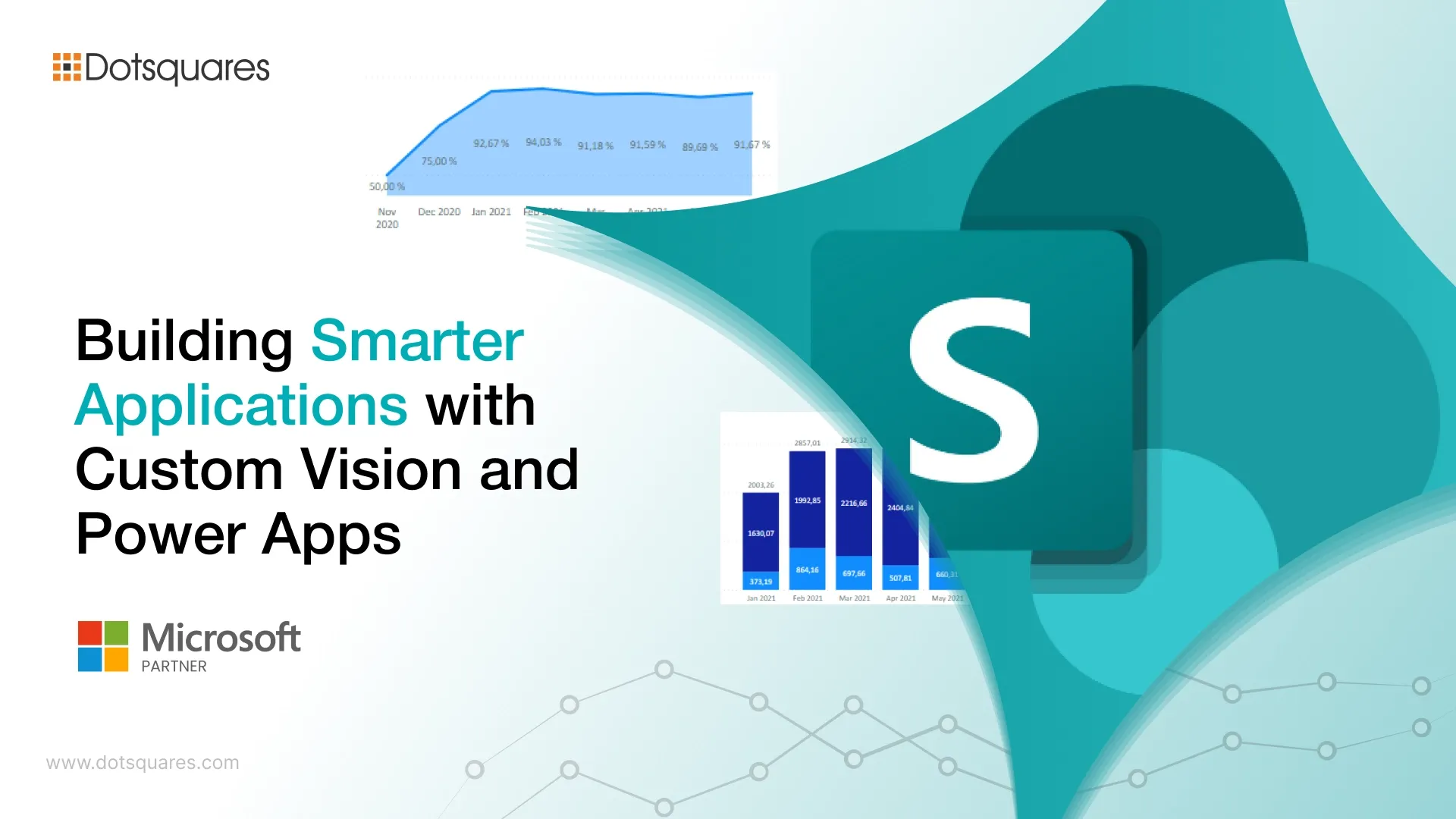
Most document workflows in healthcare and enterprise settings were never really designed, but just accumulated. Someone needed a workaround, the workaround became a habit, and now five people are involved in a process that two pieces of software could handle on their own.
That’s the problem this guide is about. Specifically, how Azure Custom Vision, Power Apps and SharePoint Online can replace those accumulated habits with something that actually runs without constant human intervention.
Custom Vision sits in an interesting spot in the Microsoft ecosystem. It learns to recognise and classify images based on the examples you train it on, i.e. your data, your categories, your output.
For healthcare and enterprise teams, that particularity is the point. A hospital intake process where scanned documents get categorised without anyone reviewing them manually. A maintenance team uploads equipment photos that get routed based on what the model detects. A compliance function where every uploaded form gets tagged before it enters a document library.
Generic AI tools make broad predictions. A model trained on your documents makes predictions about your documents, which is what makes the output trustworthy enough to build a workflow around.
Most organisations already use SharePoint Online as a central place to store and manage documents. Custom SharePoint solutions build on that foundation, structuring document libraries, automating metadata tagging, managing permissions and keeping records aligned with retention requirements.
When you connect AI to this environment, SharePoint stops functioning as a passive storage system. A document gets uploaded, a pipeline triggers, Custom Vision processes the image, returns a classification and Power Automate updates the metadata, all before anyone reviews it manually. The document lands in the correct library with the right tags already applied.
This is where SharePoint document management services matter most. In regulated industries, documentation requirements are strict, and the margin for human error is low. Removing manual steps from that process is not just a convenience. It directly reduces compliance risk.
Power Apps is where the user-facing experience lives. A canvas app gives staff a clear interface to upload images, view what the AI returned and confirm before anything gets committed to SharePoint.
The actual flow is more straightforward than it sounds:
Power Apps development services that handle this kind of integration go well past the visual builder. Keeping the HTTP connector stable under real conditions, writing error handling that does not confuse clinical staff, and building an interface that people will actually open without complaints, these things require familiarity with the platform and with the environment it is being deployed into.
Not every team wants to work out of a standalone app. SPFx web part development solves that by embedding Power Apps or custom AI interfaces directly into SharePoint pages. Same login, same environment, no switching between tools.
This matters more than it might seem. When staff are already working inside SharePoint, adding an extra app to the workflow creates friction. A SPFx web part removes that barrier by bringing the AI-powered interface into the space where work is already happening.
SPFx web parts can also surface Power BI dashboards alongside document libraries. A manager reviewing a library can see classification volumes and processing trends in the same view, without opening a separate reporting tool. Power BI consulting services help structure those dashboards around the questions that actually need answering, rather than just displaying raw data.
Once the integration is running, the data it generates deserves attention. Where are confidence scores consistently low? Which document types keep getting misclassified? Has accuracy shifted compared to three months ago?
These are not just operational questions; they tell you when the model needs retraining. Document types change, new form layouts get introduced and edge cases accumulate. A Power BI dashboard tracking classification accuracy over time makes that drift visible before it becomes a problem. That feedback loop is what keeps the system dependable as your organisation evolves.
Most ready-made tools offer broad functionality with limited fit. A Custom Vision model trained on your data, surfaced through a Power App designed for your team and backed by a SharePoint environment built around your compliance requirements that combination works because it was shaped around your actual situation, not a hypothetical average user.
The technology itself is not the hard part. Getting it to fit cleanly into how your team works, that is where most implementations either hold up or fall apart.
If your team is still routing documents by hand or waiting on reviews that a trained model could handle in seconds, the gap is not the technology, but configuration. Dotsquares builds practical AI and SharePoint integrations that fit the way your team actually works.


 April 03, 2026
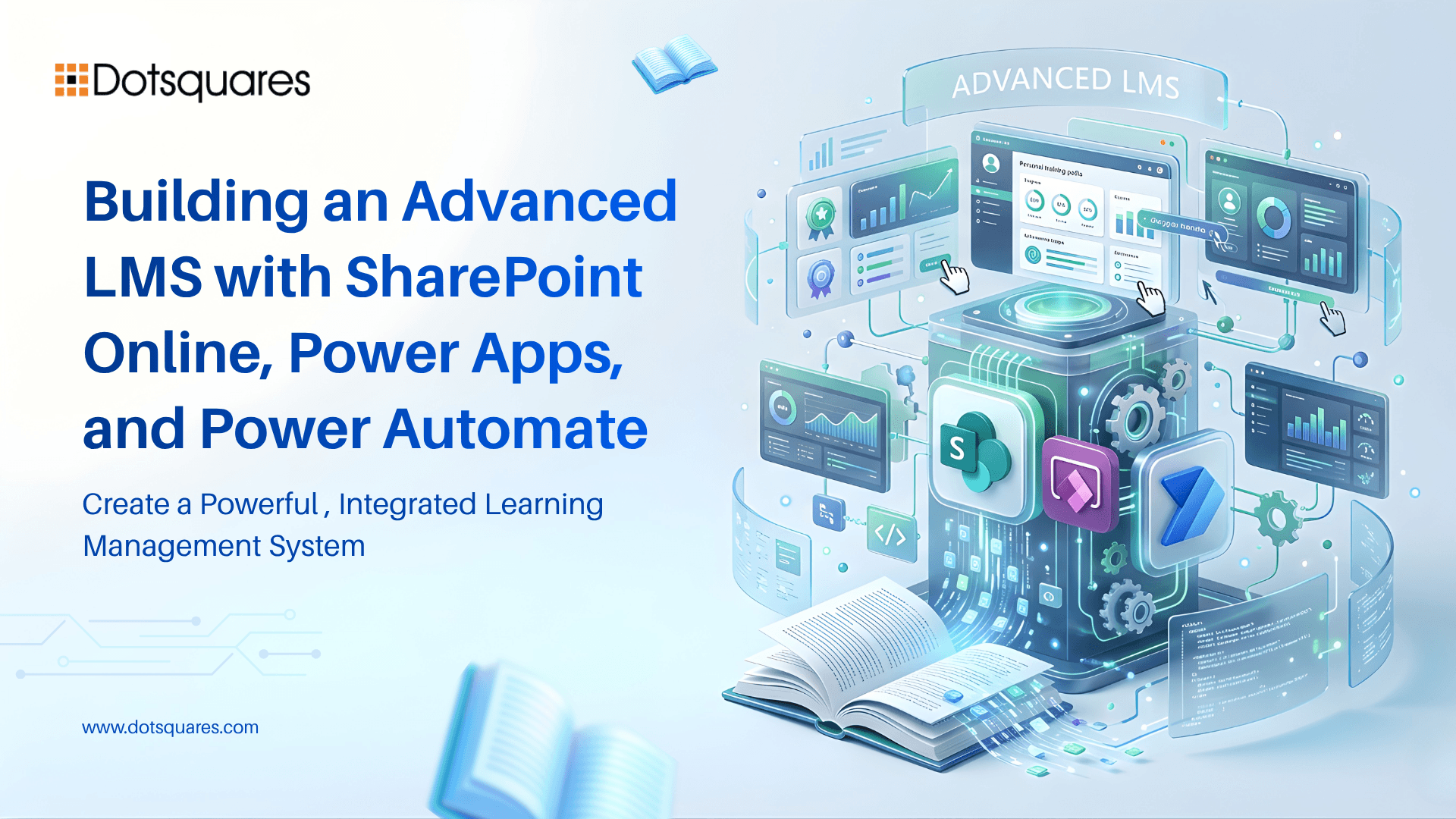
Create a scalable LMS using SharePoint Online, Power Apps, and Power Automate. Manage training, automate workflows, and keep data secure within Microsoft 365.
Keep Reading March 31, 2026
Compare Power BI and Tableau on cost, features, ease of use, and performance. Find the right BI tool for your business data and decision-making needs.
Keep Reading March 31, 2026
Discover 7 key benefits of Sitefinity CMS, including flexibility, integrations, security, and personalization to drive real business growth and digital success.
Keep Reading