Tech
How to Build Custom Salesforce Agents: The Blueprint for "Agentic" Apps
 6 min read
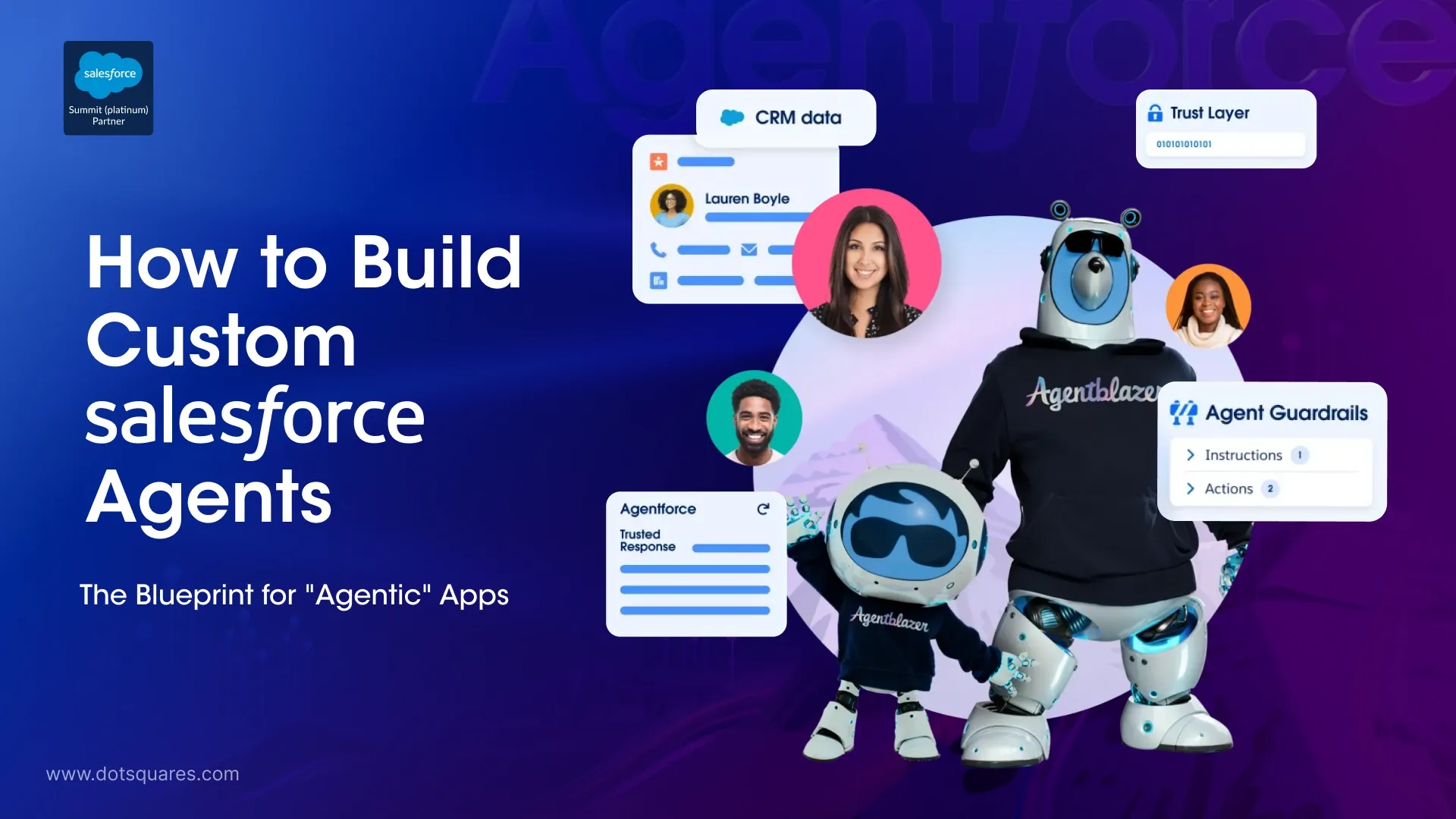
The conversation around AI in the enterprise space has shifted. We are no longer just talking about chatbots that spit out summarised text; we’ve moved into the era of "Agentic" apps. In the world of Salesforce, this means moving beyond simple Flow builders and into the realm of autonomous agents that can plan, reason, and execute tasks across your entire CRM stack.
If you are looking at your current setup and wondering how to bridge the gap between basic automation and true AI agency, you aren't alone. Building these custom agents requires a specific blueprint, one that balances the "smarts" of Large Language Models (LLMs) with the rigid data security and process logic of Salesforce.
Moving Beyond Basic Automation
Let's face reality: Traditional automated systems are based on a linear path - when you create a flow your system must follow that path and if something goes off course your flow will be interrupted. Automated agentic applications, on the other hand, are also nonlinear; the way they choose which tool to utilise for the next action is based upon logic-based reasoning. Many businesses choose to use professional salesforce consulting services in order to build their foundations correctly prior to incorporating autonomous logic into their systems.
The bottom line is that a custom agent is only as good as the data it can access and the actions it is allowed to take. Whether you are building a service agent to handle complex tier-one support or a sales agent to manage lead qualification, the architecture remains the same.
The Blueprint: Core Components of a Salesforce Agent
To build a high-performing agent, you need to think of it as a three-part system: Reasoning, Tools, and Data.
1. The Reasoning Engine
In a custom Salesforce environment, the reasoning engine is usually an LLM integrated via Einstein 1 or an external model via an API. This is where the agent decides what the user actually wants. For example, if a customer asks, "Where is my order and why was I charged twice?" the agent has to realise it needs to look up an Order record and a Transaction record simultaneously.
2. The Tools
An agent without tools is just a chatbot. In Salesforce, tools are usually Apex classes, Flows, or external APIs. This is where custom crm software development becomes critical. You need to wrap your business logic into "invocable actions" that the AI can call.
If your agent needs to handle phone calls, this is where salesforce cti comes into play. A deep salesforce cti integration allows the agent to not just read data, but to interact with the telephony stack, perhaps routing a call or pulling real-time sentiment from a live conversation.
3. The Data
The reality is that AI is nothing without context. Data Cloud is the most common way to feed an agent, but you can also use standard objects and Vector databases. The goal is to give the agent a 360-degree view of the customer without compromising on the "Trust Layer."
The Build Phase: Step-by-Step
Once you have decided to begin building, you would generally follow these steps:
Phase 1: Define the Scope
Do not attempt to build an agent that "does everything." Instead, limit your initial scope to a clear, focused application (for example: "Case Deflection for Billing"). By utilising a Salesforce consulting partner, you can determine the best place to start in terms of potential for high impact with the least amount of risk.
Phase 2: Preparing the Actions
You need to create the "capabilities" for the agent. In Salesforce, this often means writing Apex. If you are developing something that needs to be shared across multiple orgs or perhaps a client’s environment, you might consider using an unmanaged package salesforce developers often use to move these custom components and logic sets quickly between sandboxes and production for testing.
Phase 3: Integration and CTI
If your agentic app is customer-facing, it needs to be where the customers are. Integrating with salesforce cti ensures that your AI agents can handle voice-based queries or assist human agents by providing real-time data prompts during a call. As a crm software development company, we see that the most successful apps are those that bridge the gap between the screen and the phone line.
Why This Isn't Just "Another Feature"
The shift to agentic apps is a fundamental change in how we think about CRM. In the past, the human was the "agent" and the CRM was the "database." Now, the CRM is becoming the "agent," and the human is the "supervisor."
This transition requires a rethink of your permissions and security models. You can't just give an AI agent full "System Administrator" access and hope for the best. You have to use Permission Sets and Sharing Rules to ensure the AI only sees what it needs to see.
Let’s Be Honest: The Challenges
Building custom agents isn't a "set it and forget it" project. The reality is that models can hallucinate, and "prompt injection" is a real security concern.
- Logic loops: In some cases, agents become caught in a loop attempting to find a solution for problems which they are unable to solve because they do not have the proper tools.
- Latency: Reasoning takes time. If your salesforce cti integration is slow, the customer on the other end of the phone will hear awkward silence while the AI "thinks."
- Cost: API calls to high-end LLMs add up.
This is why working with an experienced crm software development company is so important. They can help you optimise your prompts and tool calls to reduce latency and keep costs under control.
The Bottom Line on Agentic Apps
Each day the design framework for creating these solutions becomes more defined; however, there remains significant technical hurdles to overcome. Developing a true intelligent business is more than merely enabling features; it requires building a sophisticated technological infrastructure that allows an application to gather information, learn from it, and act according to your company's business processes.
Whether you are aiming to enhance efficiency in your in-house functions, or offer round-the-clock automated customer services or transactions, the "Agentic" template represents your path forward. The template affords you the capabilities of modern intelligence systems, while delivering the power of Salesforce.
As we understand this now, the companies that will win in the next five years aren't the ones with the most data, but the ones with the most "active" data, data that is constantly being worked on by intelligent agents to provide value to the customer.
Summary of the Blueprint
If you are ready to start, remember these three things:
- Keep it focused: Pick one job for your agent and make it an expert at it.
- Focus on "Tools": Spend more time on your Apex and Flow actions than on the prompt itself.
- Bridge the channels: Use salesforce cti to make sure your agent isn't stuck in a text-only world.
The future of Salesforce isn't just a better dashboard; it’s a living, breathing ecosystem of agents working alongside your team.


Related Post

 October 15, 2026
Low-Code Integration: What It Is, How It Works and When Businesses Should Use It
Learn how low-code integration connects business apps and APIs, its key benefits, common use cases, limitations, and when to choose custom integration.
Keep Reading October 15, 2026
SAP BW to Cloud Migration: Benefits, Challenges and Planning Steps
Learn about SAP BW to cloud migration, including benefits, challenges, AWS options, cost factors and planning steps for a successful migration.
Keep Reading October 12, 2026
Mobile App Development with React Native and What You Need to Know
Learn how React Native works, where it saves time and cost, which industries use it, and whether it's still a good choice in 2026.
Keep Reading