
Is Your Business AI-Ready?

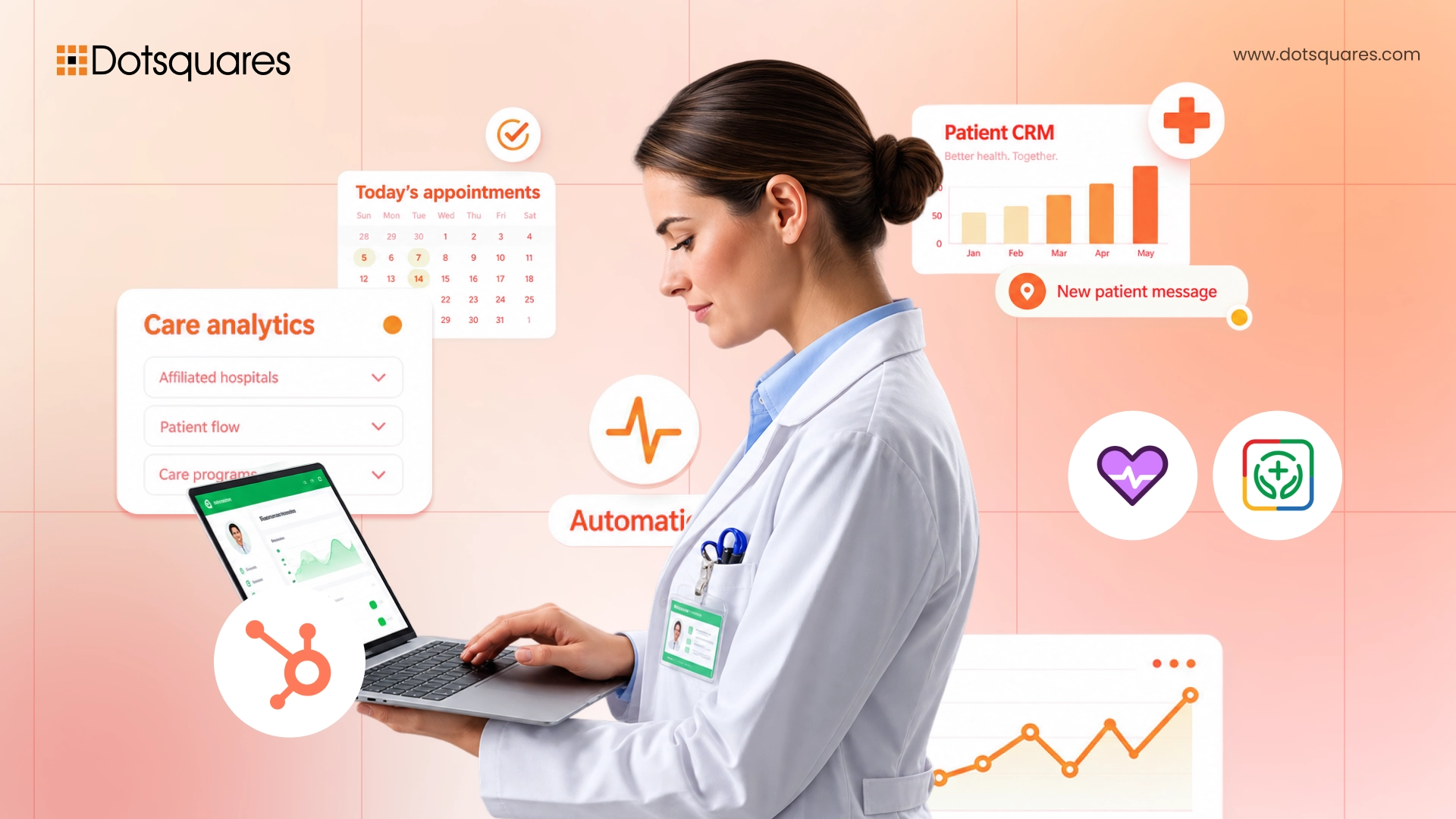
A patient calls a clinic about a billing question, gets transferred twice, and ends up repeating their entire history to a third person who still can't see their last visit notes. It's a small moment, but it's exactly the kind of experience that quietly erodes trust in a healthcare provider, and it's almost always a CRM problem, not a staffing problem. Healthcare organisations are sitting on more patient data than ever, spread across scheduling systems, EHRs, billing platforms, and email inboxes, and a CRM is what's supposed to pull that into one coherent picture.
The trouble is, "best healthcare CRM software" doesn't have one universal answer. What works for a 400-bed hospital system will bankrupt a five-provider clinic, and what works for a clinic will fall apart the moment a hospital network tries to scale it. This guide breaks down what actually separates a genuinely good healthcare CRM from a generic one, what's worth paying for in 2026, and when building custom makes more sense than buying off the shelf.
A CRM for the healthcare industry does the same core job as any CRM, tracking relationships and interactions over time, but it carries requirements a standard sales CRM was never built to handle.
This is exactly why "healthcare CRM" isn't just a CRM with a HIPAA checkbox ticked, it's a genuinely different category of software built around clinical and regulatory realities a generic platform simply wasn't designed for.
Pricing and capability vary enormously across the current market, and getting the tier wrong in either direction is an expensive mistake.
The right platform depends heavily on scale and complexity, not just budget:
Off-the-shelf platforms get healthcare organisations moving fast, but the trade-offs are worth understanding upfront:
For a deeper look at this trade-off specifically, our guide on custom CRM vs off-the-shelf CRM breaks down the decision framework in more detail.
Regardless of which platform a provider chooses, a handful of features consistently separate a CRM that actually improves patient experience from one that just adds another login to remember.
If your healthcare CRM doesn't integrate with Electronic Health Record or Electronic Medical Record system of the doctor practice patients are instantly seeing a fragmented picture staff works from an incomplete picture, data redundancy, and possible situation where stale information influences a patient interaction. EHR really integration would allow whoever is in conversation with a patient to see appointment timeline, team member's documentation, and any flag or alert. These details, because of this, are not hidden in a clinical-only system.
Sending automated appointment reminders, results delivery, and patient satisfaction polls in a compliant manner via email, SMS, and patient portal will lead to the reduction of missed appointments quite dramatically and free up receptionists from a tedious work of confirming appointments manually. More capable systems are able to do the insurance eligibility check automatically before the patient's arrival, highlighting authorisations or issues of coverage that might have been a problem, so the patient can be informed of a changed situation before their arrival.
Given how central HIPAA compliance is to this entire category, a healthcare CRM needs genuinely usable audit and compliance reporting, not just a raw log file buried in settings. Real-time dashboards tracking data access, consent status, and audit trail completeness make the difference between a compliance program that's actually manageable day to day and one that only gets reviewed when an audit is already underway.
For a lot of healthcare organisations, the real decision isn't which off-the-shelf platform to pick, it's whether to build custom at all. A handful of situations tend to justify custom healthcare CRM development over buying:
That said, custom development isn't automatically the right call for every organisation, it requires real upfront investment and ongoing maintenance responsibility that a smaller practice may not be positioned to take on. Our breakdown of custom healthcare CRM development cost walks through what actually goes into that investment, and our guide on CRM API integration for healthcare systems covers the technical side of connecting a CRM, custom or off-the-shelf, to the clinical systems it needs to talk to.
A few practical questions cut through most of the noise in this decision. What's your actual patient volume and staff count, since pricing tiers that make sense at 500 patients can be wildly inefficient at 50,000? Which clinical systems absolutely must integrate, and does the platform you're considering support that integration natively or only through costly middleware? How much customisation does your specific care model genuinely require, versus what you could reasonably adapt your workflow to fit? And what's your realistic implementation timeline, a platform that needs 6 to 8 months to properly configure isn't the right call for an organisation that needs something running in weeks.
Working with experienced CRM developers who understand both the technical platform and healthcare's specific compliance requirements makes this decision considerably less risky, whether that means configuring an off-the-shelf platform properly or building something genuinely custom around your organisation's workflow.
There's no single best option, Salesforce Health Cloud leads for large hospital systems and health networks needing deep clinical workflow support, while Insightly, HubSpot, and Zoho CRM serve mid-sized and smaller practices well at considerably lower cost.
Zoho CRM can support HIPAA workflows once HIPAA settings are enabled and a signed Business Associate Agreement is in place, though its compliance configuration is limited to 10 modules and 25 PHI fields per module, which requires careful data-model planning.
Pricing ranges widely, from around $14 per user per month for entry-level Zoho CRM to $325 to $750 per user per month for Salesforce Health Cloud's various tiers, with enterprise implementations often costing $50,000 to $200,000 or more on top of licensing.
It depends on workflow complexity and scale. Off-the-shelf platforms suit most small to mid-sized practices, while custom development tends to make more sense for organisations with highly specific clinical workflows, deep legacy system integration needs, or scale large enough that per-seat licensing becomes genuinely costly.
At minimum, EHR/EMR integration, HIPAA-compliant patient communication and appointment automation, role-based access controls, and real-time compliance and audit dashboards are essential, not optional extras.
Choosing between platforms, or deciding whether to build custom entirely, isn't a decision to make from a features comparison chart alone. Our team works as a healthcare CRM solutions partner and CRM development company, helping healthcare providers configure the right off-the-shelf platform or build a custom solution genuinely suited to their patient volume, compliance requirements, and clinical workflow. Get in touch with Dotsquares to talk through what actually fits your organisation.



 November 04, 2026
Explore smart contract automation for businesses, including its key use cases, benefits, cost savings, security advantages and challenges across different industries.
Keep Reading November 04, 2026
How much does ERP cost in 2026? Get a clear breakdown of ERP implementation cost, ERP development cost, hidden fees & budgeting tips. Read now.
Keep Reading November 03, 2026
Compare Apex Triggers vs Salesforce Flow to understand their differences, types, use cases, performance and maintenance, and choose the right automation approach for your business.
Keep Reading 10 min read